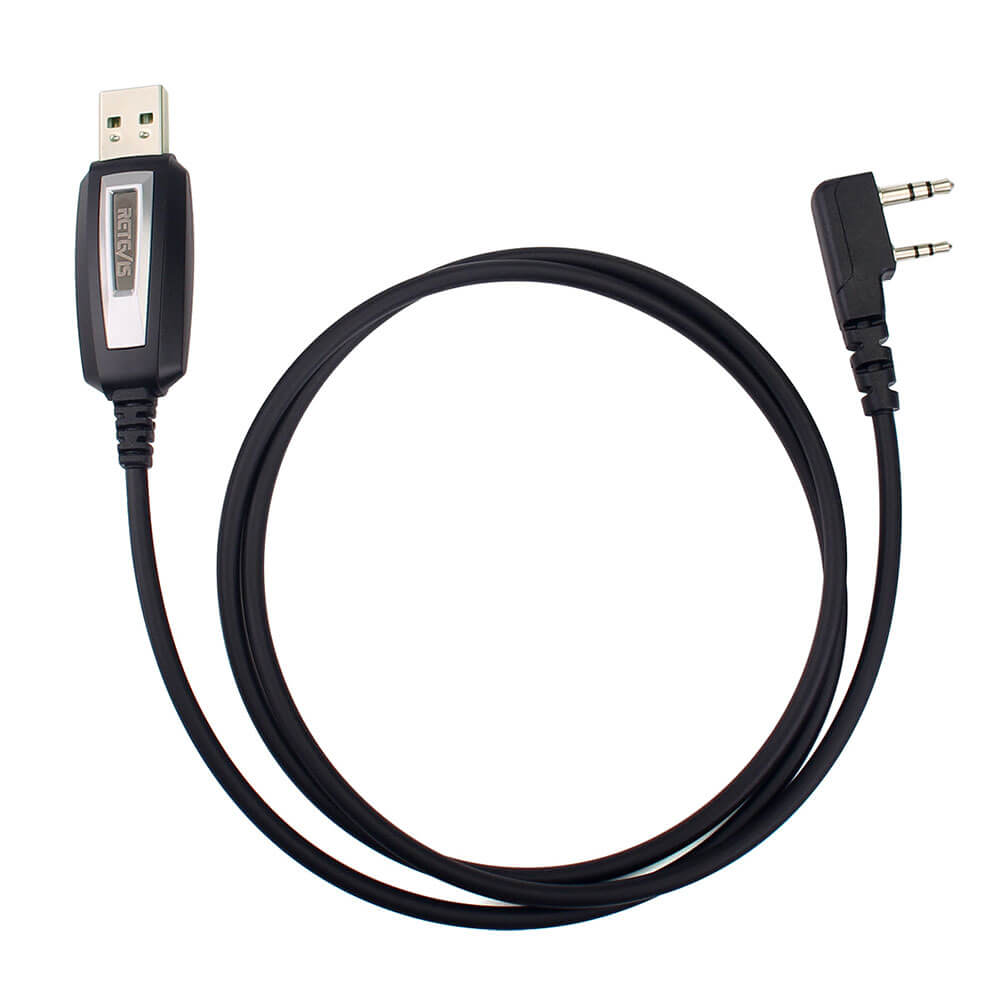
I bought a couple of Baofeng radios years ago and recently found that they could be programmed. This cord allower me to program this radio work my local repeaters and other frequencies without to much aggravation.
Doesn't seem to be cheaply made. Worked great just make sure you go in device manager and have windows search for a driver update (it'll be under Com devices)
Used this cord to reprogram Retevis H-777S radios using an old 32 bit laptop running Windows XP. Computer recognized the cable on first attempt and it worked with no issues whatsoever. It comes with a driver CD. After CHIRP failed me, I went to Retevis website, downloaded their programming software and the reprogramming took all of about 10 min in total. So far, a great item.
Chirp (the computer application used to program radios) has no problem talking to my radios over the cable.Generally, the cable clicks into the radio and stays connected. Some radios don't have much clearance, but this cable doesn't need much.
After having installed the proper prolific driver for my OS, this was totally plug-and-play. I read a lot of reviews about a lot of these cables on -- including a lot of horror stories dealing with various chipsets and hardware plugs not fitting the device and guys claiming hours and days wasted -- and chose this one based on decent reviews and guys having posted a lot of useful information about drivers, COM ports, et cetera. Still, even knowing that 99% of the "horror" stories people post on are by folks who don't really understand what they are doing -- I knew I might be rolling the dice. So imagine how pleased I was that I got this thing up and running in less than five minutes -- Prolific driver loaded properly, proper COM port .was found, CHIRP functioned perfectly once I chose to "download radio" selecting my Baofeng UV-5X. I can't promise everybody will have the same experience as me, but this inexpensive cable makes using CHIRP a joy to use!
The good: it worked to program my Arcshell AR-6 portable radiosThe bad: The description said that it came with a CD. I'm fine that it didn't, but it also didn't come with any directions - not even to direct you to a website. I found myself searching for the device driver, and then it is unclear which is the exact correct driver, as the model numbers on do not match any on their website (that I could find).In the end, it was just 25 minutes wasted and it all worked ok in the end.
Worked great on Linux with CHIRP. Less money than the cable from other manufacturers. I kept getting "access denied," initially when trying to use the cable but if you lookup "access denied chirp fix," it's one line of code to cut and paste into the terminal. Easy.
I purchased this product to program Baofeng UV-5R hand held radio because the Baofeng cable that came with the ham radio did not work. I am happy to say that it worked great with CHIRP and this product is cheaper than the other programming cables that are for sale, so a win, win situation for me.In addition, the customer support on this product was great. Before purchasing I contacted customer support to ask if this programming cable would work with Windows OS 10. They assured me that it would and offered a money back guarantee if it did not. They even went the extra mile to followup to see if programming cable worked out for me, which it did.
Works great. Comes with necessary software and driver included on a mini-CD. Although it wasn't included with the radios, when I voiced my displeasure at having to buy this cable as an accessory (packages of 3 or more include the cable), the seller gave me a partial refund and is giving serious consideration to including the cable with ALL there radio packages. As I said, works great and comes with outstanding customer service.
Didn’t use the include software. Just googled the CHIRP software (free to download / use - donatitions accepted). It took a minute to figure out the connections and radio on sequence for computer to recognize the radio in the software. Once that was done, easily save a profile with frequencies I wanted in the channel numbers, then cloned it to my other 3 radios. 4 total changed and tested. Now they are all programmed to FRS main channels.



 Google
 Amazon