Daily ham radio operation with the Ailunce HD2 V3 starts after the codeplug—the radio's channel and contact configuration—is written. Channel changes, push-to-talk (PTT) control, audio checks and battery choices decide how smoothly a QSO, or radio contact, runs. This field guide connects those tasks in one practical routine, with clear limits for GPS, NOAA, Bluetooth and IP67 protection.
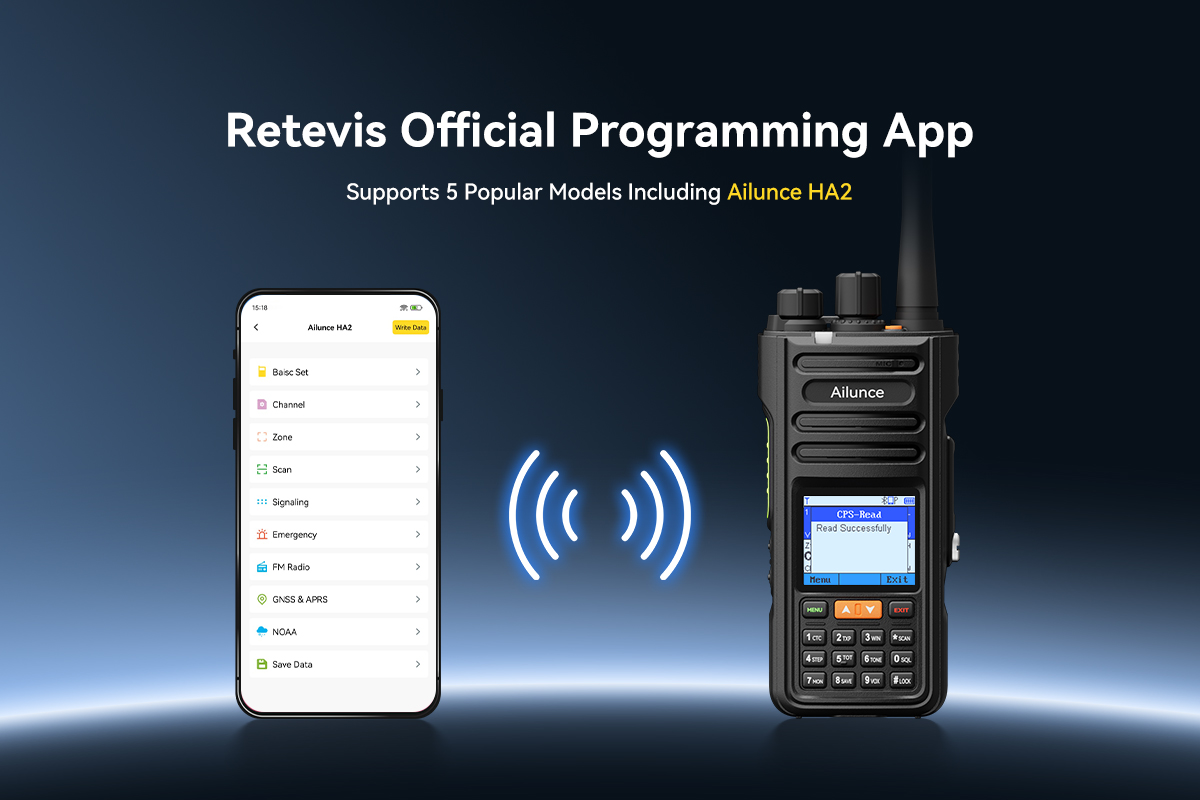
Good field operation starts with a known configuration. Check that the radio is an HD2 V3 and that its firmware and RETEVIS CPS programming software match the V3 platform. V2 and V3 use different software and configuration formats, so their files are not directly interchangeable.
Save a backup before making major changes. Then organize the channels needed for regular operation. A small set of clearly named channels is easier to use than a long list with similar names.
Check the operating data for each Digital Mobile Radio (DMR) channel: receive and transmit frequencies, color code (the digital access setting), time slot (one of two shared transmission paths), talkgroup (the group being called) and receive group (the contacts the channel can hear). Analog channels need the correct frequency, repeater offset and CTCSS or DCS access tones or codes where required.
Charge the 3,200mAh battery and pack the intended charging method. The HD2 V3 supports USB-C battery charging and also comes with a desktop charger in standard bundles. Preparation now reduces the number of changes needed later.
Front-panel programming, or FPP, is most useful for routine adjustments. The operator can work in VFO mode, change settings from the keypad and save channels without opening CPS.
That changes the order of work. A small channel correction no longer requires a full computer session. The adjustment can be made, saved and checked on the radio.
FPP still requires the same technical care as computer programming. A DMR channel will not work correctly with a missing or wrong color code, time slot or talkgroup. Direct frequency entry also does not grant permission to transmit outside the operator's license and regional band limits.
Use RETEVIS CPS for large edits, configuration backups and contact-list imports. Use the front panel for the changes that arise during normal operation. This division keeps both tools useful.
The HD2 V3 can display and monitor two operating lines, A and B. Dual PTT reduces the risk of transmitting on the wrong one after a manual band switch.
After Dual PTT is enabled, the main PTT transmits on Band A. Side Key 1 serves as the second PTT for Band B. This removes one step, but it also makes channel identification more important.
Give each line a clear role and read the display before transmitting. Keep the channel name, mode and contact visible in the operating setup. Dual PTT should shorten the path to a QSO, not make the operator guess which button belongs to which system.
Monitoring two lines also does not correct mismatched receive groups or DMR settings. The underlying channel configuration still decides what the radio hears and where it transmits.
Bluetooth pairing is only the first audio check. A connected headset still needs three tests: received audio, microphone level and PTT behavior.
Start with received audio and confirm that speech remains intelligible. Then make a controlled transmission test and check the microphone gain. Third-party headsets vary, and a quiet microphone may need adjustment on the radio.
PTT behavior deserves special attention. Some third-party headset buttons may act as a toggle rather than press-and-hold PTT. A toggle can leave the transmitter on after the operator thinks the transmission has ended. Set an appropriate time-out timer, or TOT, to stop an overlong transmission, and confirm how the headset behaves before regular use.
VOX support can also vary with a wireless headset. Do not treat pairing as proof that hands-free voice triggering will work. The built-in speaker and microphone remain the reference point when an accessory does not behave as expected.
The manufacturer lists 10W, 5W, 1W and 0.5W settings on the HD2 V3. The 0.5W setting is useful for short-range work and suitable hotspot setups. Higher settings are available for paths that need them.
Use the setting that supports the contact without adding unnecessary battery drain or interference. More power cannot repair incorrect DMR data, and it cannot guarantee a longer range through buildings, terrain or a weak repeater path.
Battery runtime depends on transmit power, transmit time, receiver use and feature settings. A fixed hour figure cannot describe every operating pattern. USB-C charging gives the operator a practical way to replenish the 3,200mAh battery away from the desktop charger. Follow the manual's charging requirements and do not transmit while the battery is charging.
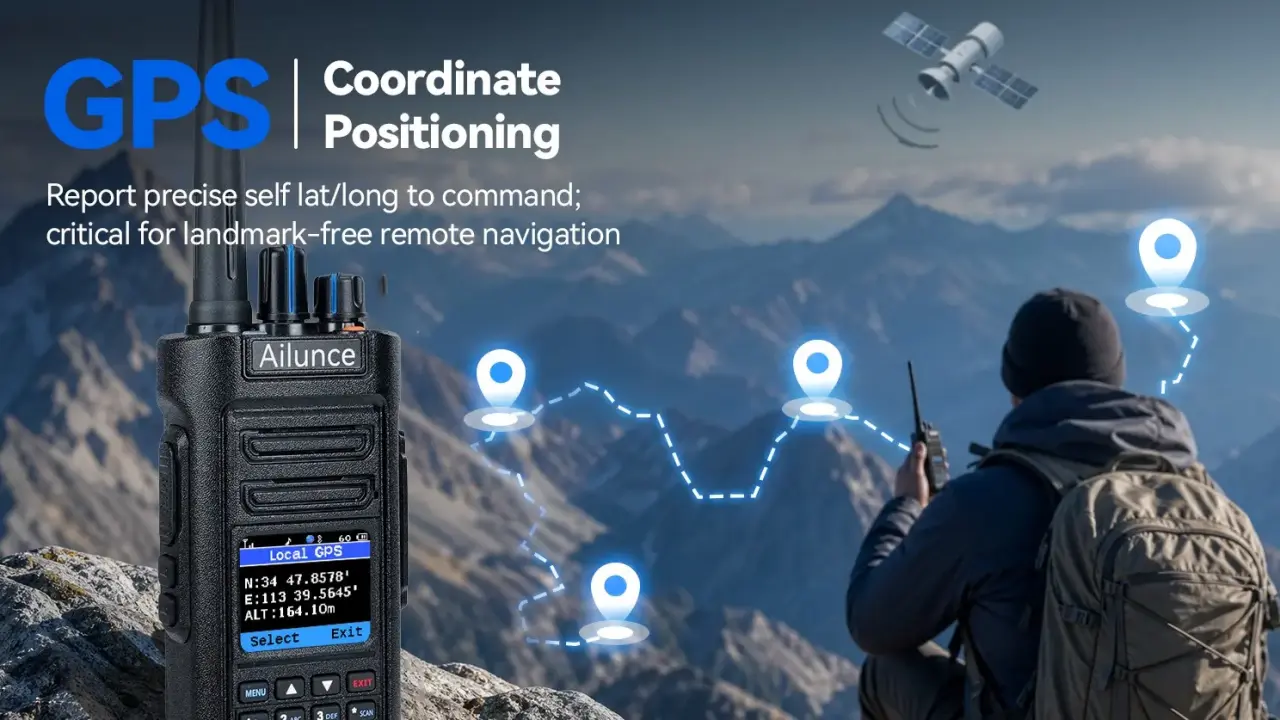
GPS provides location information and can support sending and receiving location data between compatible DMR stations. Satellite reception is necessary for a position fix. The HD2 V3 does not provide automatic position reporting through APRS, a packet-radio system used for position reports and other data, so its GPS function should not be described as a complete APRS tracker.
NOAA weather reception is relevant to supported US broadcasts. It is receive-only and does not replace official emergency alerts or local weather advice. Availability also depends on regional coverage.
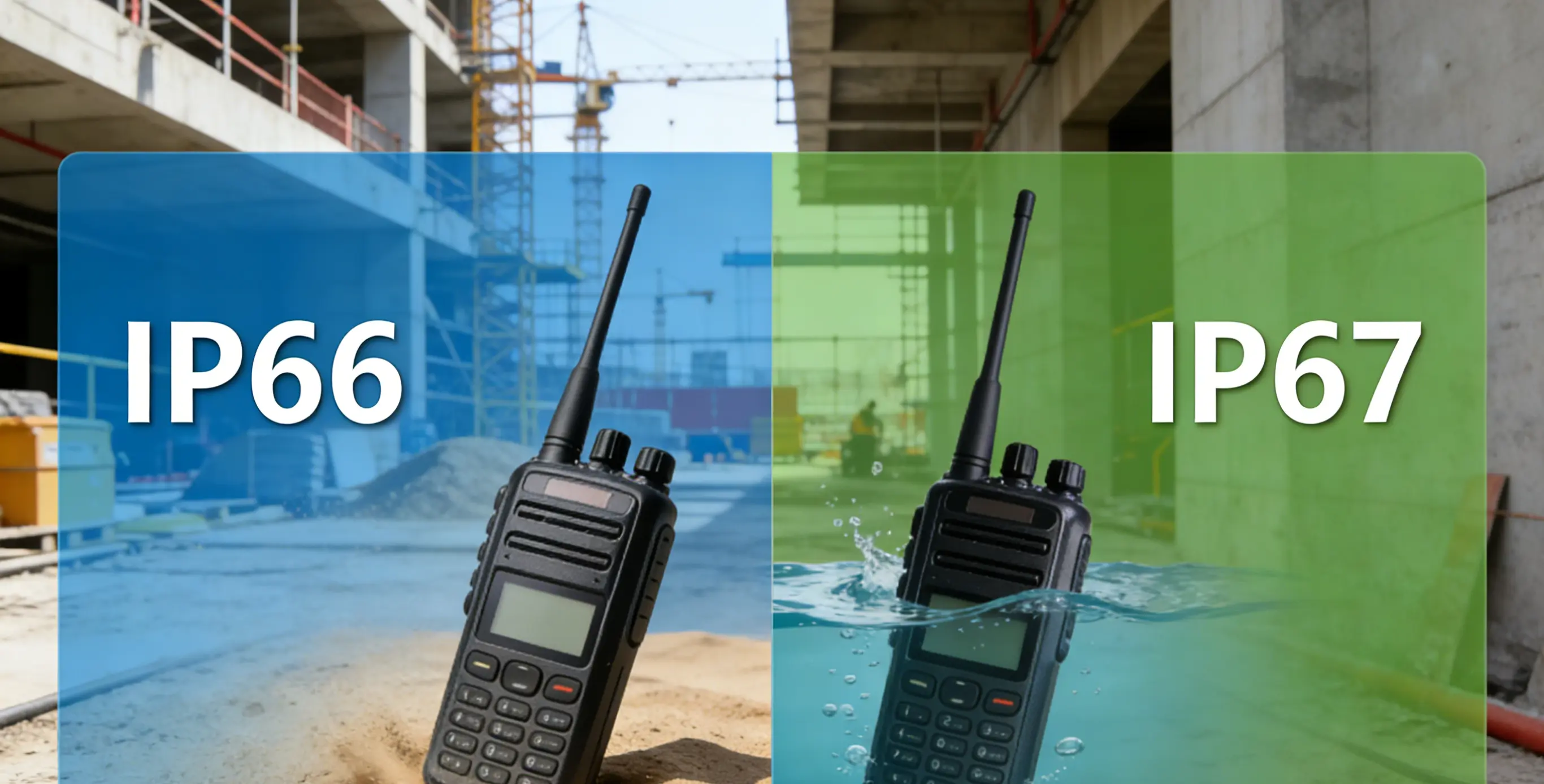
IP67 adds dust protection and resistance to limited water immersion. The manufacturer specifies up to one meter for 30 minutes under rated test conditions. It is not a rating for prolonged submersion, and it says nothing about drop resistance or improved radio coverage.
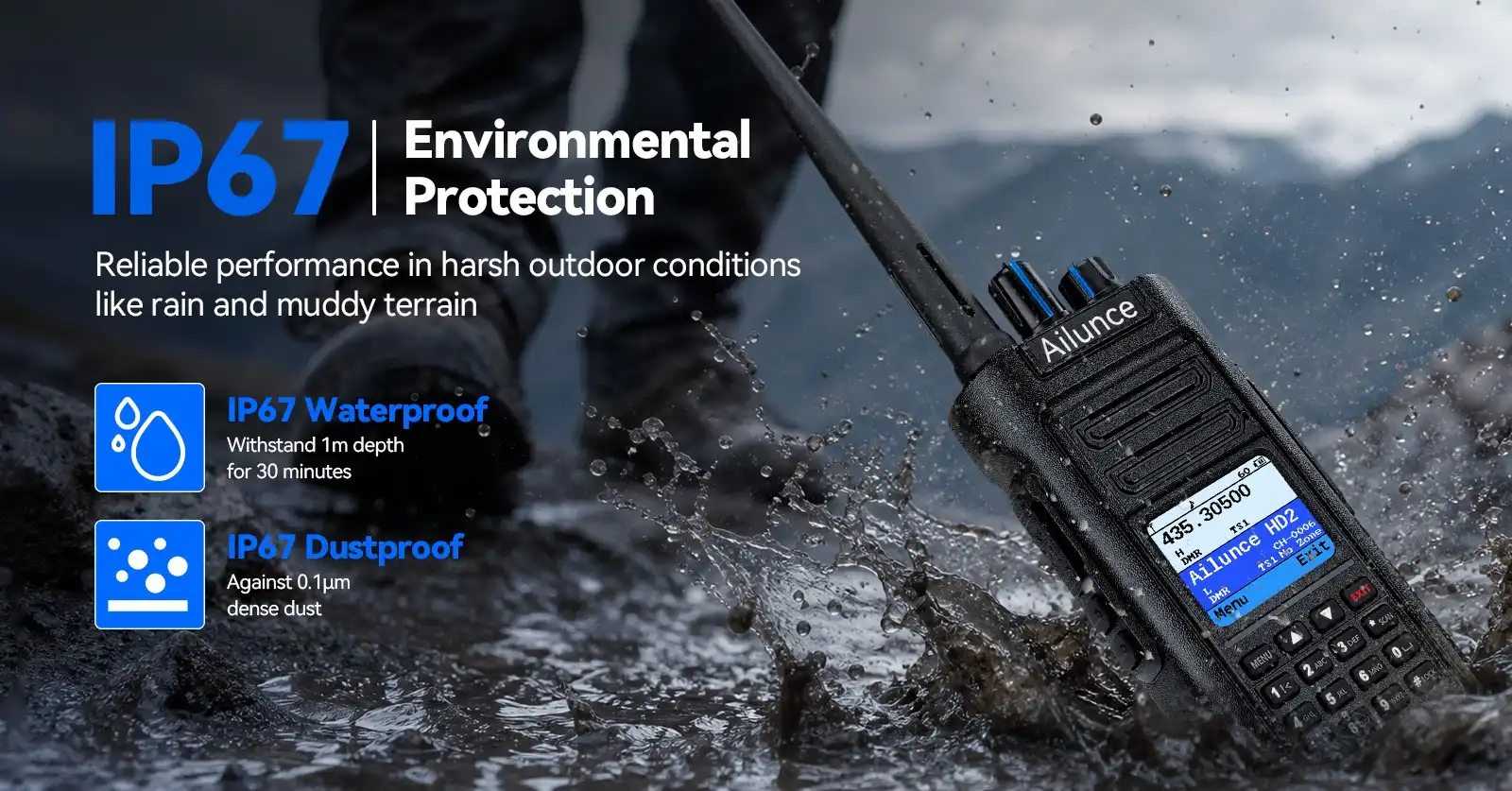 These limits keep the features useful. GPS supports location awareness, NOAA supports weather monitoring and IP67 supports outdoor handling. None of them manages the QSO for the operator.
The HD2 V3's functions work best in a consistent order:
The Ailunce HD2 V3 becomes easier to use when every feature has a place in that routine. Careful preparation and a verified transmit path matter more than the number of options in the menu, both for daily DMR QSOs and field operation.
No data Yet







 Google
 Amazon