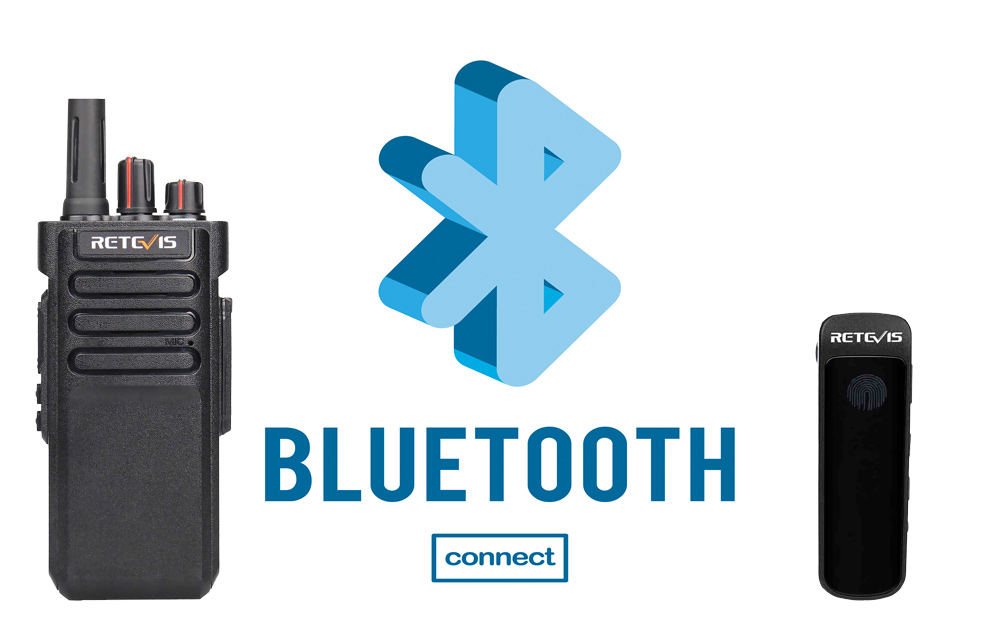
A walkie talkie with Bluetooth headset support provides hands-free and convenient communication for security, hospitality, events, retail, and other professional applications.
Retevis offers several Bluetooth walkie talkies with built-in Bluetooth support. This guide explains how to connect a Retevis walkie talkie to a Bluetooth headset, including the RB89, RB37, and RT29D.
Note: Bluetooth compatibility and pairing steps vary by radio model. Check the specific Retevis earpiece instructions before pairing.
The following Retevis radios have built-in Bluetooth and can connect directly to compatible wireless headsets:
|
Retevis Radio |
Radio Type |
Bluetooth |
|
RB89 |
GMRS |
Built-in |
|
RB37 |
FRS |
Built-in |
|
RT29D |
DMR |
Built-in |
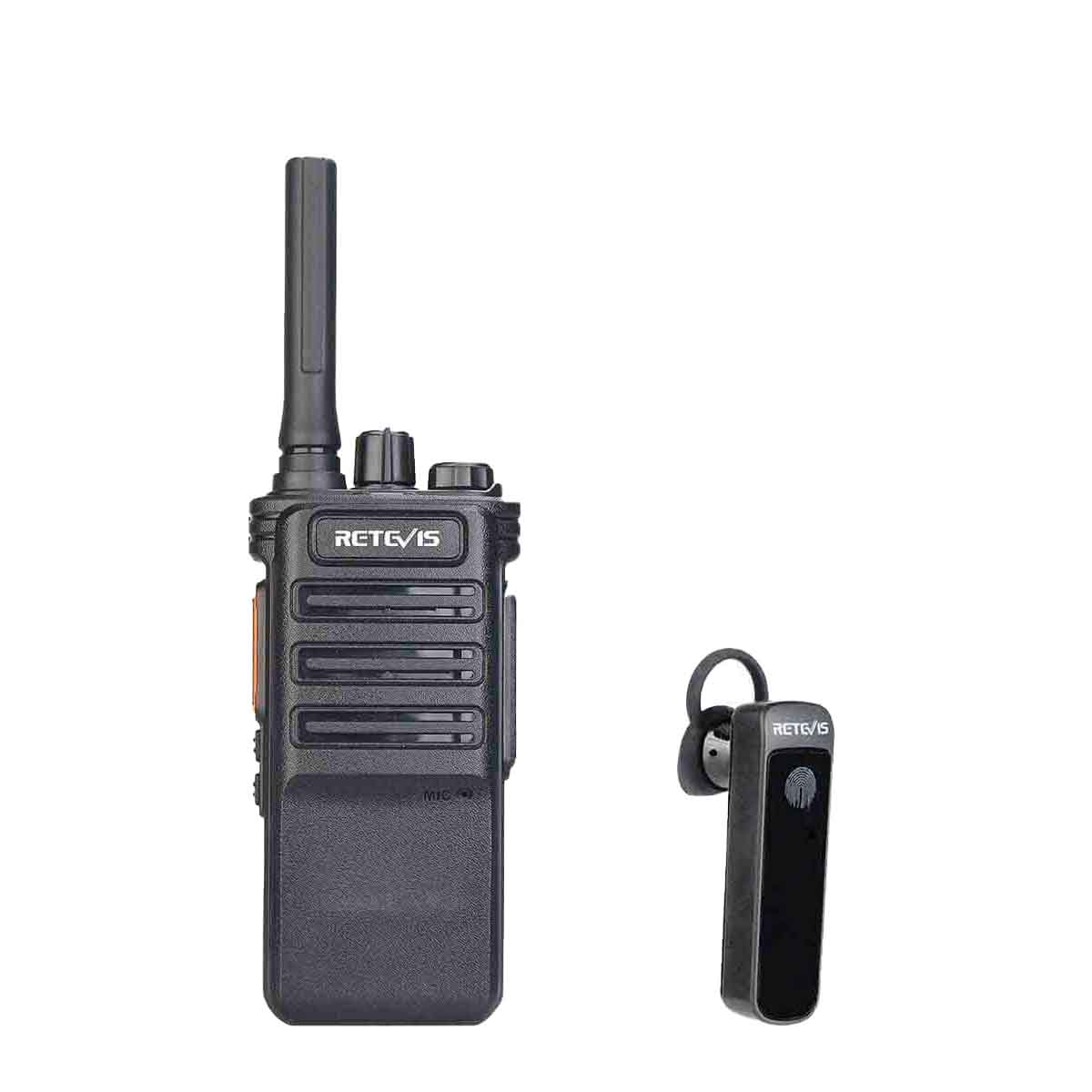
The Retevis RB89 supports direct connection with a compatible walkie talkie Bluetooth headset.
Pairing steps:
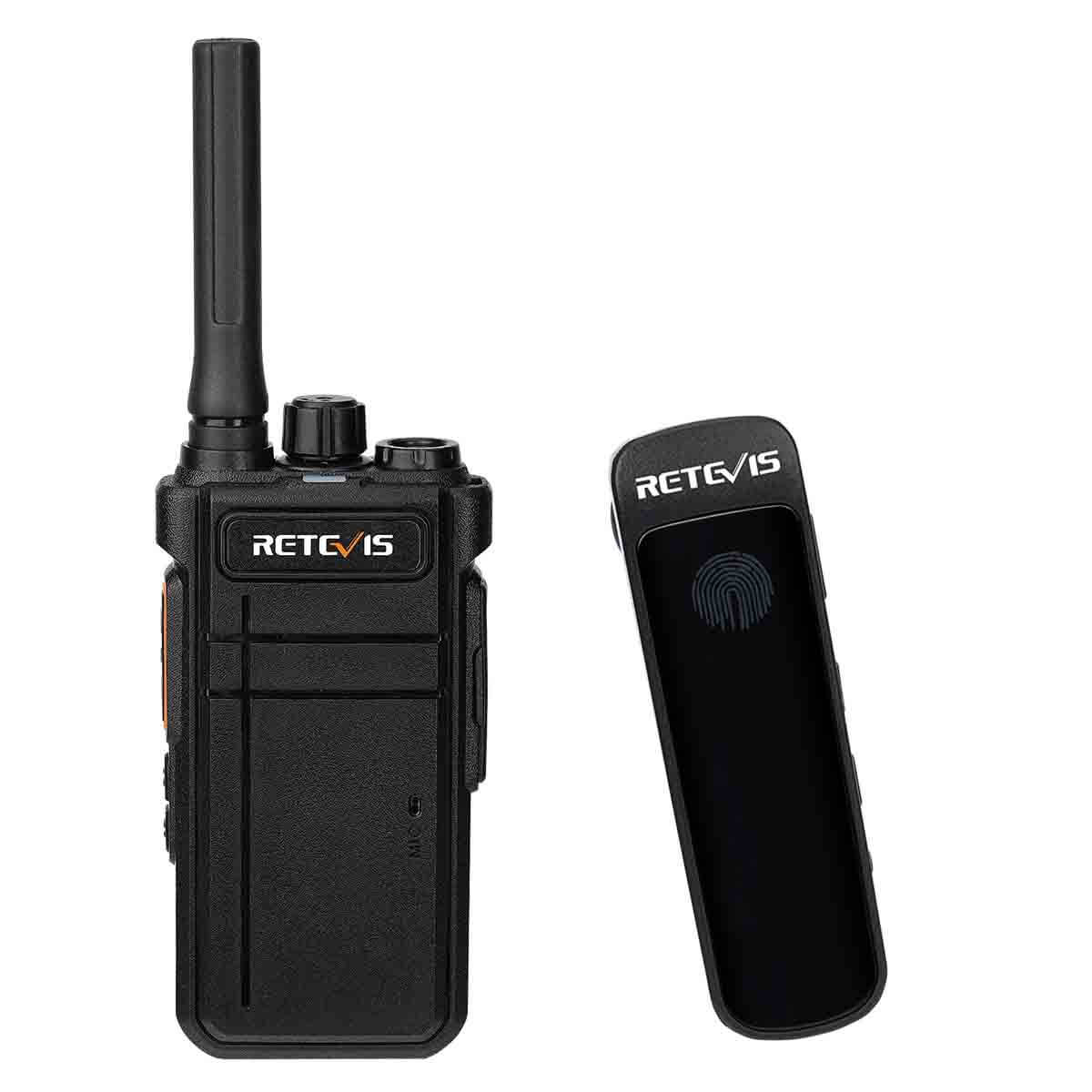
The Retevis RB37 is a compact Bluetooth walkie-talkie designed for convenient hands-free communication.
The RB37 and its Bluetooth earpiece are pre-paired at the factory. Turn on Bluetooth mode and the headset can automatically reconnect.
To pair a new Bluetooth earpiece walkie talkie setup:
Bluetooth status: Hold PF1 for 2 seconds to turn Bluetooth on or off. The white indicator shows the connection status.
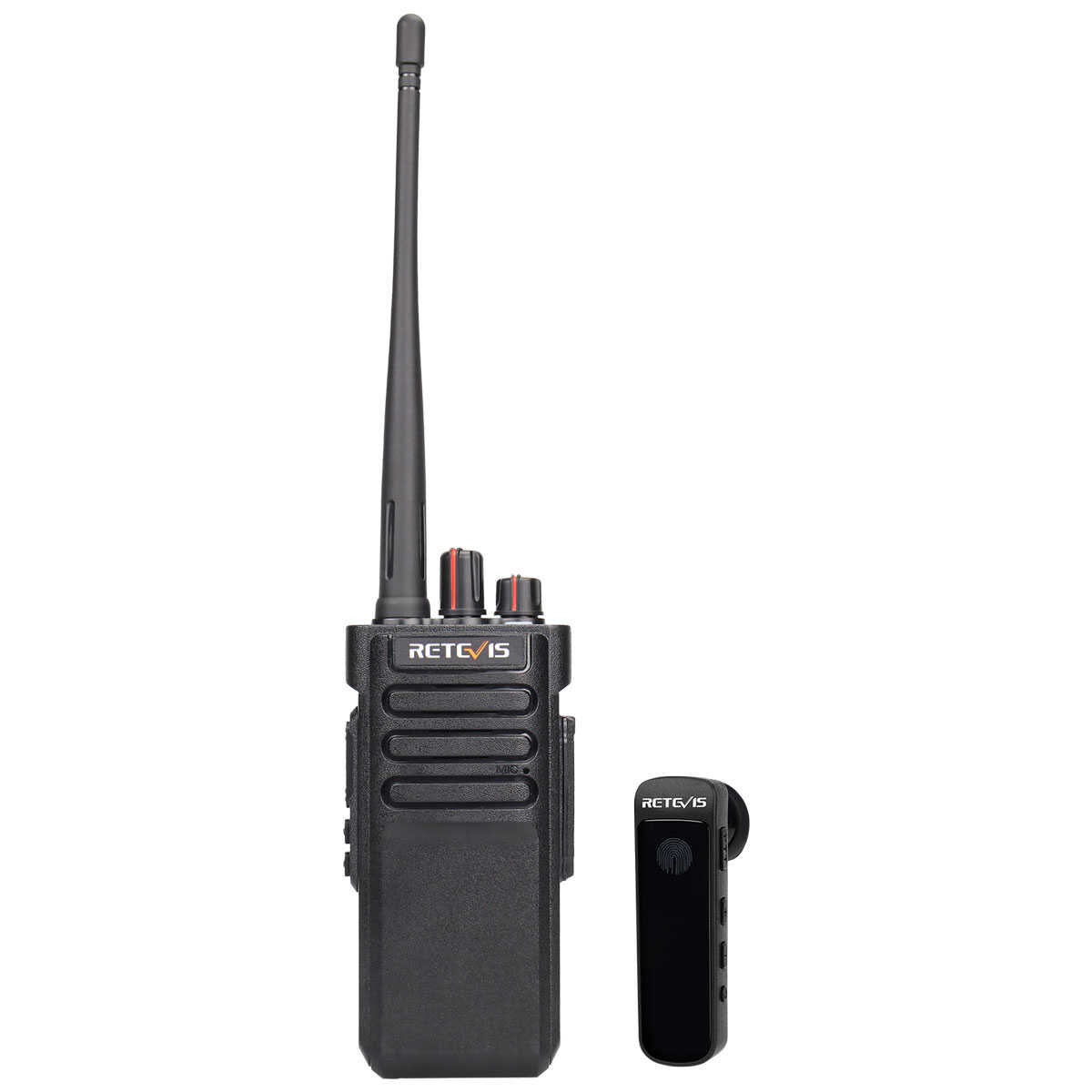
The Retevis RT29D is a rugged DMR radio with Bluetooth support for professional applications requiring a walkie talkie wireless headset.
Pairing steps:
If your Bluetooth headset walkie talkie connection does not work:
Bluetooth compatibility depends on the radio, headset, supported Bluetooth profiles, and functions such as PTT.
Not every radio has built-in Bluetooth. If your radio does not support Bluetooth audio, a compatible walkie talkie Bluetooth adapter or Bluetooth adapter for walkie talkie may be required.
Before using an adapter, check:
For Retevis radios with built-in Bluetooth, such as the RB89, RB37, and RT29D, a separate Retevis Bluetooth adapter is not required when using a compatible headset.
No. Compatibility depends on the radio, headset, Bluetooth profiles, and supported functions such as PTT. Use a compatible Bluetooth headset for two-way radio communication.
Put both the radio and headset into pairing mode, then wait for the Bluetooth connection. The exact button combination varies by model. Follow the pairing steps for your Retevis radio above.
Only if the radio does not have built-in Bluetooth support. Radios such as the RB89, RB37, and RT29D can connect directly to compatible Bluetooth headsets.
Make sure both devices are in pairing mode, nearby, and not already connected to another device. If the problem continues, restart both devices and check the model-specific pairing instructions.
No data Yet






 Google
 Amazon