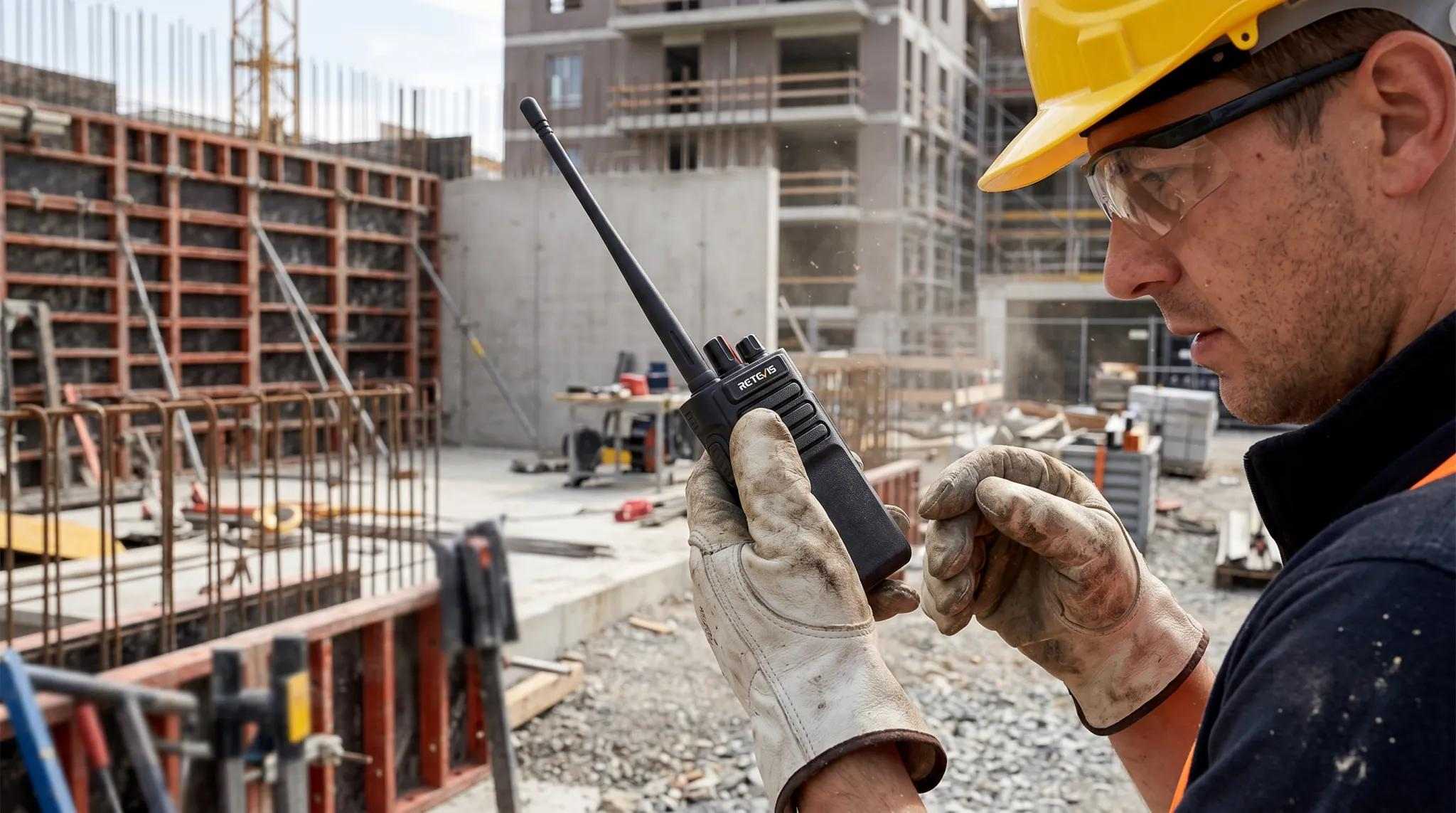
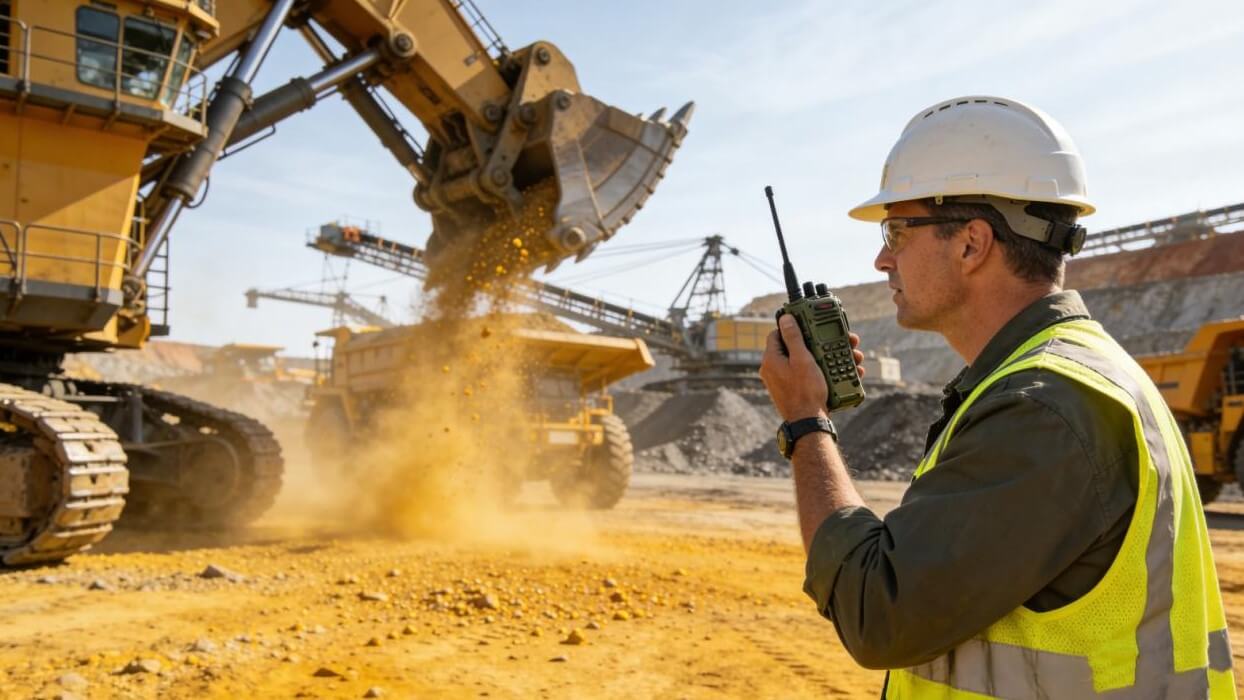
Managing a construction project means keeping many teams connected. General contractors need to coordinate subcontractors, equipment operators, and field crews across different work areas. As the project moves from earthwork to structural work, MEP installation, and interior finishing, communication needs also change.
A clear radio plan helps teams share updates, avoid confusion, and respond to safety issues faster. This guide explains how general contractors can plan radio channels, coordinate subcontractors, and choose the right communication system.
1. Set Up a Three-Level Communication Structure
A clear team structure helps everyone reach the right people without filling every channel with unnecessary calls.
|
Communication Group |
Main Users |
Main Tasks |
|
General Contractor |
Project managers, site supervisors, safety managers |
Project updates, site coordination, safety alerts |
|
Subcontractors |
Electrical, HVAC, plumbing, and structural foremen |
Team instructions, work updates, trade coordination |
|
Inspectors & Field Crews |
Inspectors, operators, technicians, installers |
Daily tasks, work checks, and on-site feedback |
Each group should have a main channel. Teams can also use a shared channel for urgent updates and cross-team coordination.
2. Plan Radio Communication by Construction Phase
Different stages of a project bring different communication needs. Assigning channels by work area or task helps teams avoid unnecessary radio traffic.
|
Project Phase |
Main Users |
Communication Needs |
|
Earthwork |
Excavator and truck operators |
Equipment movement, vehicle access, site safety |
|
Structural Work |
Steelworkers, concrete crews, crane operators |
Lifting work, concrete pouring, floor coordination |
|
MEP Installation |
Electricians, HVAC, plumbing, fire protection teams |
Trade coordination and installation updates |
|
Interior Finishing |
Carpenters, painters, flooring crews |
Material delivery, task updates, inspections |
Review the channel plan as work areas and team responsibilities change.
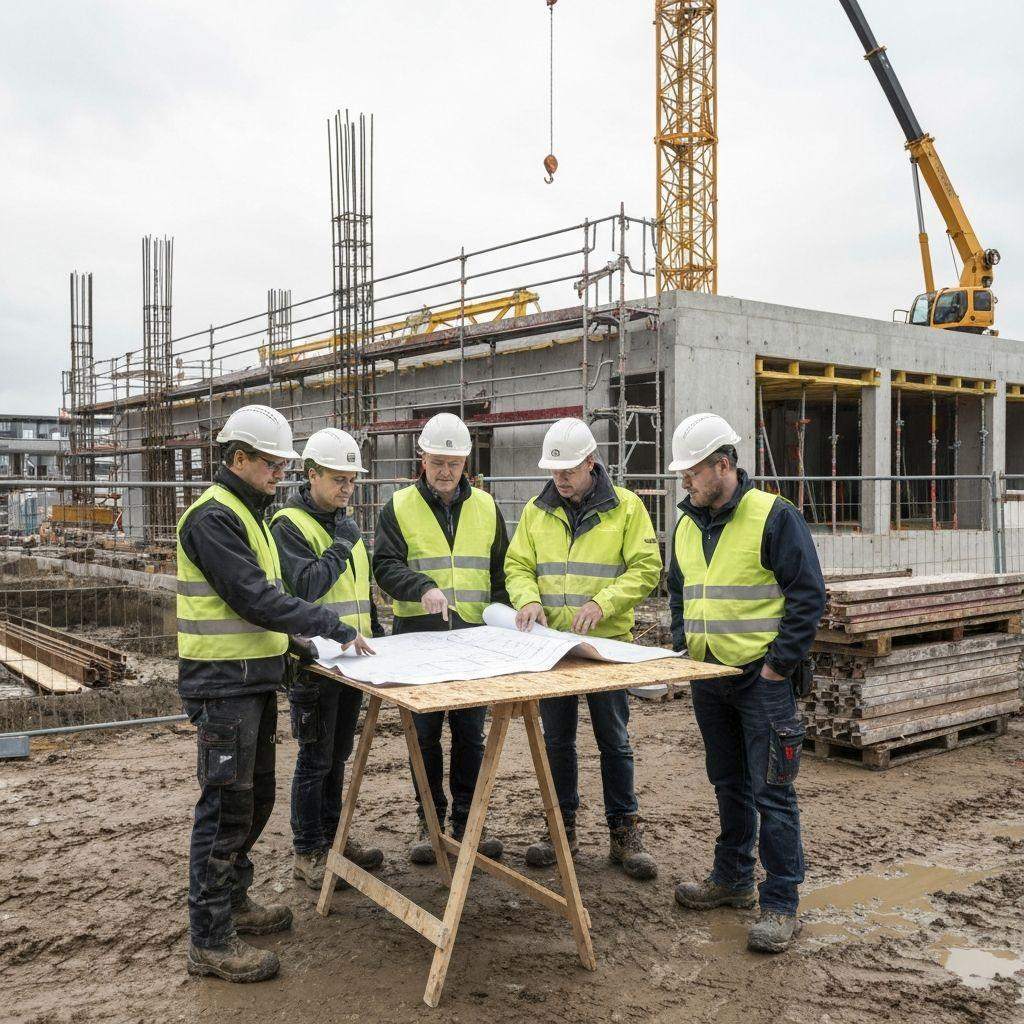
3. A 16-Channel Radio Plan for Construction Teams
A 16-channel radio gives general contractors a simple way to organize daily communication. The following is an example channel plan for a jobsite.
|
Channel |
Suggested Use |
|
CH1 |
General Contractor Management |
|
CH2 |
Site Operations |
|
CH3 |
Safety |
|
CH4 |
Emergency |
|
CH5–6 |
Earthwork & Equipment |
|
CH7–9 |
Structural Work, Crane & Concrete |
|
CH10–13 |
Electrical, HVAC, Plumbing & Fire Protection |
|
CH14 |
Interior Finishing |
|
CH15 |
Logistics |
|
CH16 |
Inspection |
This is a sample channel plan for a jobsite, not a standard frequency plan. Always check local radio rules and device licensing before assigning frequencies. A channel number does not represent a separate frequency by itself.
4. Radios for Subcontractor Coordination
Good radios for subcontractor coordination help teams work together without creating too much radio traffic.
-
Assign channels by team: Give each major subcontractor a channel for daily work.
-
Set a shared coordination channel: Let supervisors use it for schedule changes, material delivery, and cross-team updates.
-
Use CTCSS/DCS when suitable: These settings can reduce unwanted audio from other users on the same frequency. They do not encrypt conversations or stop others from listening.
-
Keep emergency communication clear: Make sure all relevant teams know how to receive urgent safety updates.
When teams follow the same rules, general contractors can manage site communication with fewer interruptions.
5. Choose the Right System: RT29 vs. RT29D vs. RT97L
The right system depends on team size, coverage needs, and radio compatibility.
|
Model |
Main Features |
Suitable Use |
|
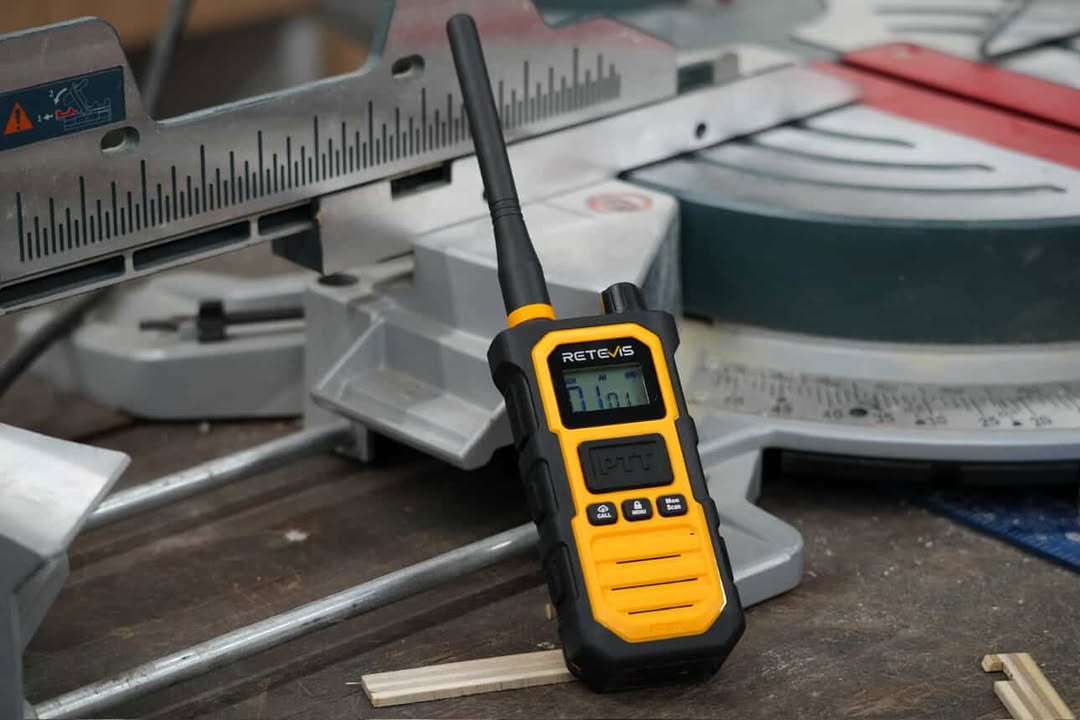
Retevis RT29 |
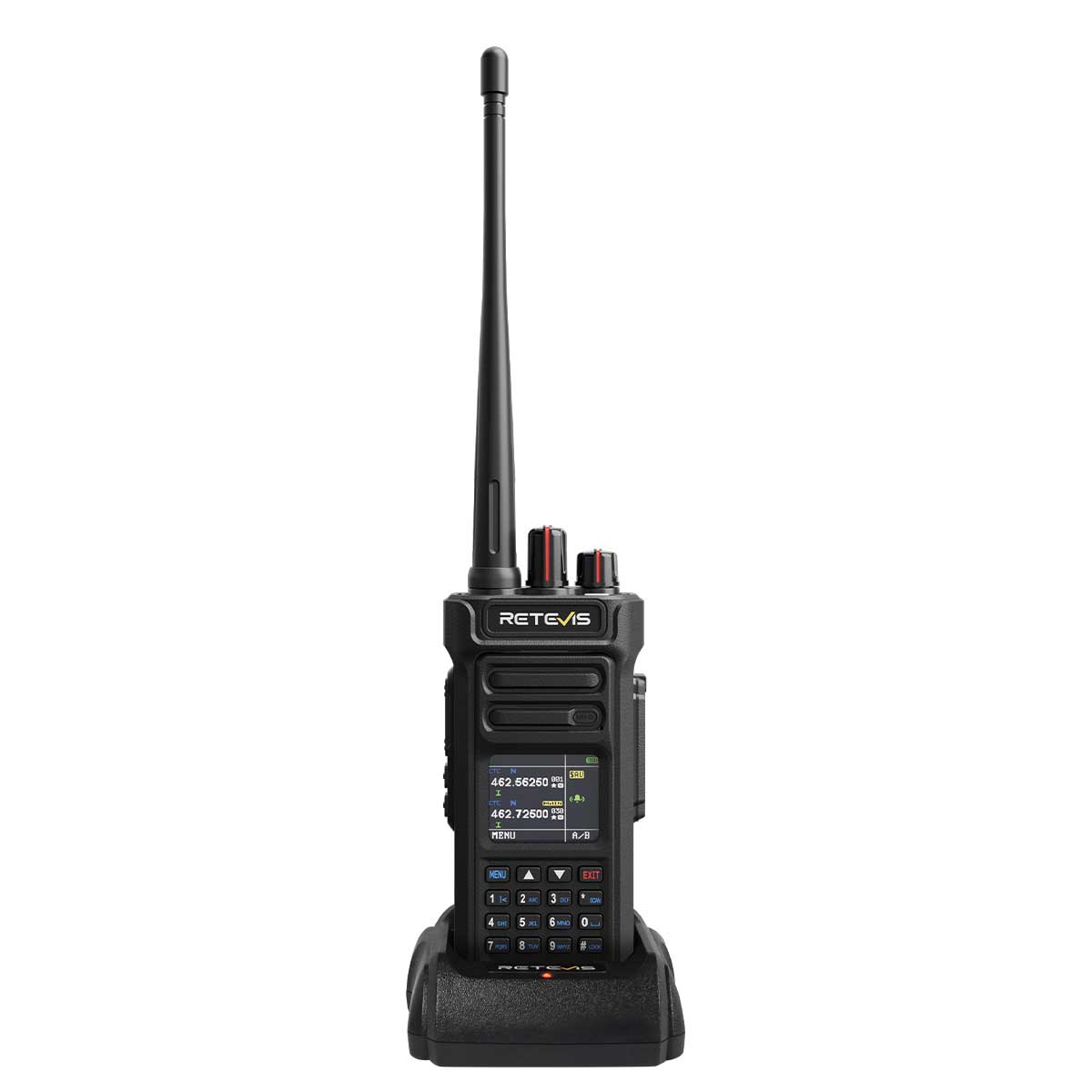
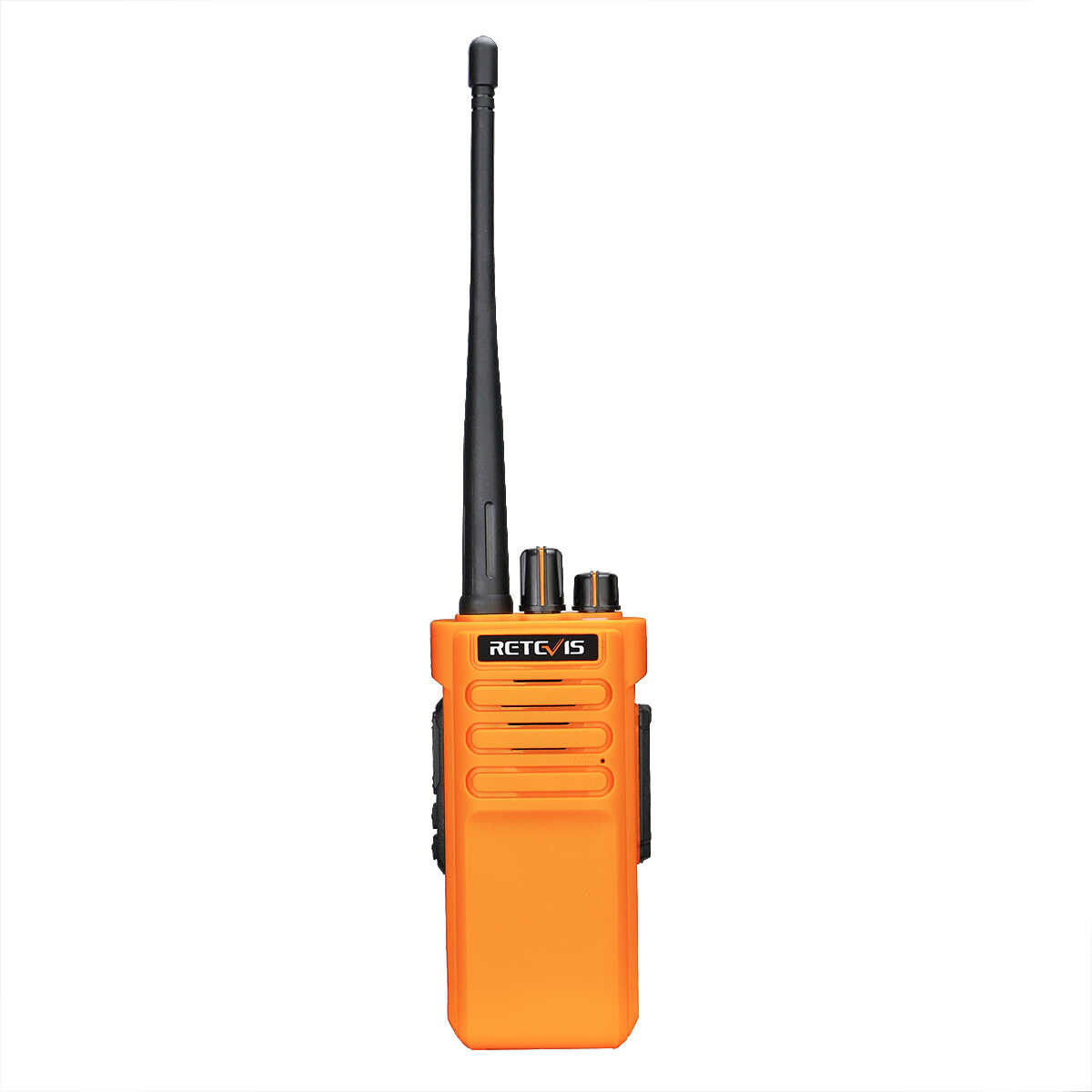
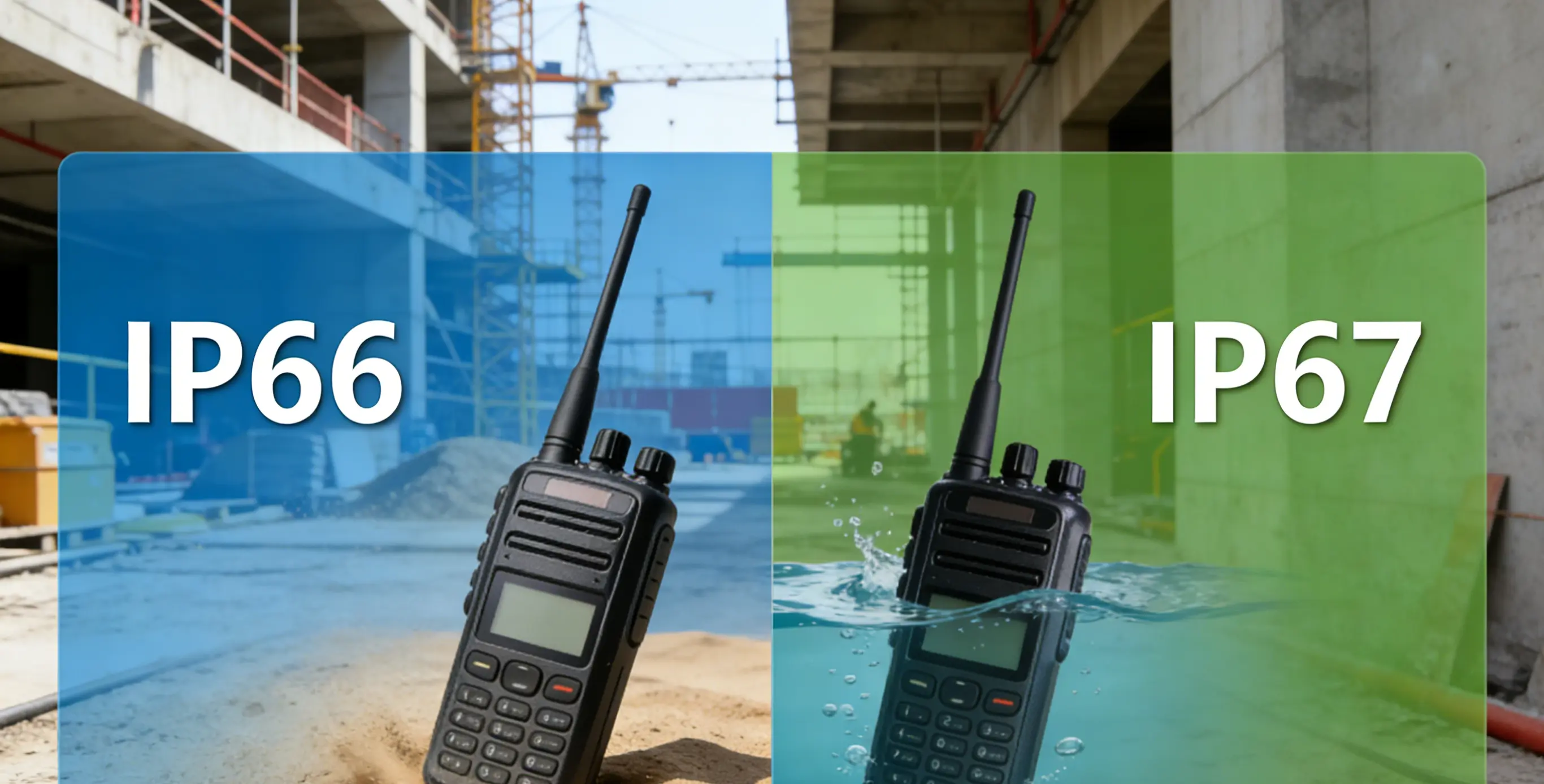
Analog radio, 16 programmable channels, CTCSS/DCS, IP67 protection |
Daily communication for site crews |
|
Retevis RT29D |
Digital and analog modes, 8 zones with 16 channels per zone |
Projects that need more flexible team management |
|
Retevis RT97L |
Radio repeater |
Extending coverage for a compatible radio system |
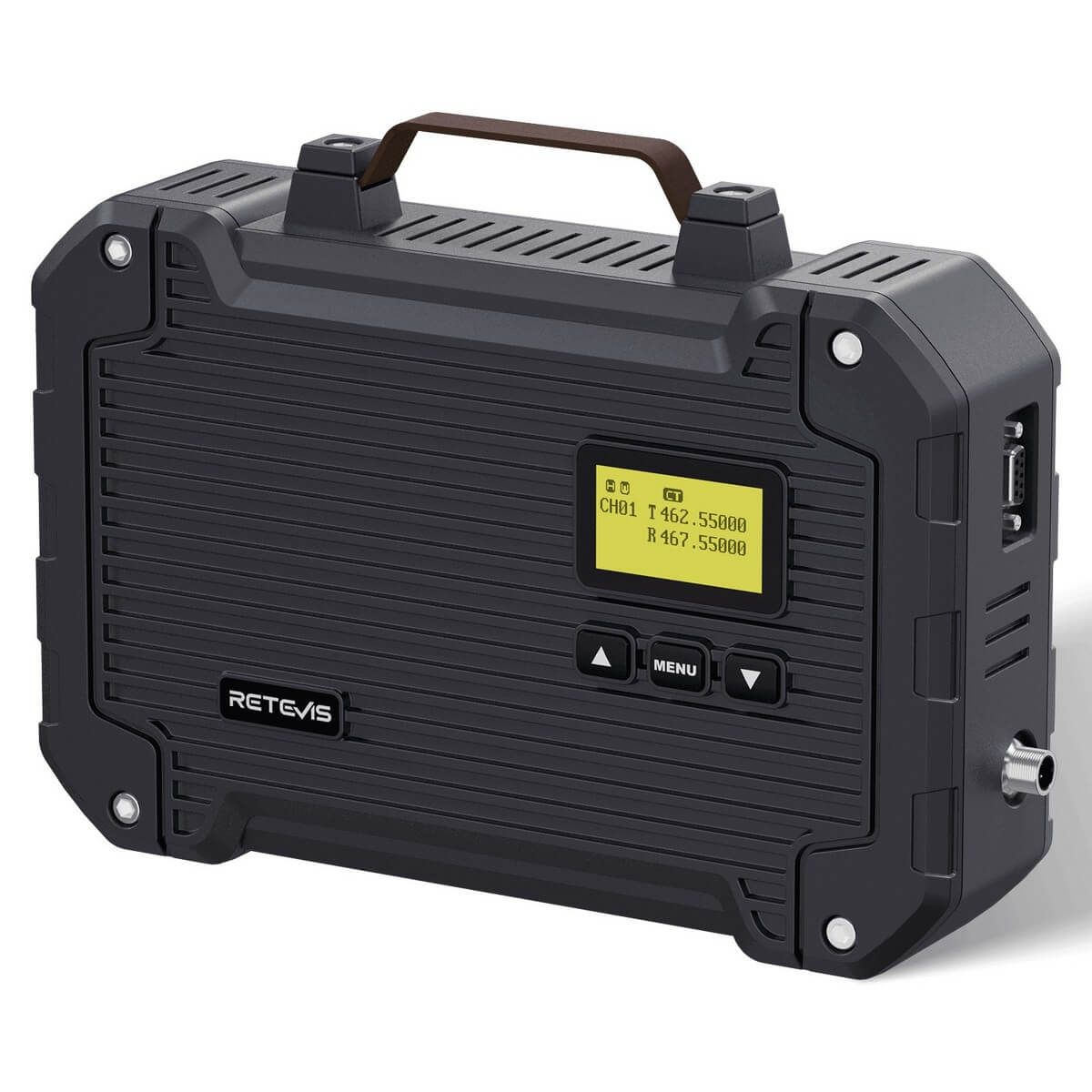
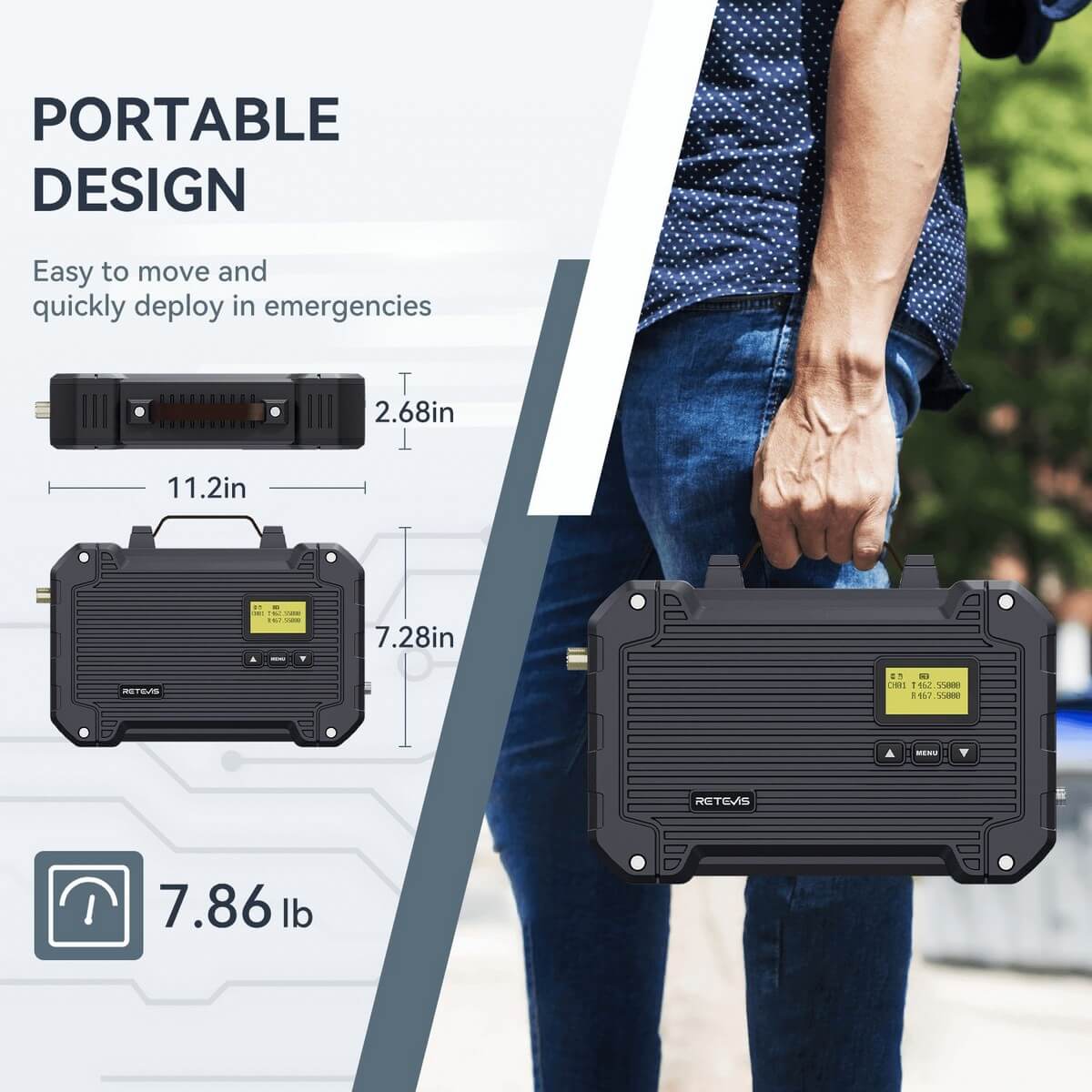
A repeater can help improve coverage across large or obstructed areas. However, you must check the radio version, frequency, and radio service before connecting devices. Not every RT97L version works with every RT29 or RT29D setup.
Best Two Way Radios for Construction: https://www.retevis.com/blog/ys-construction-blogs-best-radios-construction-safety-guide
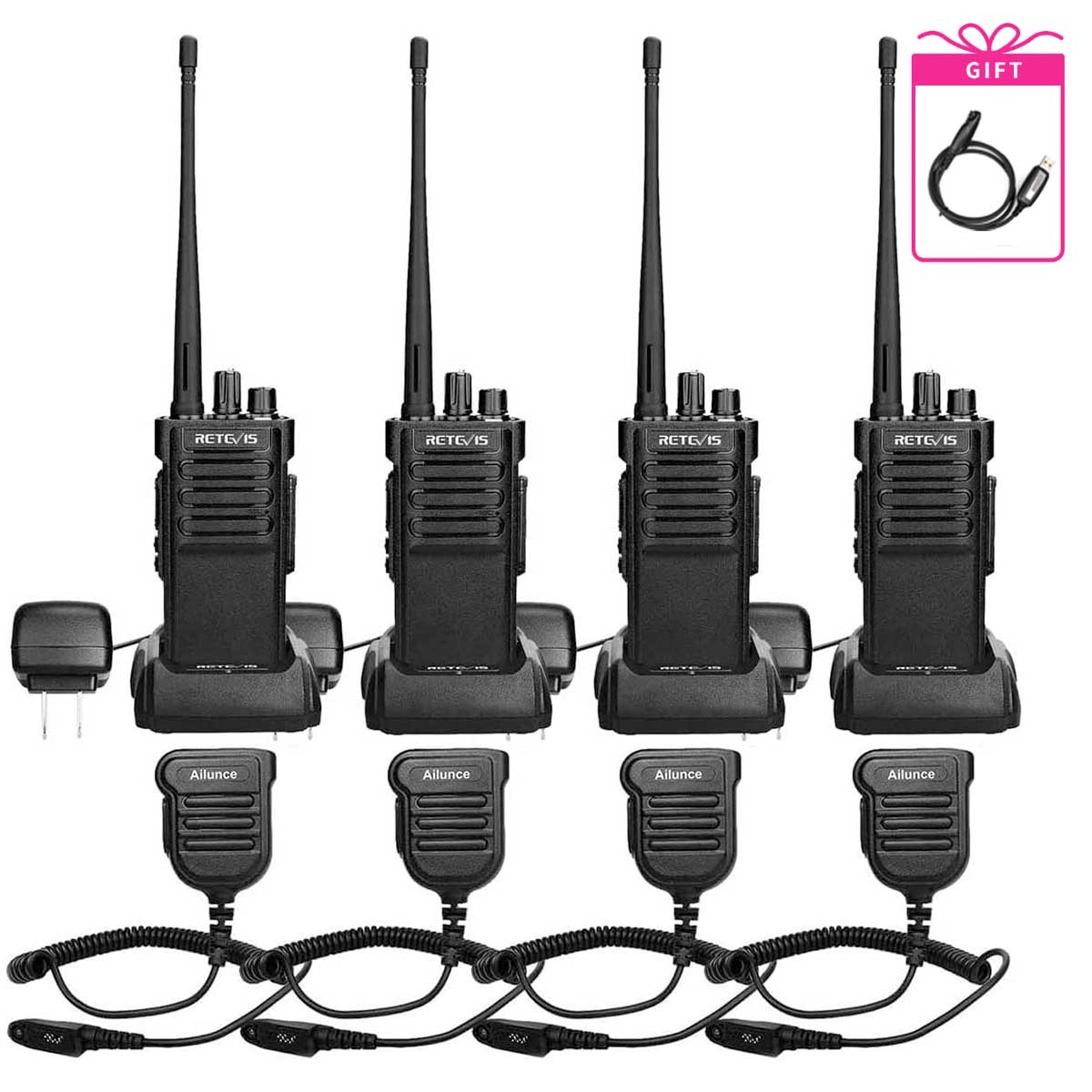
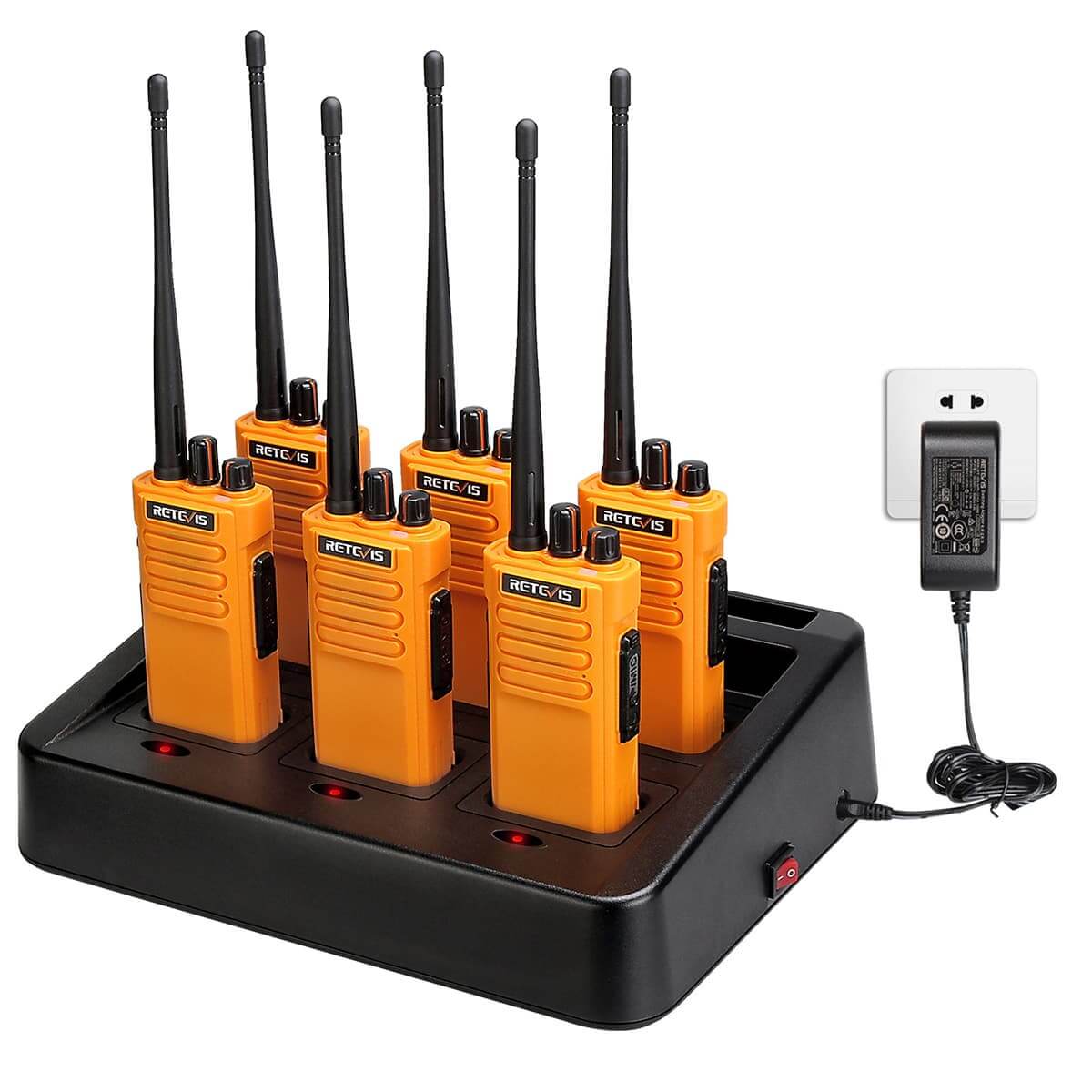
6. Example Setup: 6 RT29 Radios + 6-Way Charger
A six-radio setup can give a small site management team a shared communication system.
|
Equipment |
Quantity |
|
RT29 Radios |
6 |
|
Six-Way Charger |
1 |
|
Batteries |
6 |
|
Speaker Microphones |
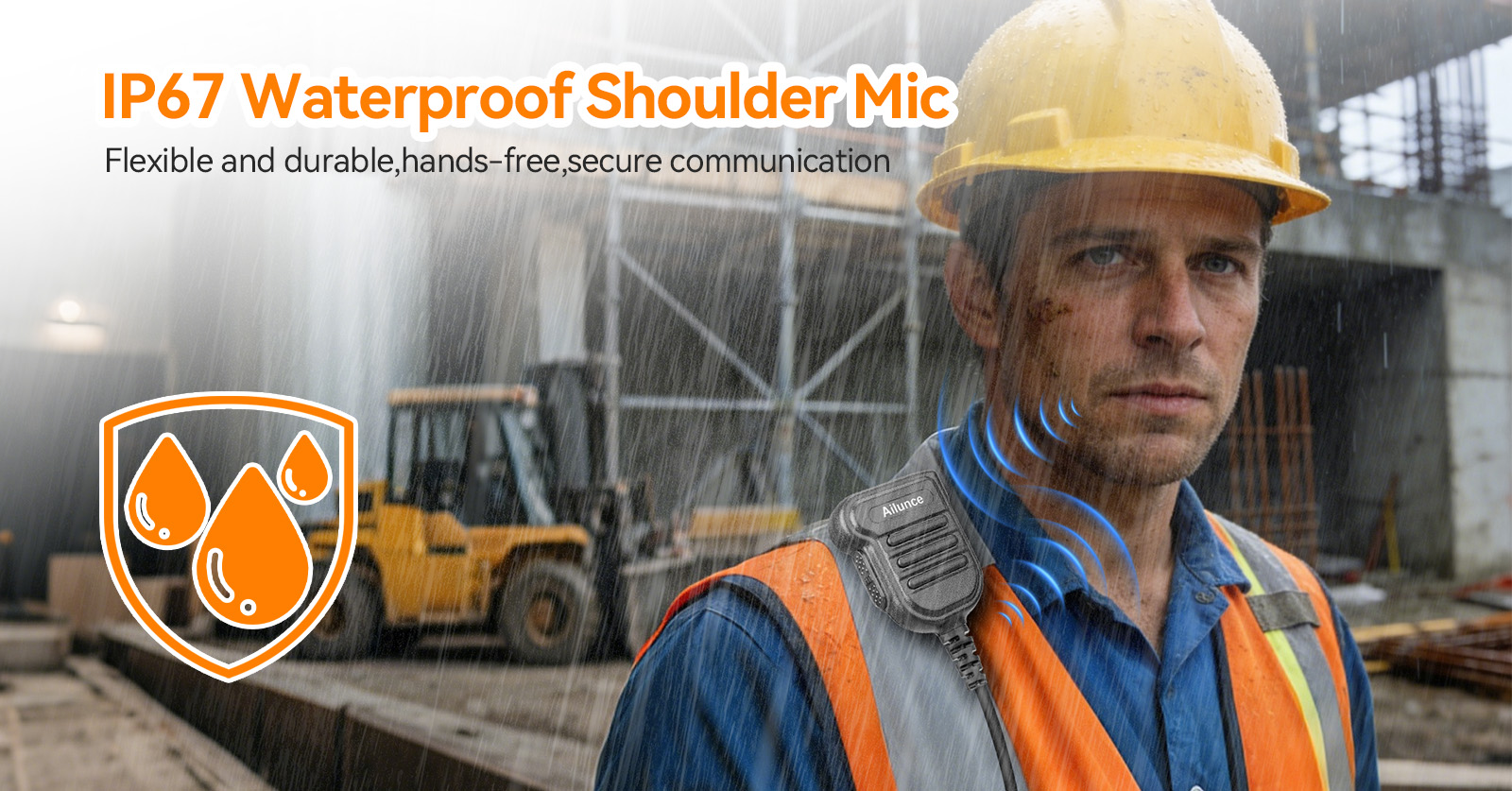
As needed |
Suggested users include the site supervisor, safety supervisor, equipment coordinator, structural foreman, MEP foreman, and logistics coordinator.
This setup is a starting point for a core management team. Larger projects may need more radios, additional channels, and a repeater after a site coverage test.
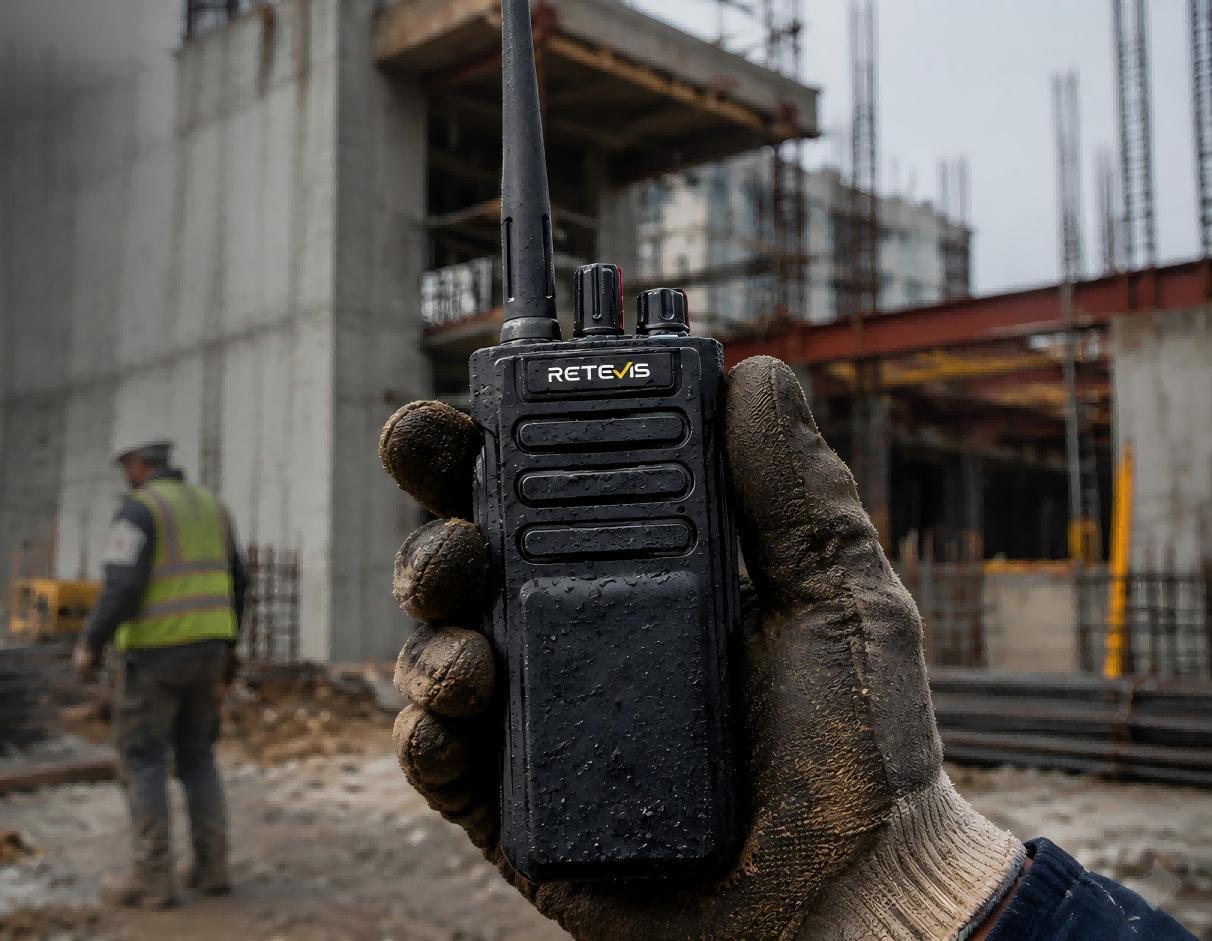
7. Build a Radio Plan That Can Grow
A good communication plan should change with the project. General contractors can follow four basic steps:
-
Check the site: Identify work areas, obstacles, and coverage needs.
-
Assign channels: Set clear channels for management, subcontractors, safety, and daily work.
-
Test coverage: Check radio signals across key work areas before full use.
-
Review the plan: Update channel assignments as teams and project phases change.
When general contractors plan their radio system early, they can keep teams connected and make daily site work easier to manage.



 Google
 Amazon