DMR keeps growing on the ham bands, and a lot of new owners stall at the same point. They open the programming software, meet a wall of fields and numbers, and put the radio in a drawer.
This guide follows the shortest path that ends with a real QSO. It explains the jargon in plain words, covers what works out of the box, and then builds one digital channel and tests it. Every step matches the current HD2 V3 software.
Five terms cause most of the confusion, and each one is simple:
A codeplug is the radio's full configuration saved as one file: channels, zones, contacts, and settings all together. Programming the radio mostly means building this file and sending it to the radio.
Contacts are the radio's address book. Most DMR contacts are talkgroups. A talkgroup is a numbered conversation room, such as a worldwide room or a statewide room. Add one contact for each room you want to join.
A color code is a short number that opens a repeater, close to a gate password. The radio and the repeater must use the same number.
A timeslot is one of two lanes inside a single DMR channel. Two QSOs can run at once on the same frequency, one in each lane. The repeater listing says which lane a talkgroup uses.
A zone is a folder that holds related channels, such as a home-repeater folder or a travel folder.
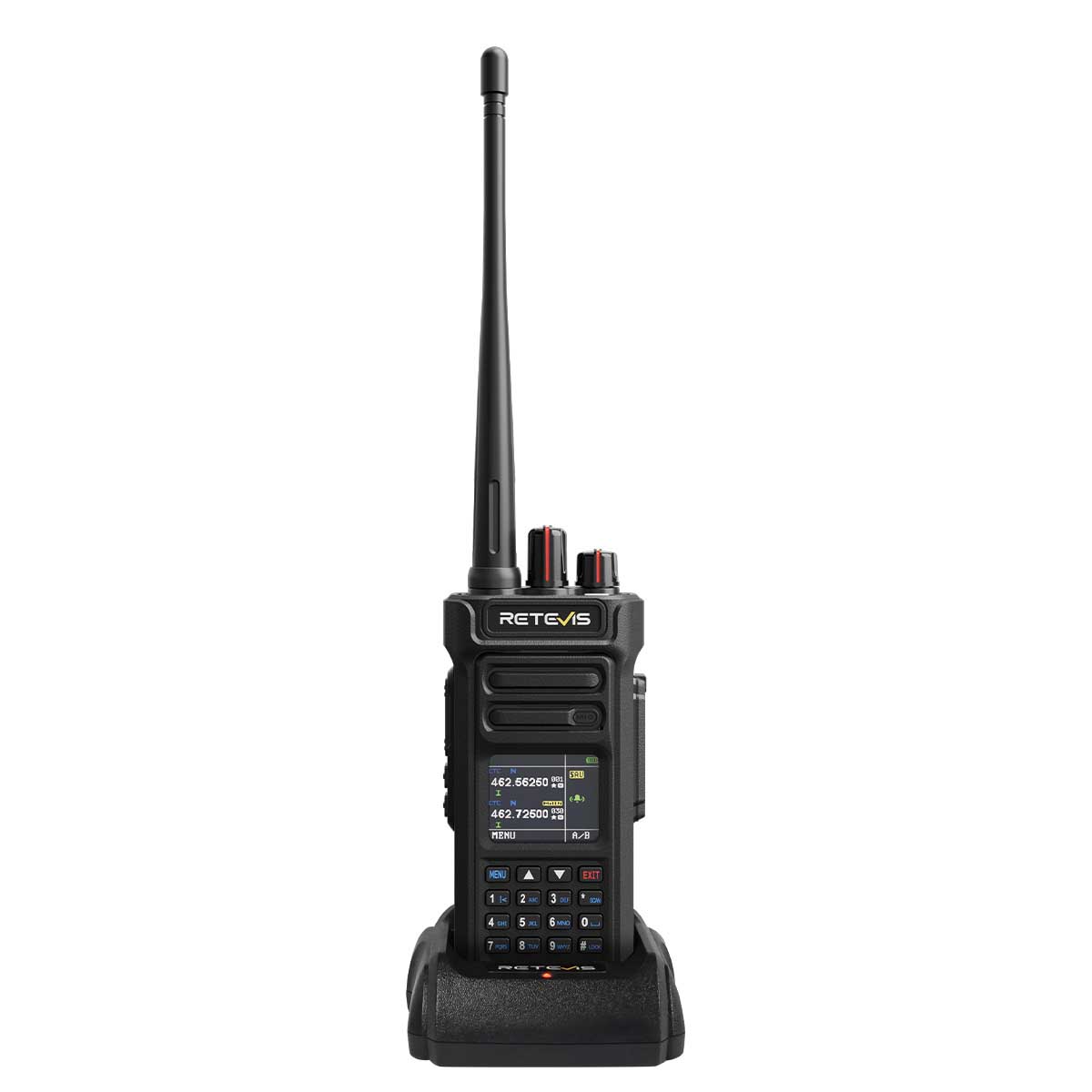
The HD2 V3 ships with a 300,000-entry DMR contact database already loaded, covering the mainstream user IDs. That handles the most tedious first job on digital radios, so a fresh unit can show caller information without a bulk import on day one.
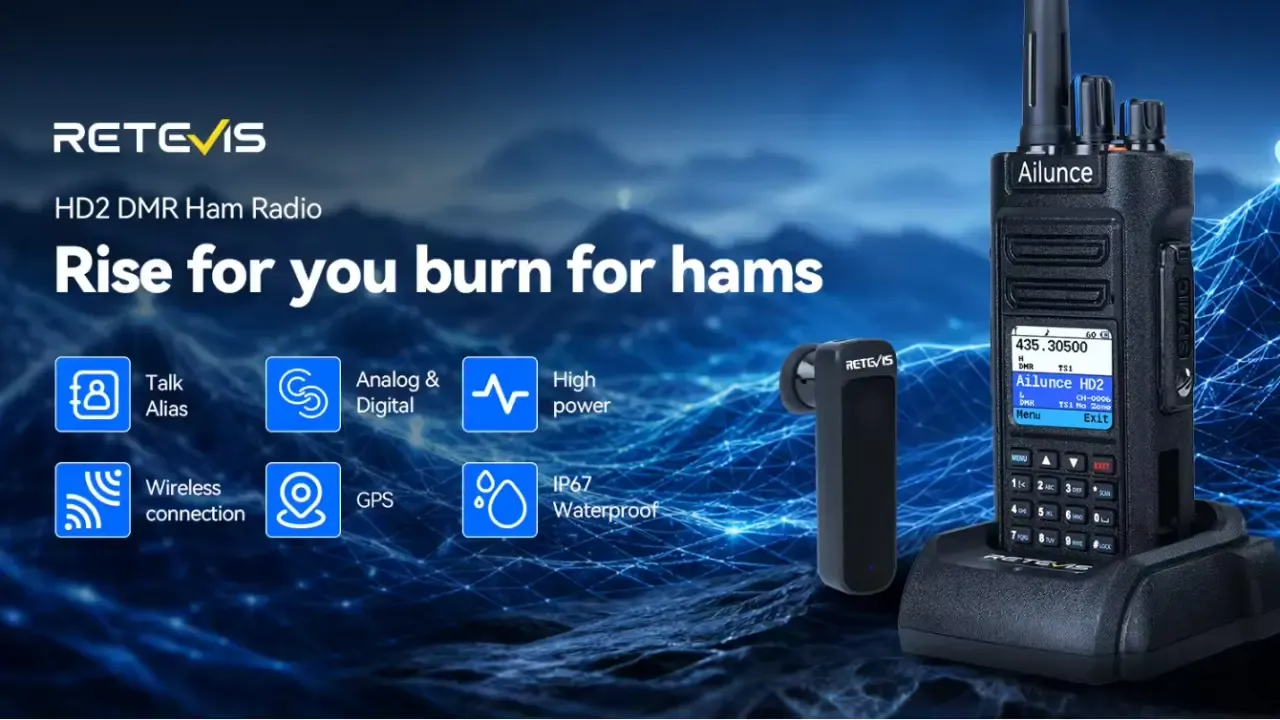
Talker Alias is built in. Once enabled, the screen shows the caller's callsign or name instead of a bare numeric ID. The radio also includes standard zones and channels, and it receives analog and digital signals, so scanning local repeaters to listen is possible before writing anything.
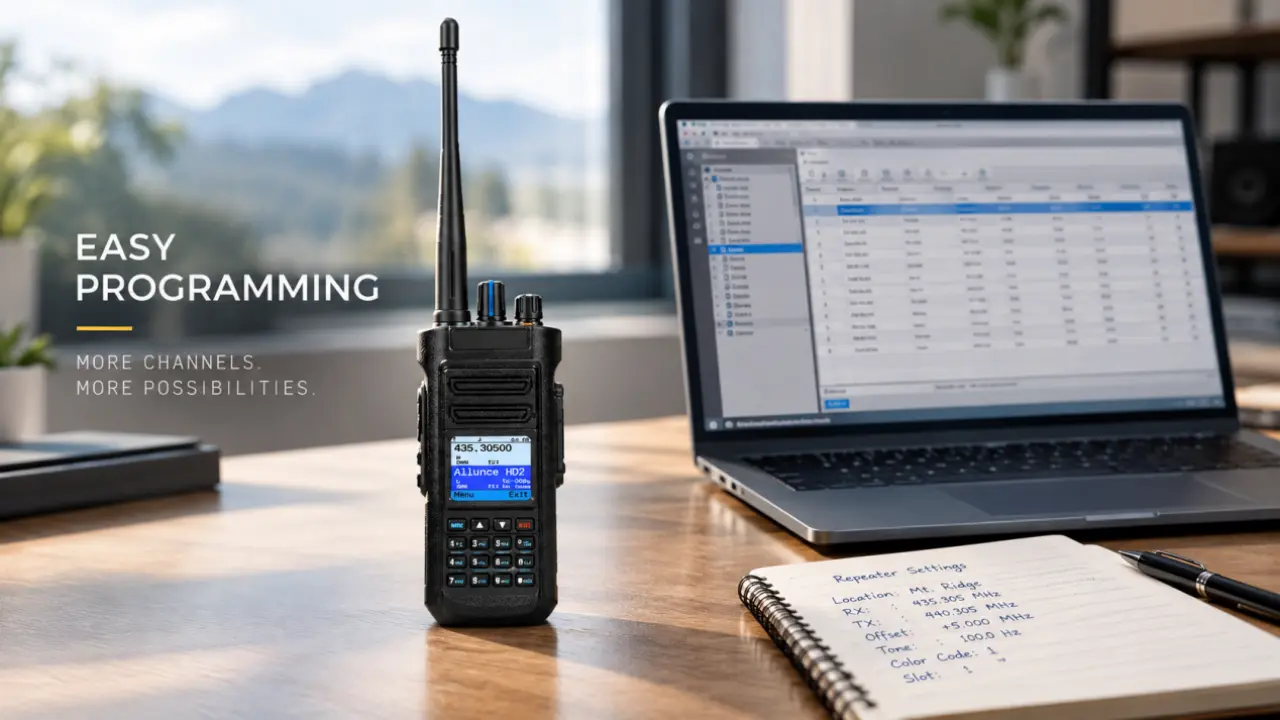
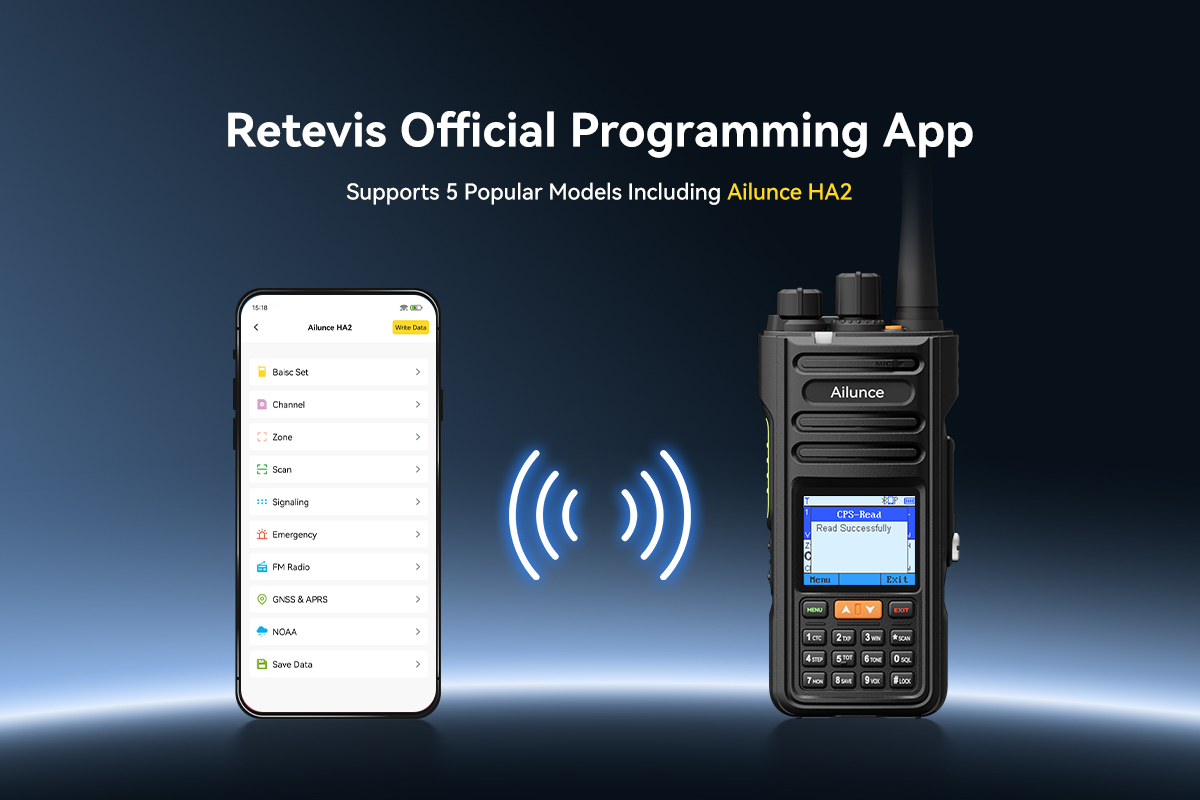
The fastest route uses the free CPS on a Windows computer. Download the CPS and the USB driver from the official HD2 support page, then install both. Connect the ham radio with the included programming cable.
For changes away from a computer, the front panel handles most settings. Frequencies, color codes, timeslots, and contacts can be entered by keypad and saved to a channel, which covers quick additions at an event.
Two settings make the first weeks easier:
GPS works on digital channels. On a DMR channel, open the band settings and turn GPS on, then enable receive and transmit GPS information. Set a GPS contact, usually a group or a private contact that should receive positions.
Step outside for the fix; the GPS icon activates once satellites lock, and indoor fixes are slow. After that, the radio sends its position to the chosen contact and can display positions received from teammates, which helps groups stay together on a trail or an event site.
HD2 V3 firmware installs through the CPS. Download the matching firmware file from the official support page.
Power the radio off. Hold the PTT key and the SK1 side key together, then power the radio on; the DFU indicator lights when the radio is ready. Connect the cable, open the CPS, and click Connect. Select the firmware file and start the upgrade.
A progress bar runs for a minute or two. Do not power off or touch the cable until the CPS reports success and the radio reboots. If the downloaded file triggers an antivirus warning, that comes from the software signing, and the official file is safe to whitelist.
Transmitting on the ham bands needs a license and a callsign, and transmissions must stay inside the bands the license grants. The encryption feature exists for commercial versions of the platform, but encrypted or deliberately obscured traffic is not allowed on amateur frequencies, so leave it off on ham channels.
Match power to the job. The 0.5-watt setting drives a personal hotspot without overloading it, the 10-watt setting covers weak repeater paths, and the middle settings save battery for daily use.
The codeplug wall is mostly vocabulary. With the five terms clear and the contact database already on the radio, the real work is one channel: frequency, color code, timeslot, and talkgroup, written and tested in about half an hour. After the first successful QSO, adding rooms and repeaters is the same process with different numbers.
No data Yet





 Google
 Amazon