
Most new 3PL warehouses prioritise WMS implementation for weeks ahead of launch, then treat two-way radios as a last-minute purchase thrown into the mix on move-in day. The mismatch shows up fast: staff switch channels they have no business using, handoffs never align with WMS process steps, equipment goes missing without a record, and safety calls leave no paper trail for EU-OSHA audits.
There is a common misconception that fixing this requires custom API integration or expensive system upgrades. For the vast majority of small to mid-sized 3PL sites across Europe, that is overkill. Aligning warehouse management system and communication simply means setting your radio fleet to follow the exact same role, zone and asset rules already built into your WMS. You can complete all of it before the first truck arrives on site.
Every modern WMS operates on role-based access. A receiving clerk only sees inbound workflows, a forklift operator is restricted to storage zone tasks, and a safety officer has site-wide alert permissions. Most standard radio deployments ignore this structure entirely, giving every user full access to every channel. This creates cross-team chatter, misdirected calls and gaps in process control that directly contradict WMS governance rules.
You can resolve this entirely before devices arrive on site. Instead of programming radios one by one after delivery, build one standard radio profile per WMS role, then batch-write the settings to your entire fleet in one pass. For European sites, this also lets you lock in licensed national frequencies ahead of time, avoiding Ofcom or BNetzA compliance issues from unapproved channel use.
Each role profile maps directly to WMS access rules: a fixed set of channels for the zones that role works in, preset transmit power matched to those zones, CTCSS/DCS privacy codes to block external chatter, and emergency button mapping aligned with site-wide WMS safety protocols.
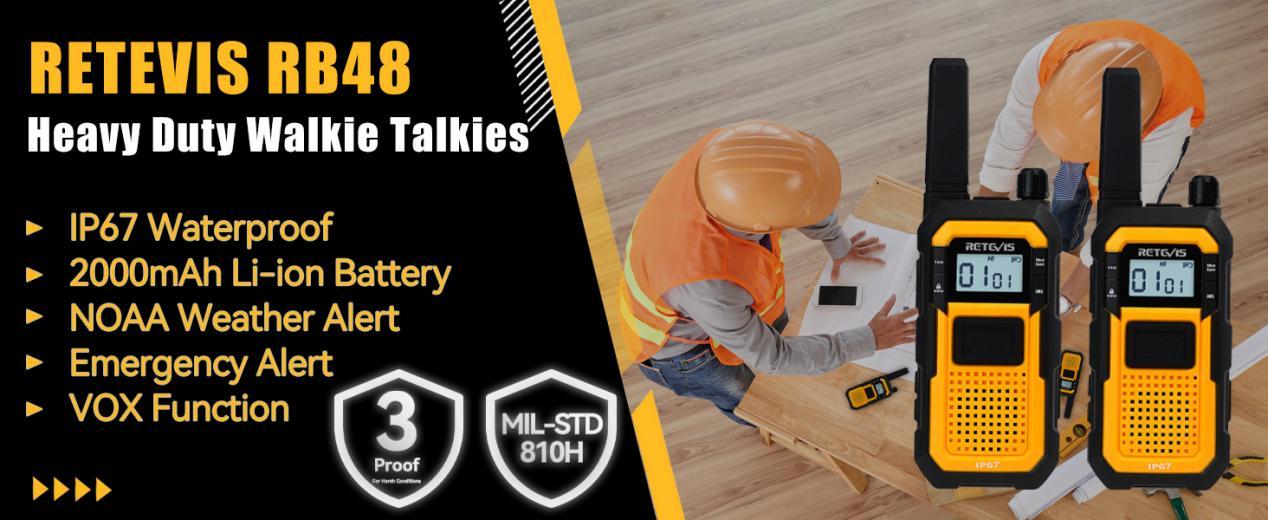
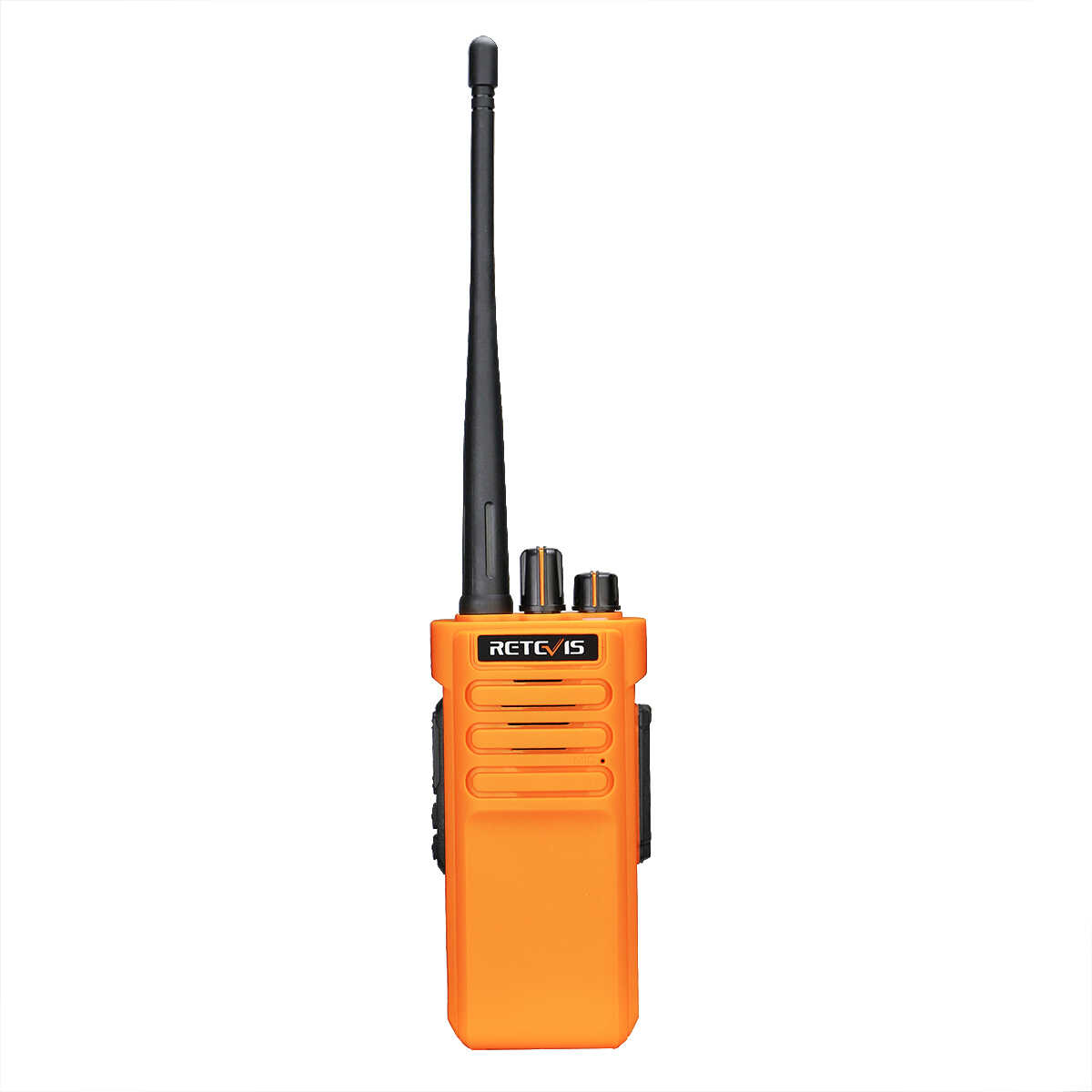
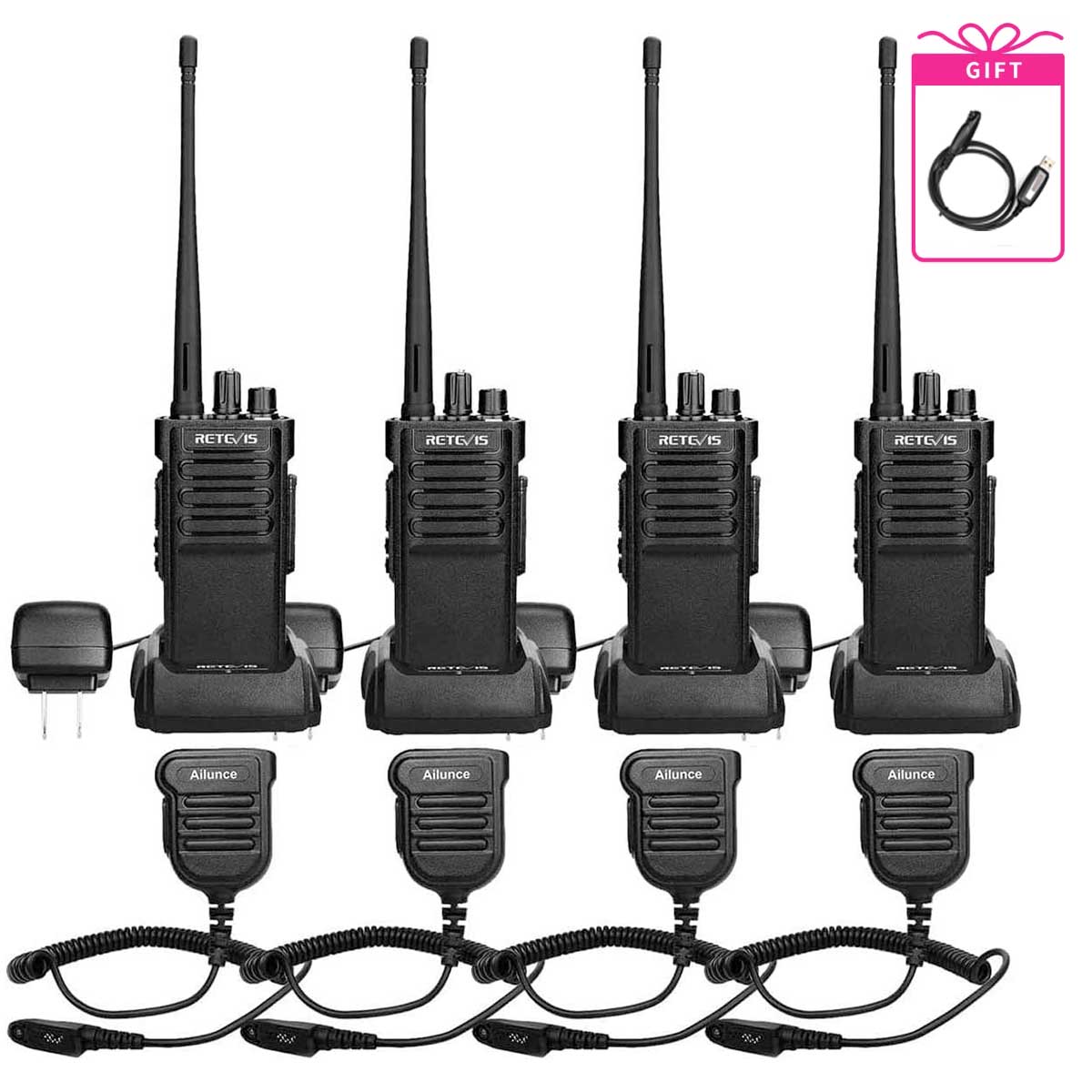
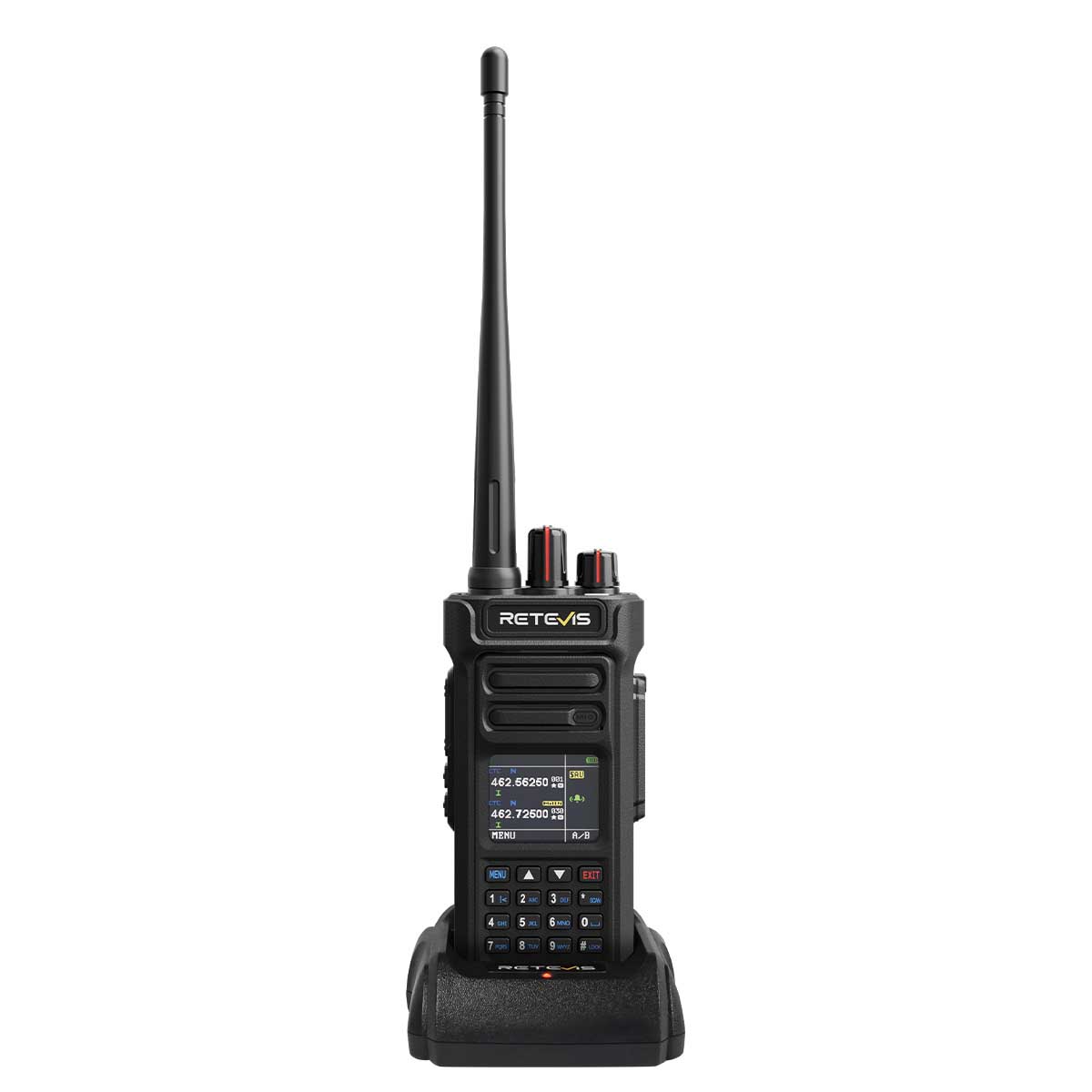
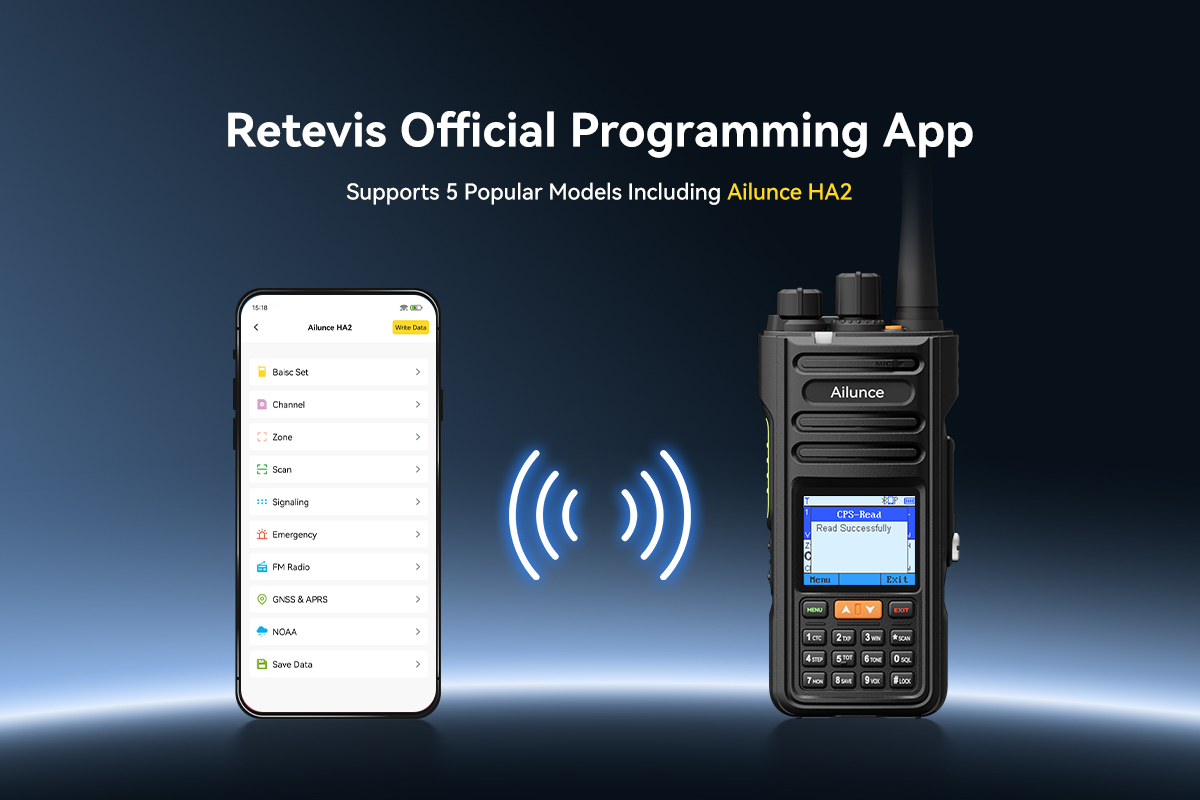
The Retevis RB48 Pro supports this kind of bulk configuration via official PC programming software, so you can roll out consistent, role-aligned settings across an entire fleet with no on-site manual work.
Poor channel layout is the single biggest cause of missed calls and slow handoffs in new warehouses. The mistake nearly half of all sites make is naming channels by department – “warehouse team”, “operations”, “admin” – instead of by the individual workflow zones defined in the WMS.
When channels map directly to WMS zones, every call corresponds to a known step in the inventory or order process. This makes it straightforward to tie communication events to WMS records for traceability, without any custom software or logging integration. It also means staff only use the channel relevant to the zone they are working in, reducing unnecessary chatter.
A standard three-layer structure matches most WMS setups across European 3PL sites. First, dedicated operational zone channels, one per core WMS workflow area: receiving docks, putaway storage, order picking, shipping docks, yard operations and maintenance. Second, a single coordination channel reserved for shift supervisors and zone leads, for cross-zone updates and exception resolution. Third, a dedicated site-wide safety channel for all alerts and lone worker check-ins, mapped directly to the WMS safety and incident module.
For a typical 50,000 to 150,000 square foot distribution facility, this adds up to six to eight channels total. The RB48 Pro’s 32 programmable channel capacity covers this easily, with headroom for future zone expansion or additional process breakdowns.
Two-way radios are almost always treated as disposable consumables in new warehouse setups, rather than tracked assets. This creates two predictable problems during the chaotic launch phase: high device loss rates, and no scheduled maintenance or replacement cycle in the WMS alongside other equipment.
ELA’s survey found that 41% of new warehouses lose more than 10% of their radio fleet in the first three months of operation, almost entirely due to lack of structured tracking.
Fixing this is straightforward. Fold your entire radio fleet into the same WMS asset management process you already use for scanners, forklifts, pallet jacks and other on-site equipment. Assign every radio a unique asset ID, link it to a default zone and role matching your WMS structure, and issue devices against WMS user accounts or fixed zone station accounts.
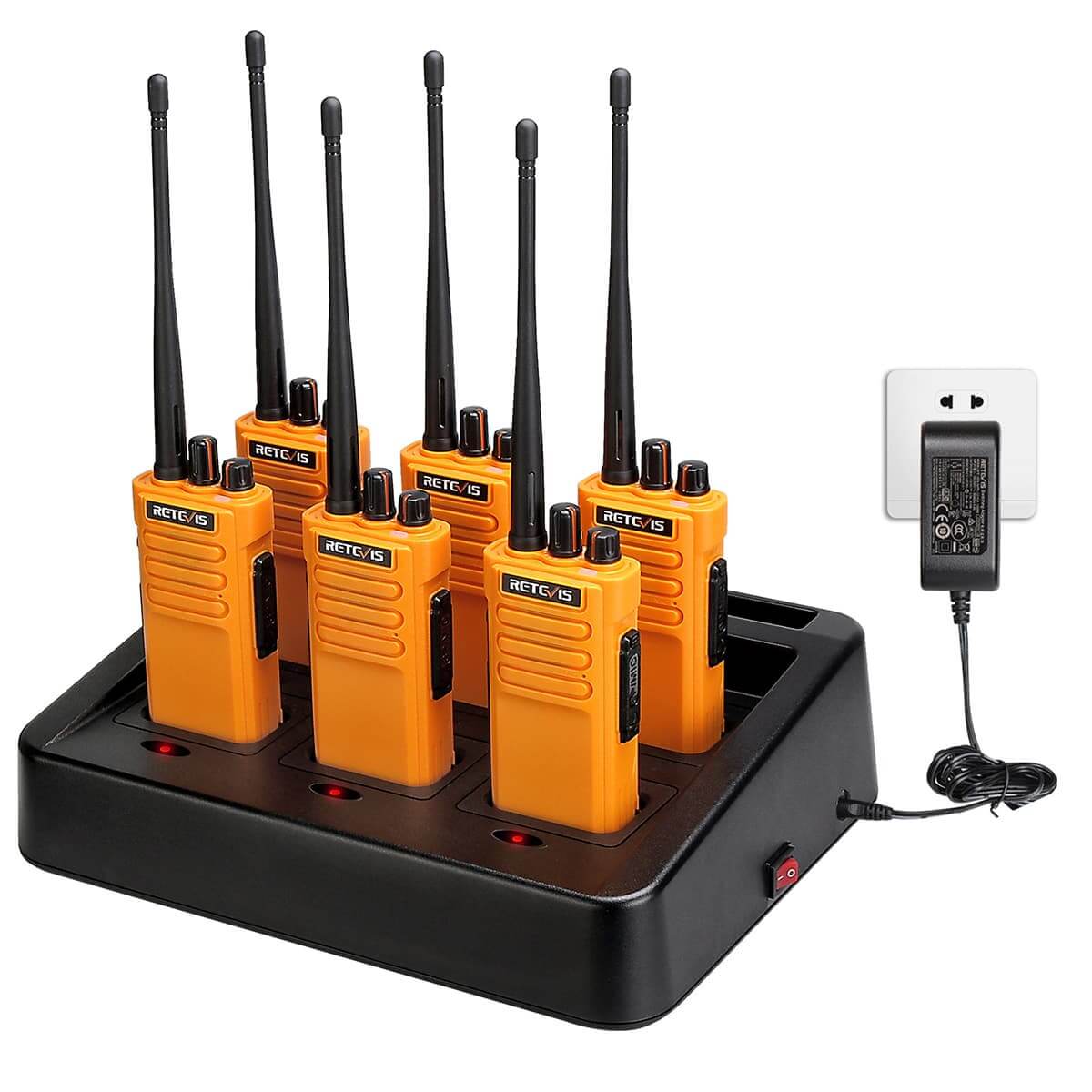
Tie end-of-shift device return to your existing WMS shift sign-off procedures, with battery status and condition logged each time. Maintain a 20% spare device pool tracked in the WMS for breakdowns and peak staffing periods. Centralised multi-unit charging docks, compatible with models like the RB48 Pro, create fixed handover points that make this process consistent across all shifts.
EU occupational safety regulations require all on-site safety events to be recorded and traceable. When safety calls happen only over radio and are never entered into the WMS incident log, sites can fail compliance audits before they even reach full operation.
You do not need automated call recording to close this gap. For most sites, a simple consistent process is enough. All staff use the dedicated safety channel and SOS button for all safety alerts. The on-duty safety officer acknowledges the call over radio, then immediately creates a corresponding event entry in the WMS, recording time, zone, nature of the alert and final outcome. All follow-up communication stays on the safety channel, and updates are added to the WMS event record.
This creates a clear audit trail that aligns radio communication with WMS safety records, with no expensive system upgrades required. Dedicated SOS buttons on models like the RB48 Pro make this process consistent for all users, even temporary or seasonal staff.
None of these steps require IT involvement, custom development or a separate integration project. They simply take the rules and structure already built into your WMS, and apply them to your radio setup.
For most new 3PL warehouses, completing this alignment in the week before launch cuts first-month communication issues by roughly 60%, according to ELA data, and reduces compliance audit risk related to safety event tracking.
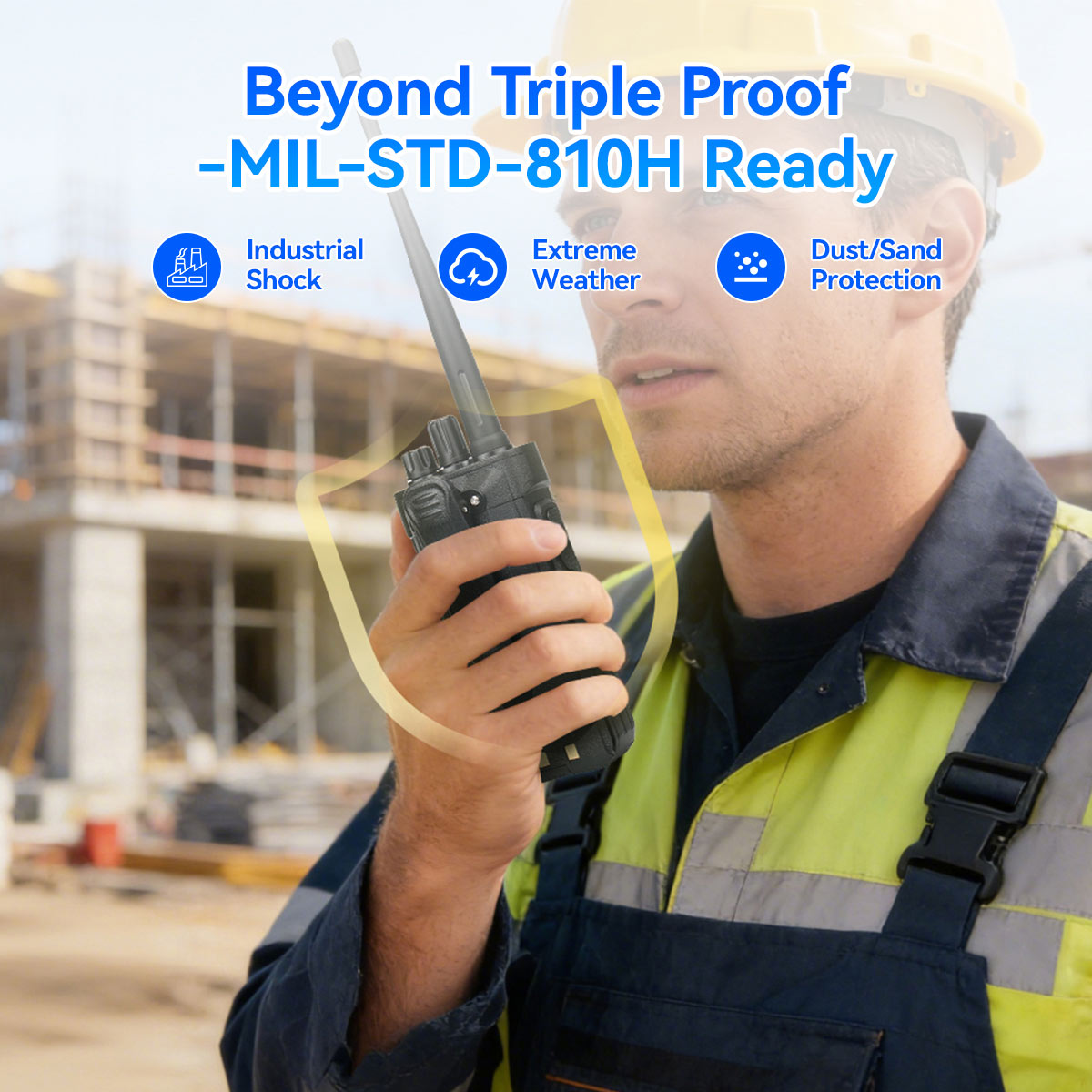
Industrial radios like the RB48 Pro work well for this approach because they support bulk programming, enough channel capacity for zone-based layout, rugged build for warehouse environments and standard charging infrastructure. The core value, though, comes from the alignment process itself, not the specific hardware.
Always run a full site walk test in the first three days of operation to validate coverage across all WMS zones. Actual signal performance depends on rack density, building materials and antenna placement, not just manufacturer power ratings.
No data Yet







 Google
 Amazon