

Table of Contents
How to Download Retevis Two-Way Radio Programming Software: A Step-by-Step Guide
- Posted by:Retevis
- 11 Comments
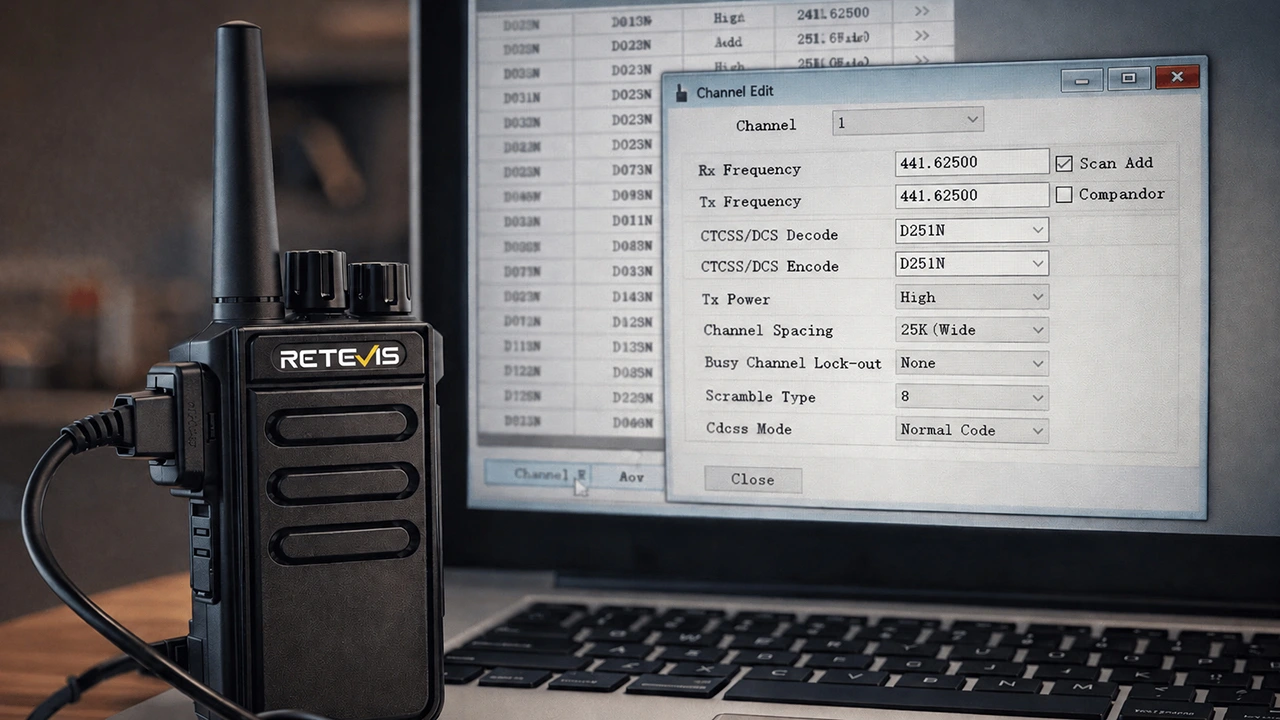
If you wish to program your Retevis two-way radio, you'll need the corresponding programming software. Fortunately, Retevis offers multiple convenient ways to download the software, whether you require a programming cable or the software itself. This guide will show you how to download the programming software from various sources, including the Retevis aggregator page, product pages, and more. Whether you're an amateur radio enthusiast or a professional requiring customized radio programming, you'll find a solution that meets your needs.

Methods for Downloading Retevis Two-Way Radio Programming Software
Two-way radio programming software enables you to configure and customize your Retevis radio, ensuring it performs optimally for your specific requirements. It can be used to program frequencies, adjust settings, and configure other parameters, thereby enhancing your radio's functionality. Most Retevis radios require a programming cable to connect to your computer, enabling the software to communicate with your device.
Depending on your preference, several convenient methods exist to download Retevis programming software. Here are the best approaches:
1. Download from the Retevis Aggregate Page
Retevis has created a convenient download page where you can access all necessary programming software and other resources for your radio programming needs. This hub provides a one-stop solution for software downloads.
Steps to download from the hub:
- Visit the Retevis software download page; Browse all available software options.
- Select the programming software compatible with your device model.
- Enter your personal email address and click download button, you will receive an email with a software download link.; The software and other setup resources will also be sent in the same way.
This method is ideal for users seeking a quick and easy download, offering a range of software for various Retevis radio models.
2. Download from the Radio Product Page
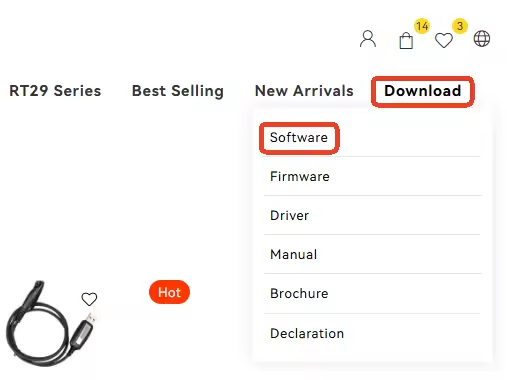
Another straightforward way to obtain programming software is directly through the product page of the Retevis radio you purchased. Each product page typically includes a link to compatible software, which you can download along with other useful resources for your specific radio model.
Steps for downloading from the product page:
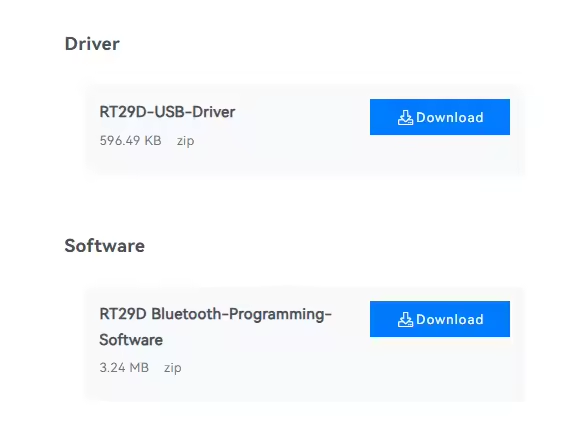
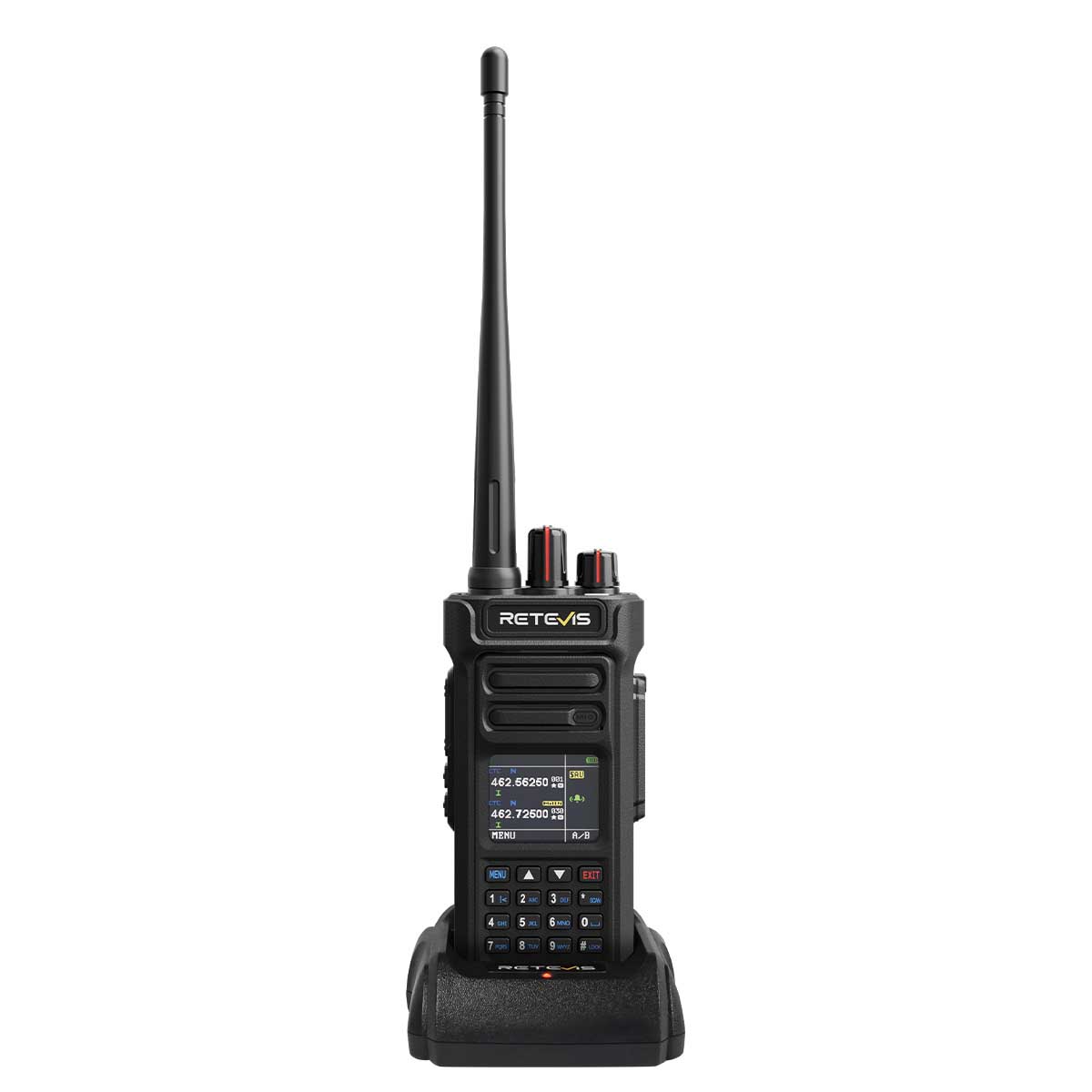
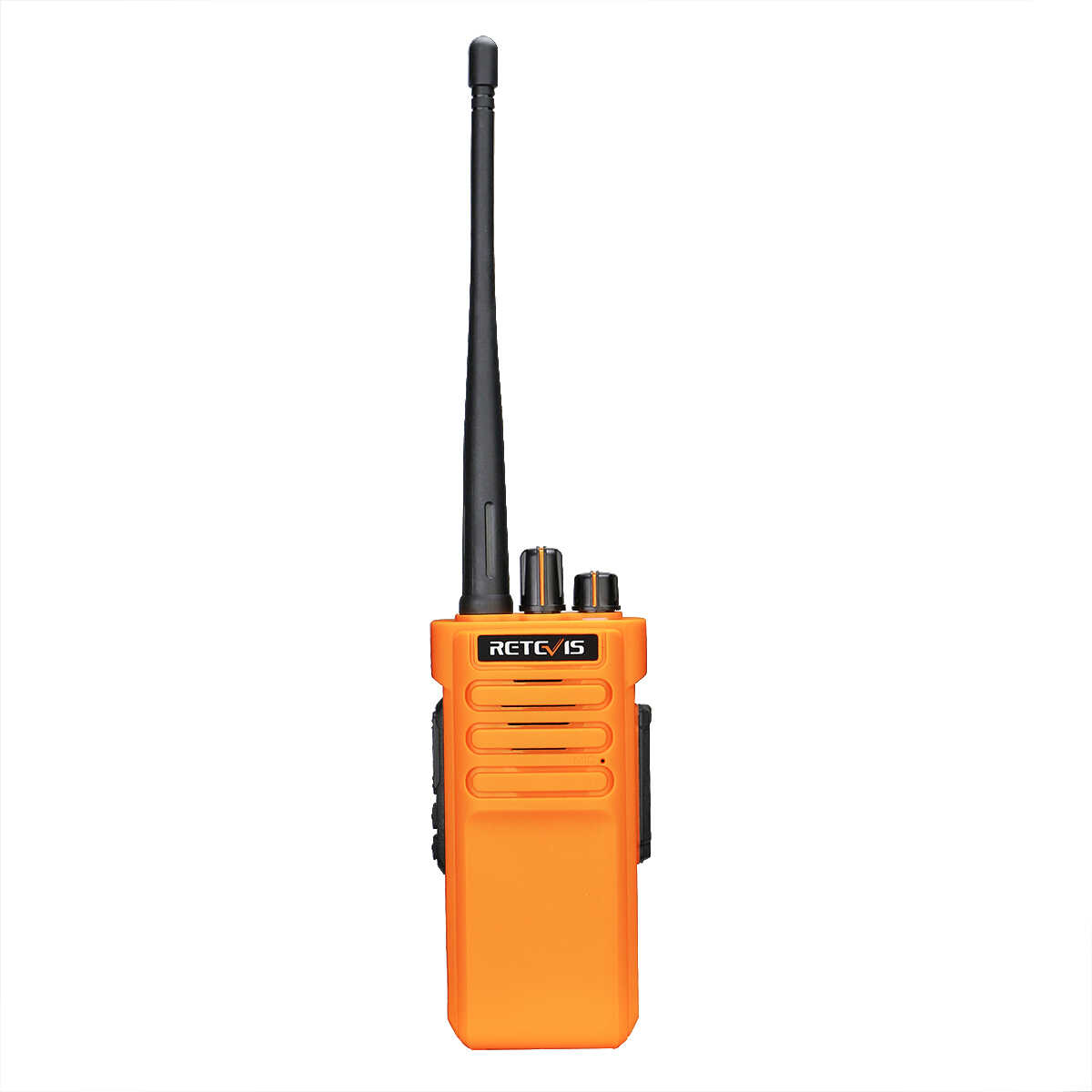
- Visit the Retevis product page for your radio (e.g., RT29D Waterproof Heavy-Duty UHF DMR Portable Radio↗️).
- Scroll to the "Resource Downloads" section, usually located near the product specifications.
- Locate and click the link for the walkie-talkie programming software.
Follow the download instructions to install the software. This method ensures you obtain software specifically designed for your radio programming needs and tailored to your exact radio model.
3. Online Communication Support
If you require real-time assistance or have questions about the download process, Retevis offers online customer support. You can communicate directly with a support representative to quickly receive guidance and links to download the correct software.
Steps to access online communication support:
- Visit the Retevis Contact Us page.
- Use the online chat feature or contact form to inquire about downloading the radio programming software.
- A support agent will provide download links and assist with any issues as needed.
This method is ideal if you encounter any difficulties or are unsure which software version to download for your device.
4. Fill Out the Form on the “Contact Us” Page
If you require further assistance or are seeking additional resources (such as specific drivers), you can complete the contact form on the Retevis website. Our team will help fulfill your radio programming needs and ensure you have the appropriate software and cables.
Steps to Use the Contact Form:
Go to the “Contact Us” page.Complete the form detailing your requirements and inquiry, specifically mentioning how to download the walkie-talkie programming software.
After submitting the form, Retevis will contact you to provide the corresponding software and necessary instructions.
This method offers more personalized service, ideal for those with specific questions or needing additional assistance.
Additional Resources: Two-Way Radio Programming Cable
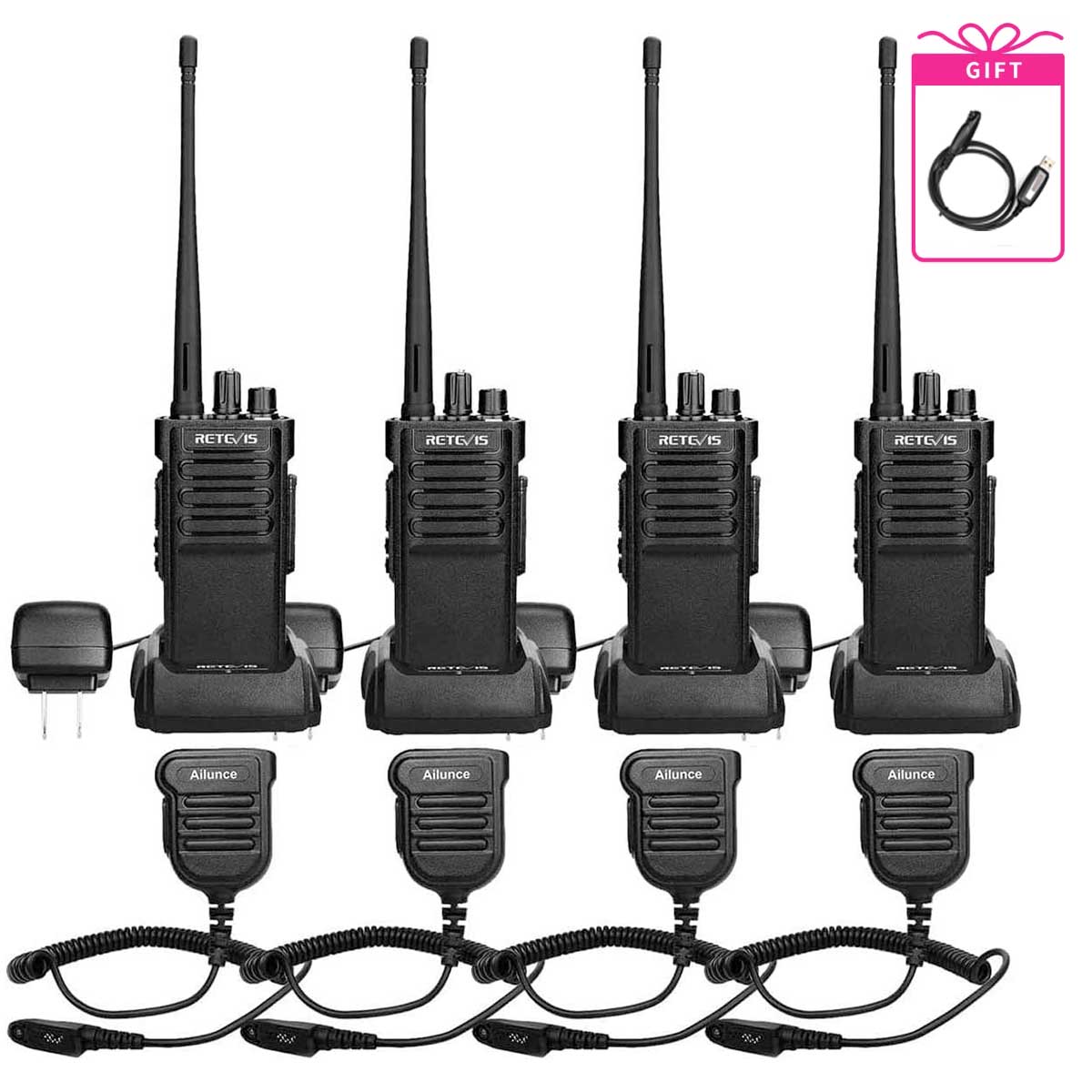
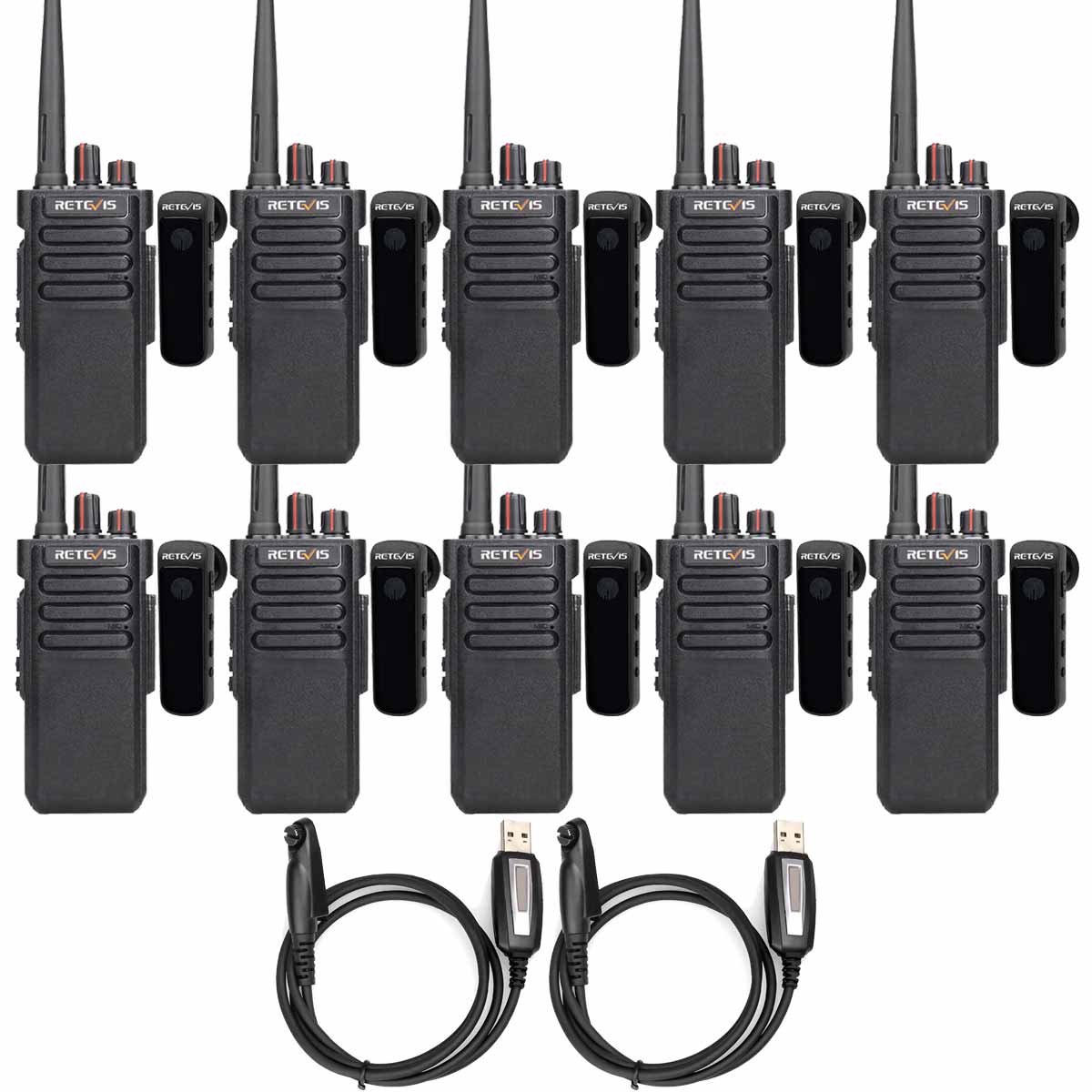
Beyond programming software, you may also require a two-way radio programming cable to connect your Retevis radio to a computer. These cables are essential for transferring programming settings from the software to the device.
You can typically purchase programming cables directly from the Retevis official website, or they may be included as bundled accessories with certain walkie-talkie models. If you require a programming cable, be sure to check the accessories section on the product page or download page for details.
Tips for Successful Programming
- Ensure Compatibility: Carefully verify that the walkie-talkie programming software you download is compatible with your specific Retevis model.
- Follow Installation Instructions Closely: Whether downloading from the aggregator page or product page, strictly adhere to the provided installation steps to avoid software issues.
- Use a Stable USB Connection: When using the programming cable, ensure a stable connection between the radio and computer to prevent data transfer problems.
- Keep Software Updated: For optimal performance and compatibility with the latest features, always use the most recent version of the programming software.
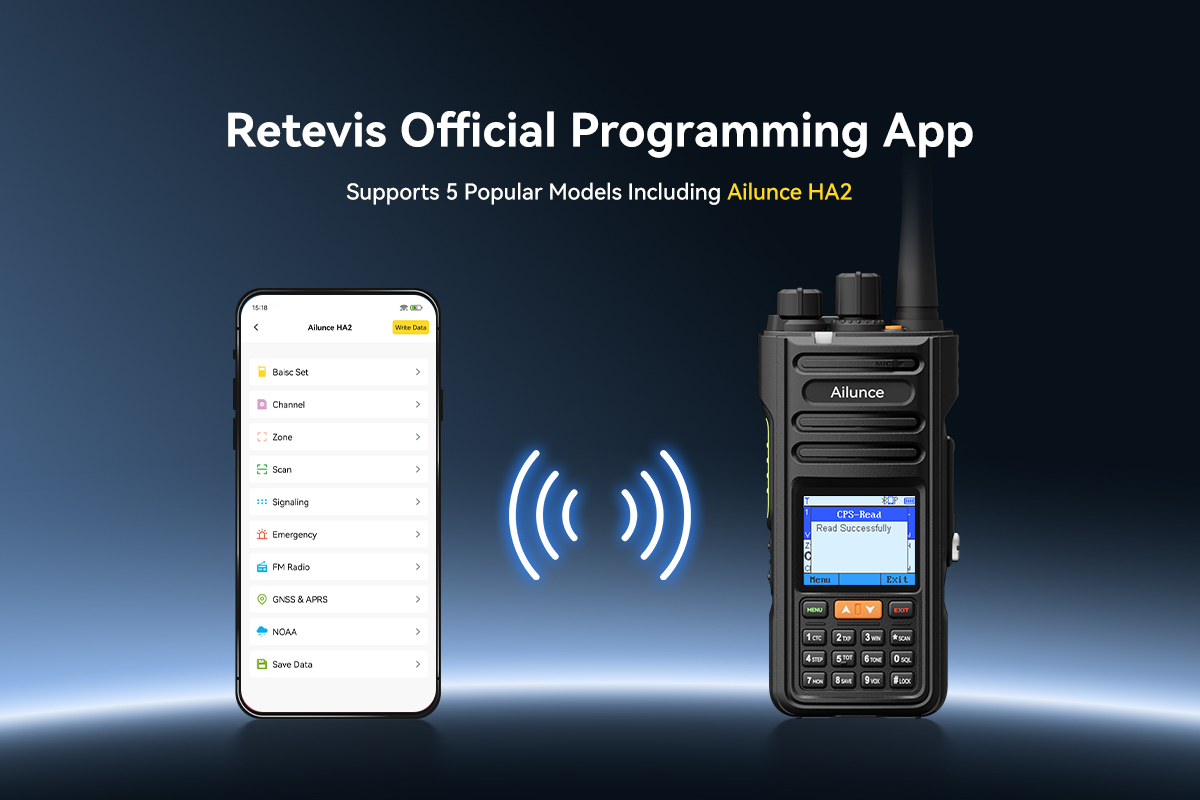
Wireless Radio Programming & Management with Retevis APP
Edit channels, adjust settings, customize your two-way walkie talkie radio anytime via Bluetooth. No PC required, no complicated data cables, fully wireless operation.
👉 Download Retevis Official App Now
Android download click here:
RETEVIS Android APP download link
iOS download click here:
Scan the QR code below


With multiple download options available on the Retevis website, you can easily and conveniently download the appropriate programming software for your Retevis two-way radio. Whether you choose to download from the aggregated page, the product page, or seek personalized support, Retevis ensures you have all the tools needed for efficient programming. Additionally, consider the compatibility of the programming cable with different radio models to ensure a smooth connection process and enjoy seamless communication!
Leave a Reply









 Google
 Amazon
Comments (11)