

Table of Contents
How to Set Up One-Key Group Call on the Retevis RB48 Pro
- Posted by:JJ
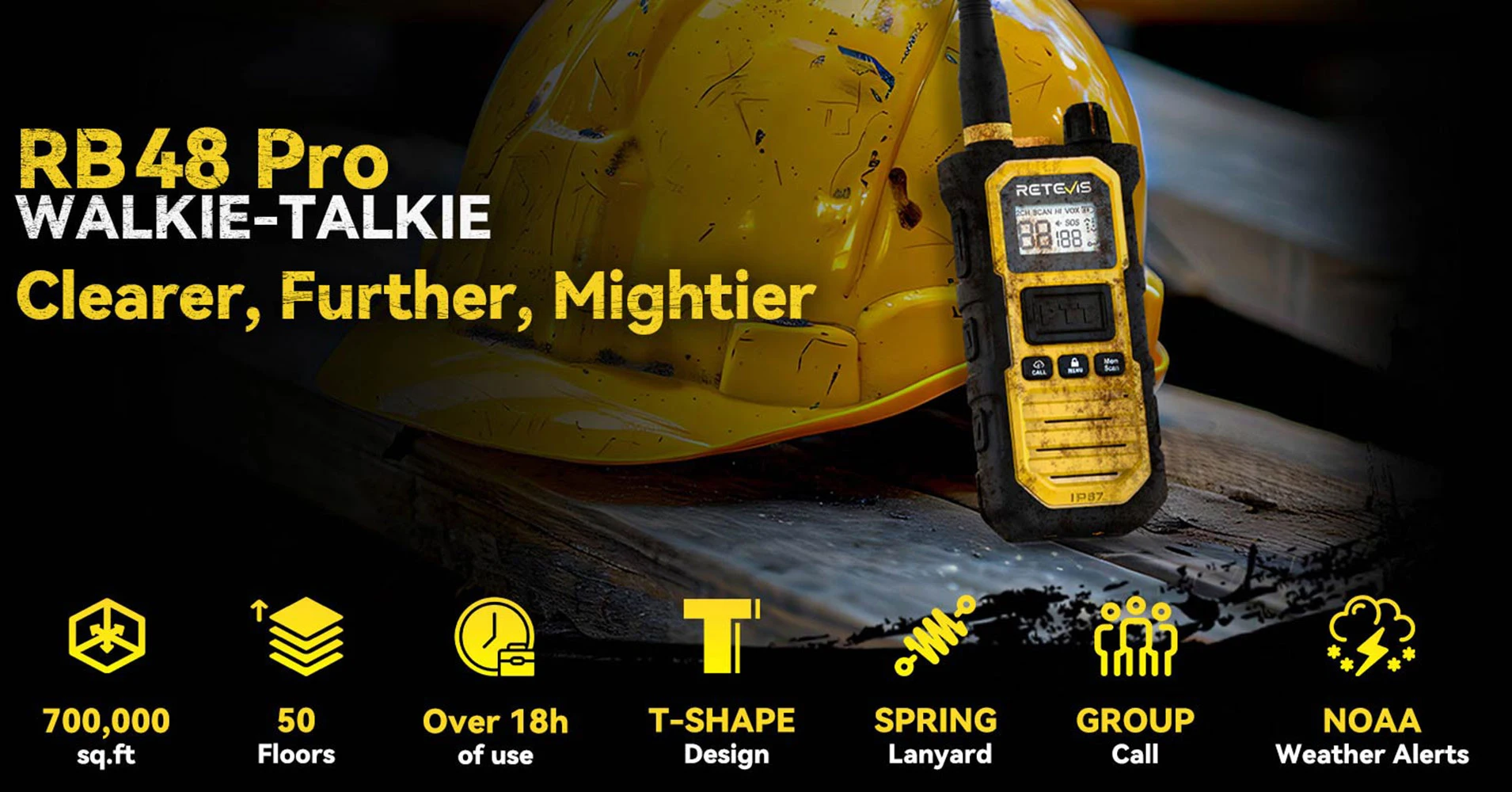
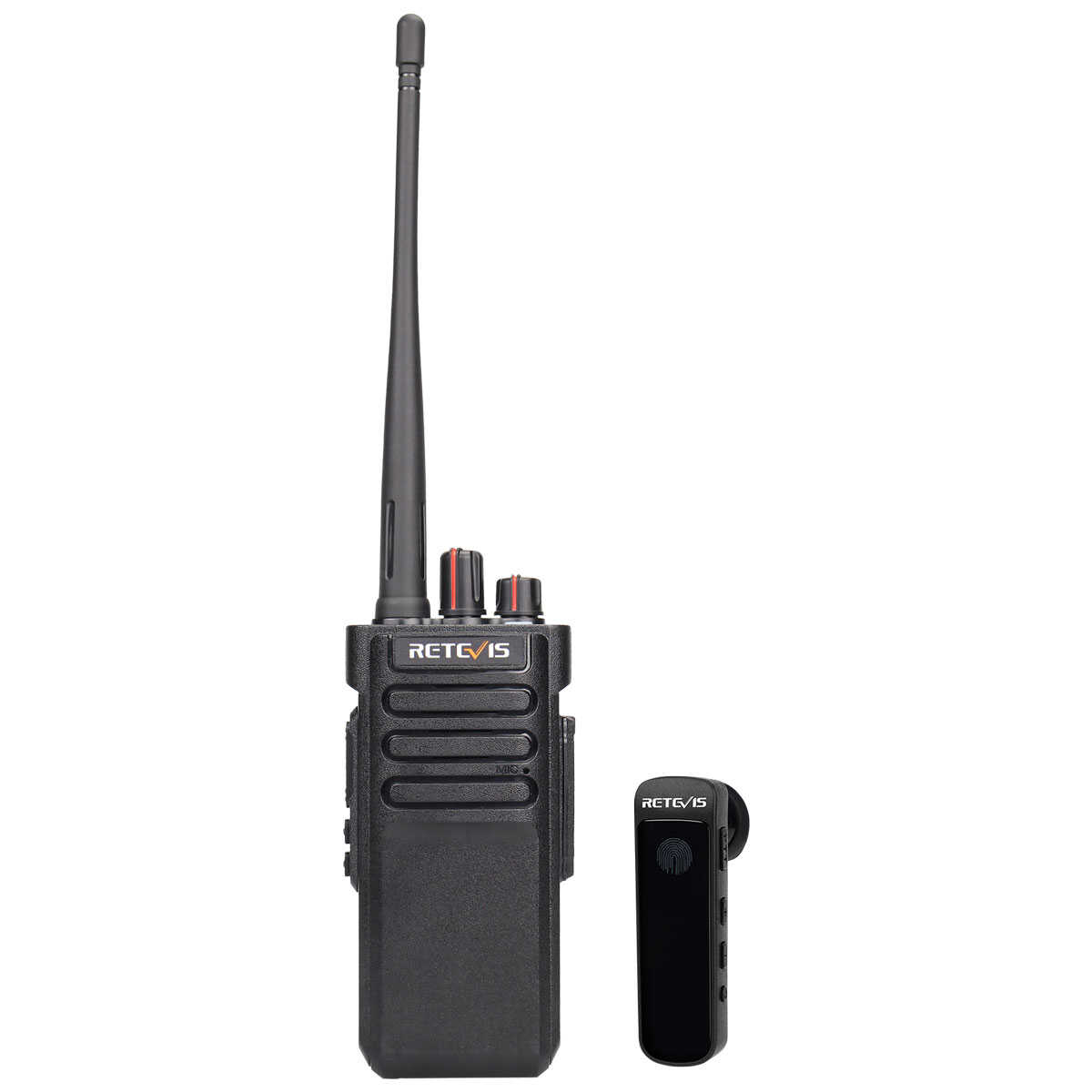
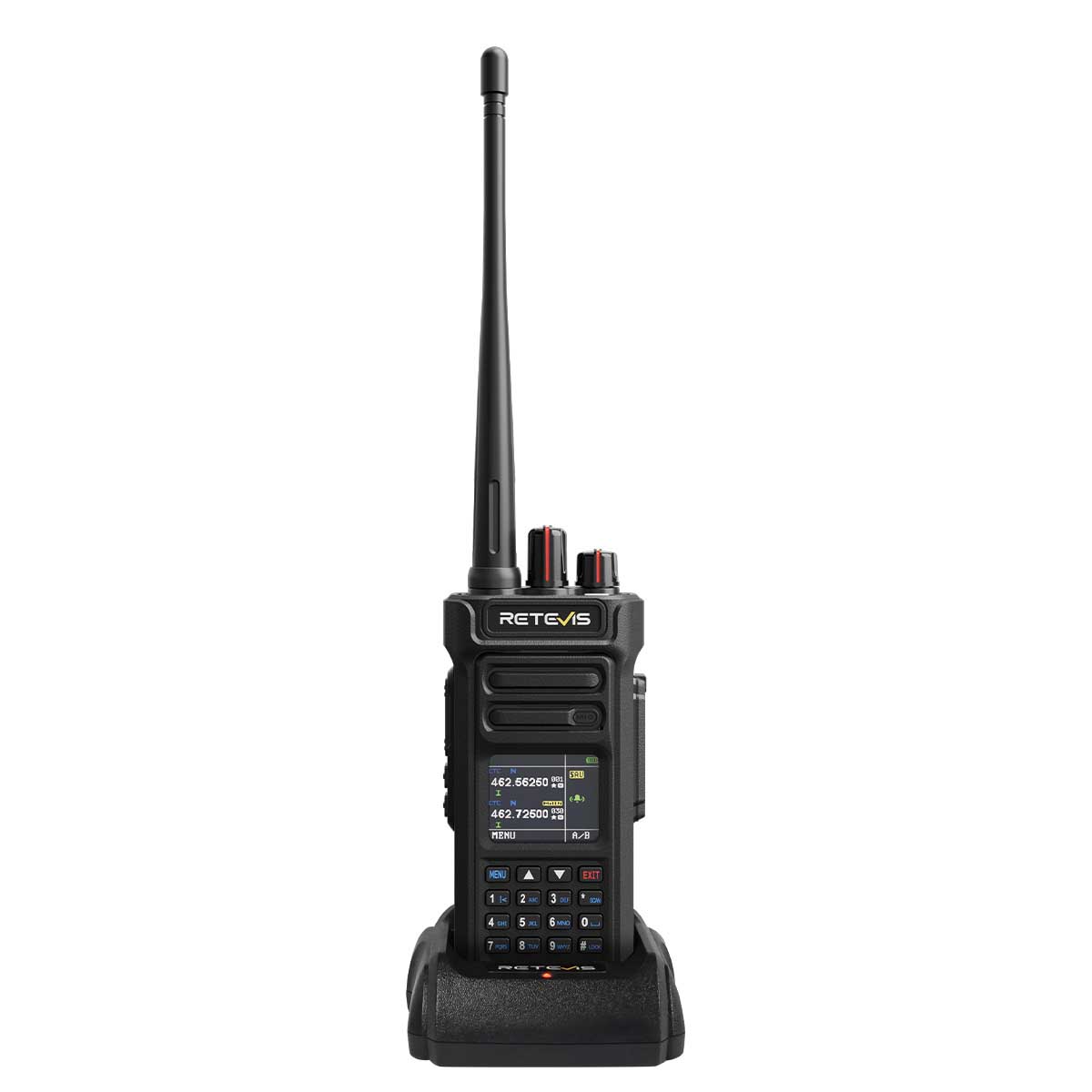
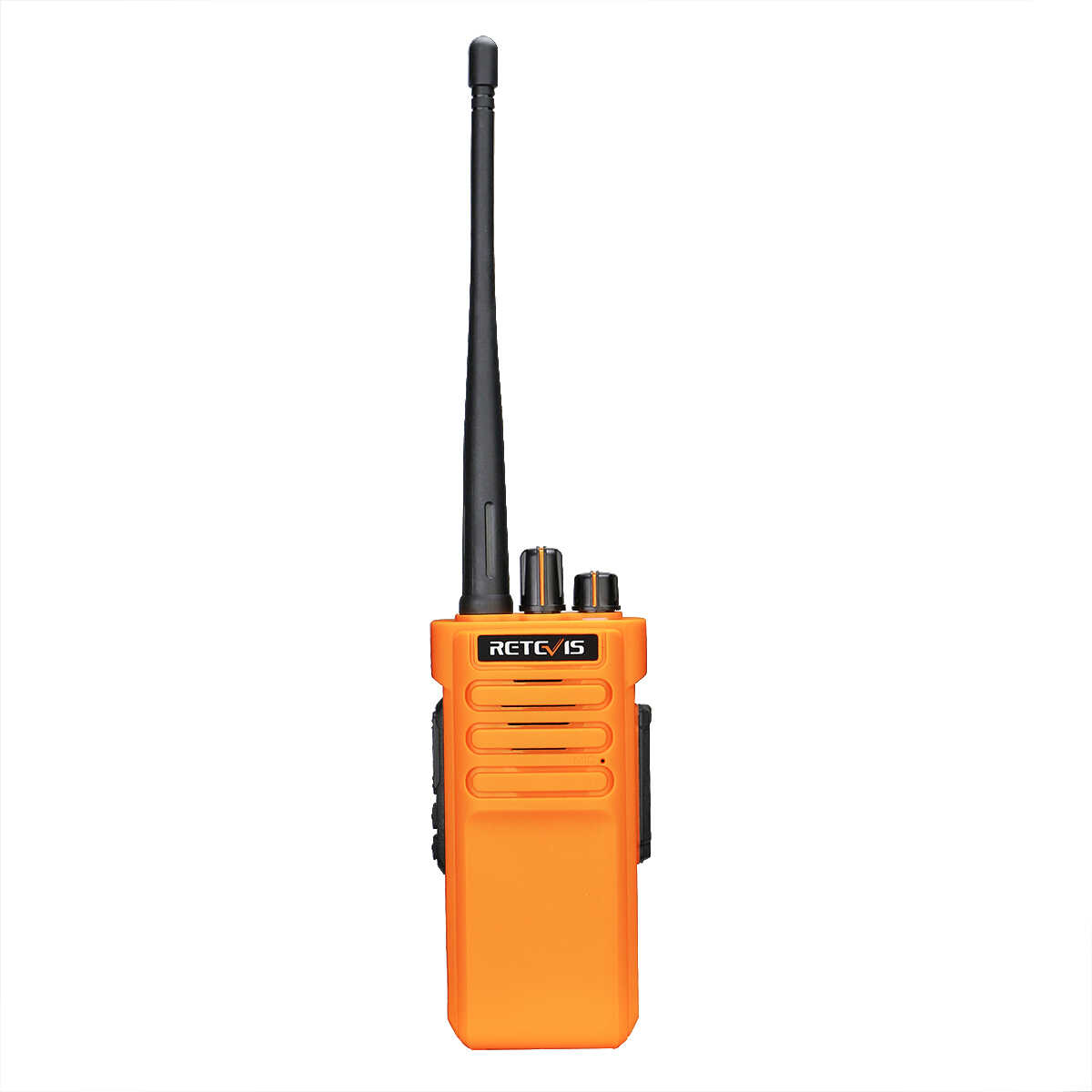
For construction foremen, site managers, and safety personnel, clear and fast team communication is not only convenient but also crucial for safety, coordination, and productivity. The Retevis RB48 Pro professional two-way radio is designed for these demanding environments, featuring a dedicated one-touch group call function that allows the entire team to communicate simultaneously. This guide provides two methods to configure the One-Key Group Call function on your Retevis RB48 Pro two-way radio. Choose the method that best fits your needs.
Why One-Key Group Call is Crucial on Construction Sites
Imagine you are coordinating concrete pouring, managing crane operations, or conducting a site-wide safety briefing. Shouting through the noise of machinery is inefficient, while individual calls waste valuable time. The RB48 Pro's group call function solves this problem by instantly sending information to all radios on a designated channel with a single transmission. This is thanks to its powerful 700,000 square foot long-range coverage and excellent building penetration.
Key Benefits of One-Key Group Call
- Instant Safety Alerts: Broadcast emergency stop or hazard warnings to the entire team at once.
- Efficient team management: Issue instructions to all subcontractors or specific trades without repetition.
- Seamless multi-level coordination: Maintain communication between ground logistics, basement construction workers, and top-floor workers.
Method 1: Direct Configuration on the Radio
1.Power On the Radio
Turn on the RB48 Pro and ensure it is in standby mode (showing the main channel).
2.Access the Group Call Menu
Press the MENU button multiple times until the display shows "GS" (Group Call setting).
3.Select the Group Call Channel
Use the Up / Down buttons on the side to choose your desired group channel.
Crucial: All radios in your team must be set to the same group channel.
*You will know the setting is active when "2CH" appears in the top-left corner of the display.*
4.Save the Setting
Press the MENU button to confirm and save your selection.
5.Initiate a Group Call
To broadcast, press and hold the left-side Down button (PTT ), speak, then release.
Everyone in the group on the same channel will hear your transmission.
Method 2: Configuration via PC Programming Software
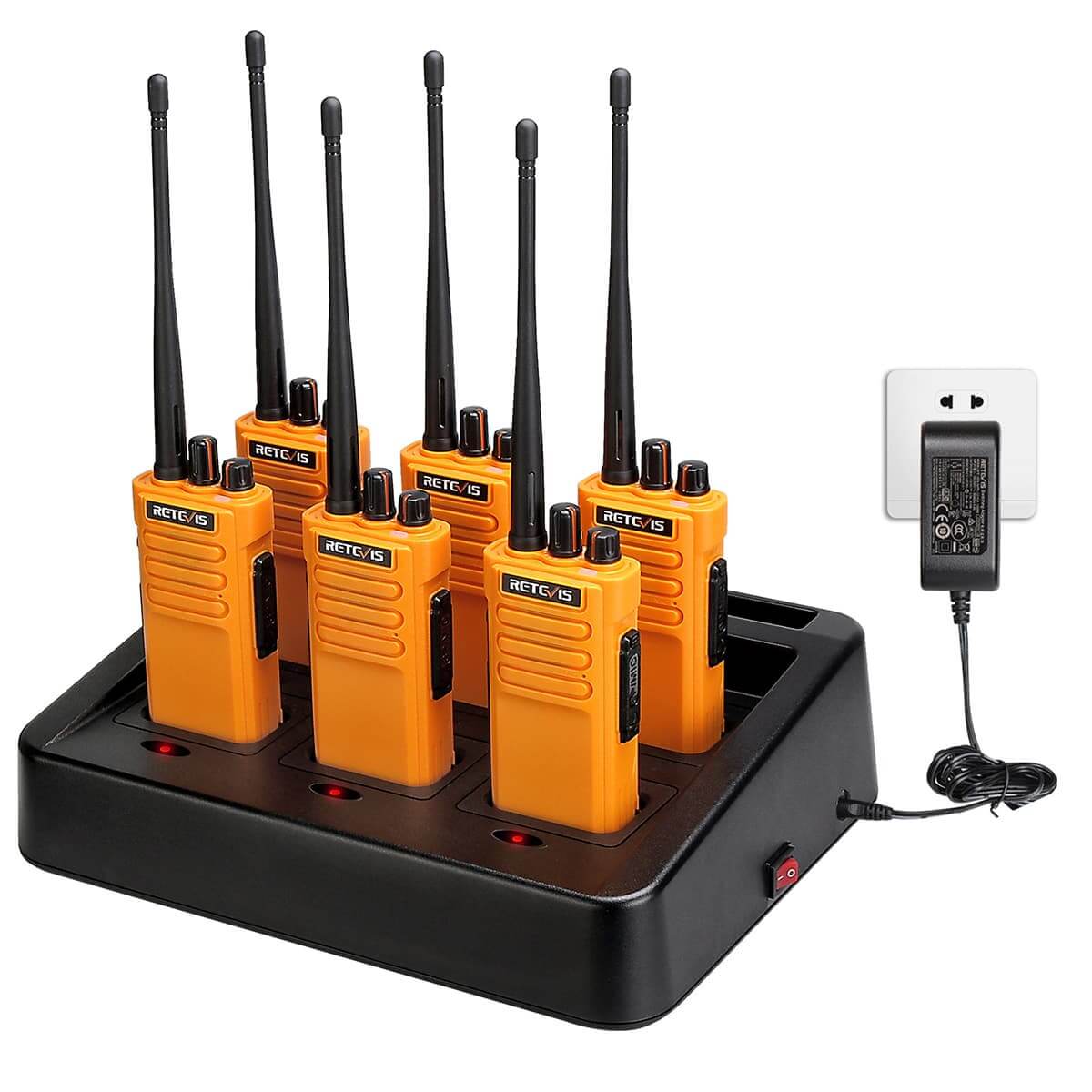
Recommended for configuring multiple radios efficiently or ensuring uniform settings across a large team, workplace, or organized group.
Prerequisites:
A Windows PC
RB48 Pro Programming Software (available for download)
RB48 Pro Programming Cable
Step-by-Step Instructions:
1.Install Software & Connect Radio
Download and install the RB48 Pro programming software on your computer.
Connect the radio to your PC using the programming cable.
2.Configure Group Call Settings
Launch the programming software
Click Edit
Select Optional FeatureOpen the group call settings
Click Group Channel and Set the Group Channel You NeedSet group call channel
3.Set the Communication Port
Go to Set > Communication Port and select the correct COM port for your connected radio.
Once finished, the group call channel has been successfully written to the radio.
4.Initiate Group Call
Disconnect the programming cable
Press and hold the left side Down button
Speak to start a group call
Repeat the writing process for each radio to ensure all devices use the same group call channel.
One-key Group Calling Enables More Efficient Construction
Setting up the group call function on the Retevis RB48 Pro is a straightforward process that pays massive dividends in team efficiency and job site safety. With its unparalleled long-range performance, all-day battery life, and rugged weatherproof design, the Retevis RB48 Pro walkie-talkie is more than just a walkie-talkie; it's a lifeline for your team. Configure your group calls now and experience its superior reliability, security, and efficiency to ensure your projects are completed on time and your team members are safe. Upgrade your field communications infrastructure with the Retevis RB48 Pro walkie-talkie.
Leave a Reply









 Google
 Amazon
Comments
No data Yet