

Table of Contents
RETEVIS RA89R / RA89G Bluetooth OTA Firmware Update Guide
- Posted by:Retevis
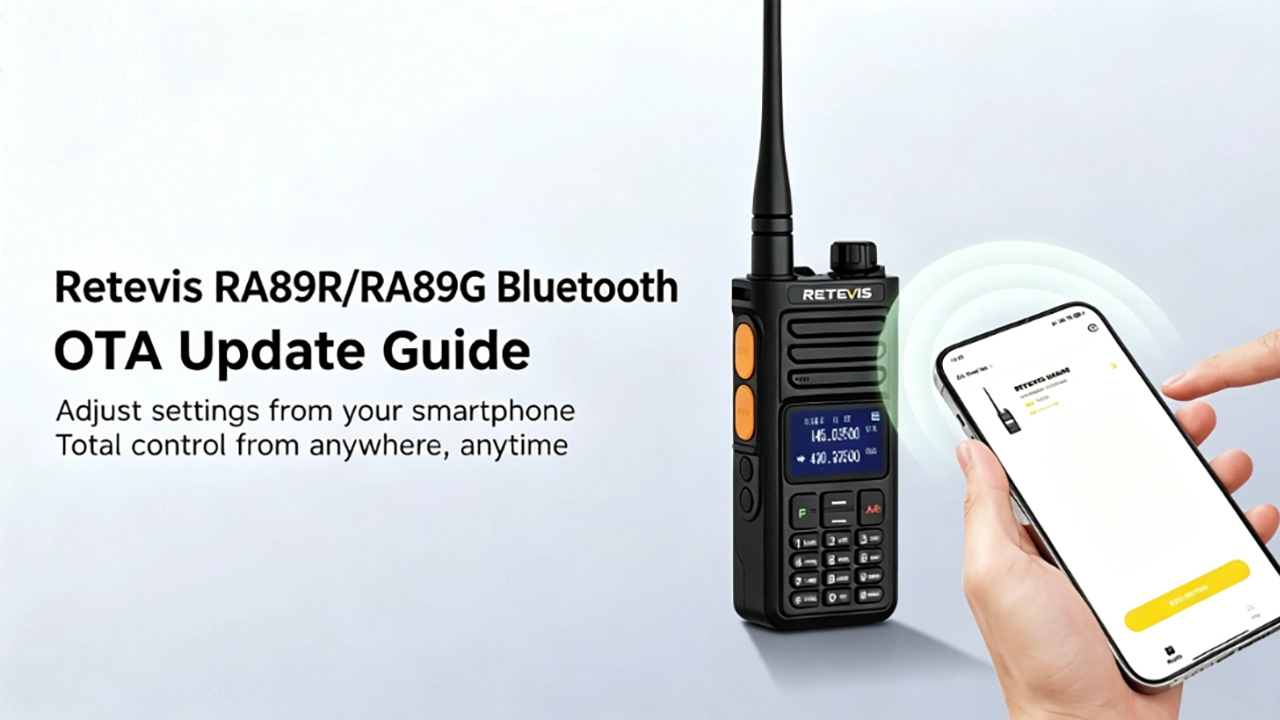

The RA89R and RA89G support wireless firmware upgrades over Bluetooth—no computer or USB cable required. To help you unlock full OTA programming via smartphone, this guide walks you through the process on both iOS and Android.
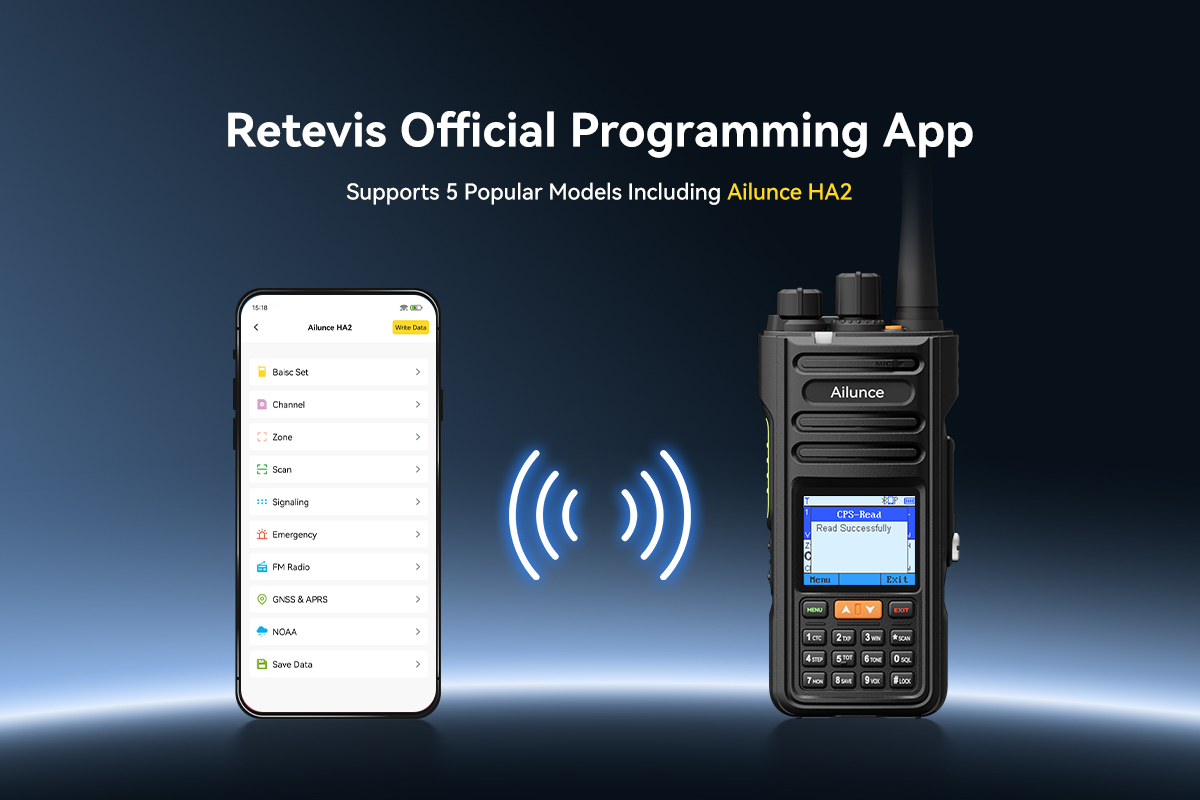
The RETEVIS APP is now available on both iOS and Android. Designed to support RA89R and RA89G radios, you can search RETEVIS in the App Store or Google Play to download it, scan to download, or use the direct links below:
RETEVIS APP – iOS (App Store)
RETEVIS APP – Android (Google Play)
Before You Start: Check Your BT Version
First, check the Bluetooth firmware version currently on your radio:
MENU → Menu 50 (BT Menu) → Bluetooth Info → BLE Ver
Required version: V1.2.13
- ✅ If your radio already shows V1.2.13 — you're all set. Download the RETEVIS APP and start programming wirelessly.
- ⚠️ If your version is older than V1.2.13 — follow the steps below to update first, then use the RETEVIS APP for wireless programming.
iOS: Step-by-Step OTA Update
Step 1: Install TestFlight and Retevis BT OTA
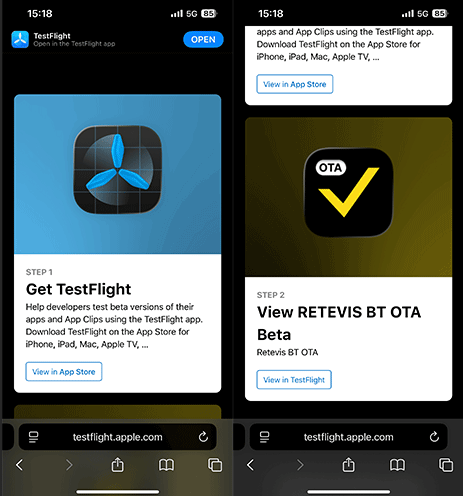
The iOS OTA tool is delivered through Apple's TestFlight — a common method for distributing iOS apps that haven't yet been published on the App Store. It's free and only takes a minute to set up.
- Open this link on your iPhone or iPad. If you're reading this on a computer, send the link to your phone first.
- Tap the first link on that page to install TestFlight from the App Store.
- Once TestFlight is installed, go back to that page and tap the second link to install Retevis BT OTA.
Step 2: Prepare Your Radio and Phone
- Power on your RA89R or RA89G.
- Enable Bluetooth on the radio.
- Enable Bluetooth on your iPhone.
Keep both devices within 1 meter of each other throughout the entire update. This keeps the connection stable and prevents the transfer from dropping midway.
Step 3: Connect and Run the Update
- Open the Retevis BT OTA app on your phone.
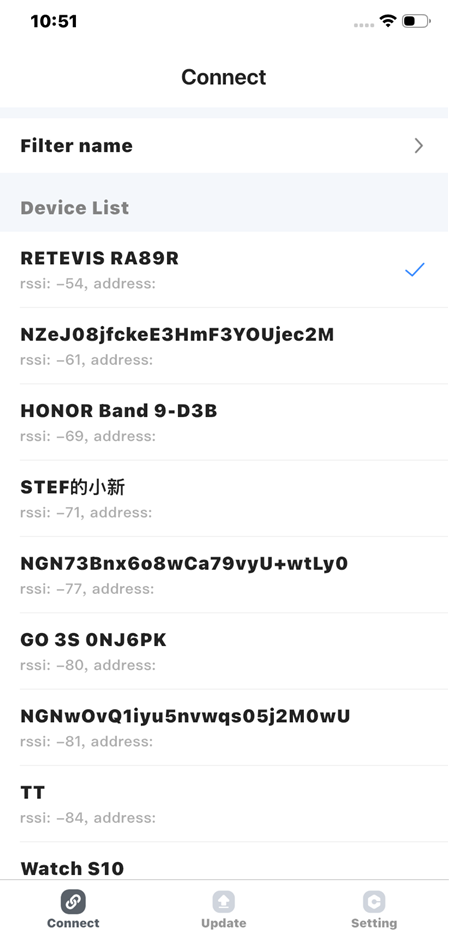
- The app will scan for nearby devices — tap "RETEVIS RA89R" when it appears.
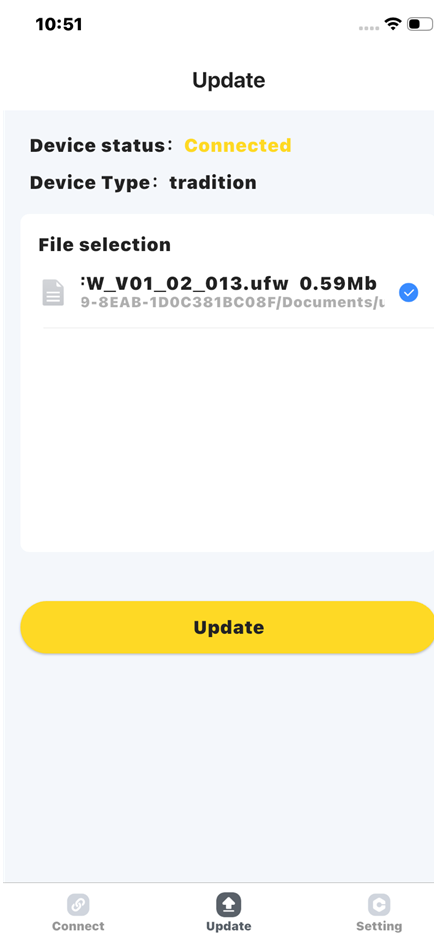
- Tap "Update" at the bottom of the screen.
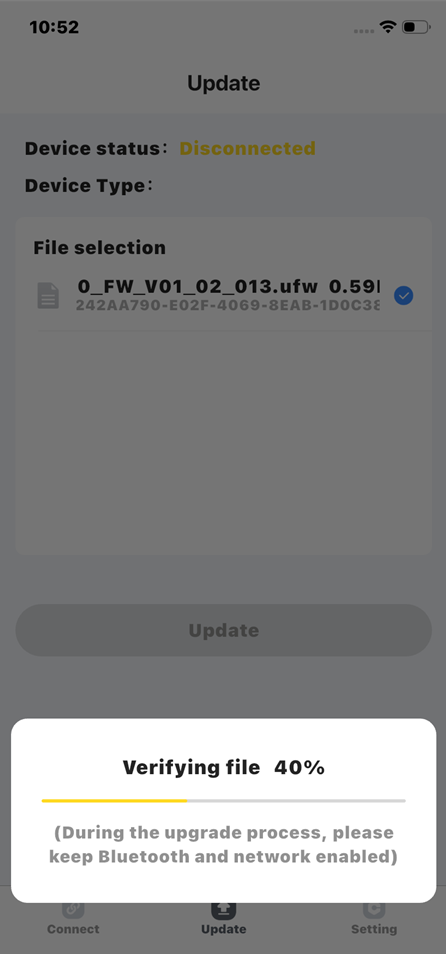
- An update file will load — tap "Update" again to begin the process.
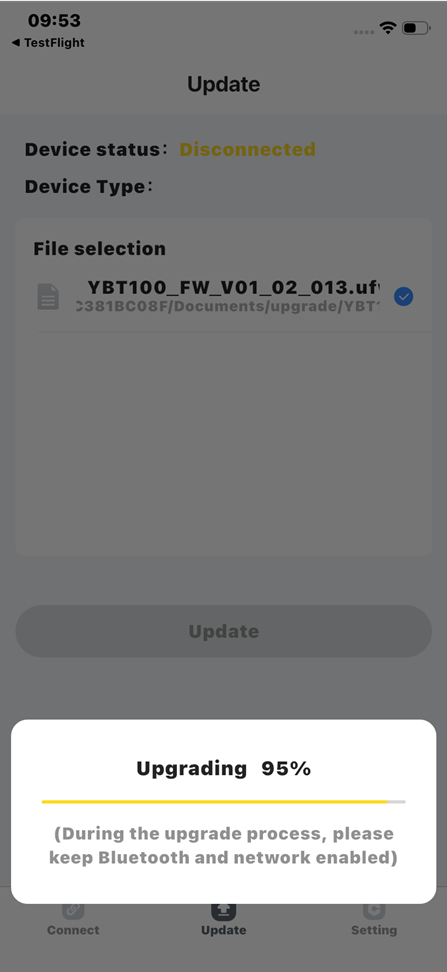
- Wait until the screen shows: "Update is complete."
⚠️ Do not close the app or move the devices apart while the update is running. Interrupting it mid-process can corrupt the firmware.
Step 4: Confirm the Update Was Successful
On the radio: Menu → Menu 50 → BT Ver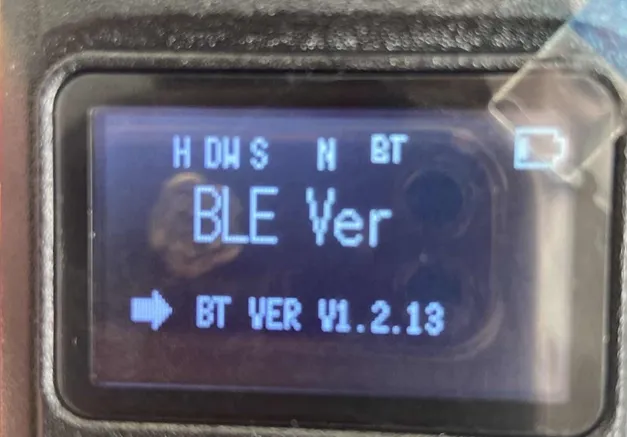
If it now shows V1.2.13, you're done. Open the RETEVIS APP, pair your RA89R or RA89G, and program wirelessly.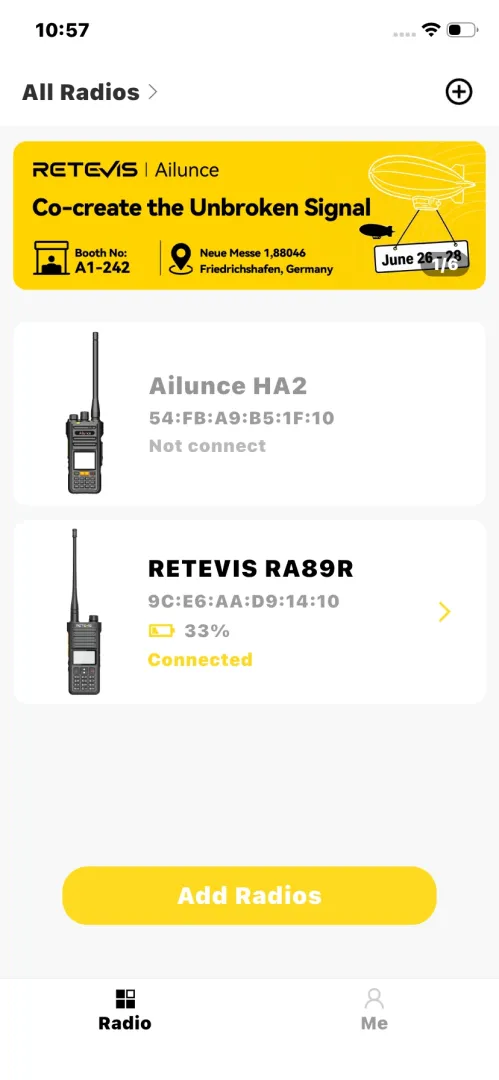
Android: Step-by-Step OTA Update
Download the Retevis BT OTA App
The Android OTA tool is a direct APK download — it's not available on Google Play.
After downloading, tap the file to install it. Look for the Retevis OTA (Bluetooth Upgrade Tool). Your phone may prompt you to allow installs from unknown sources — this is standard for APKs distributed outside the Play Store, and safe to allow.
Compatible with Android 6.0 and above.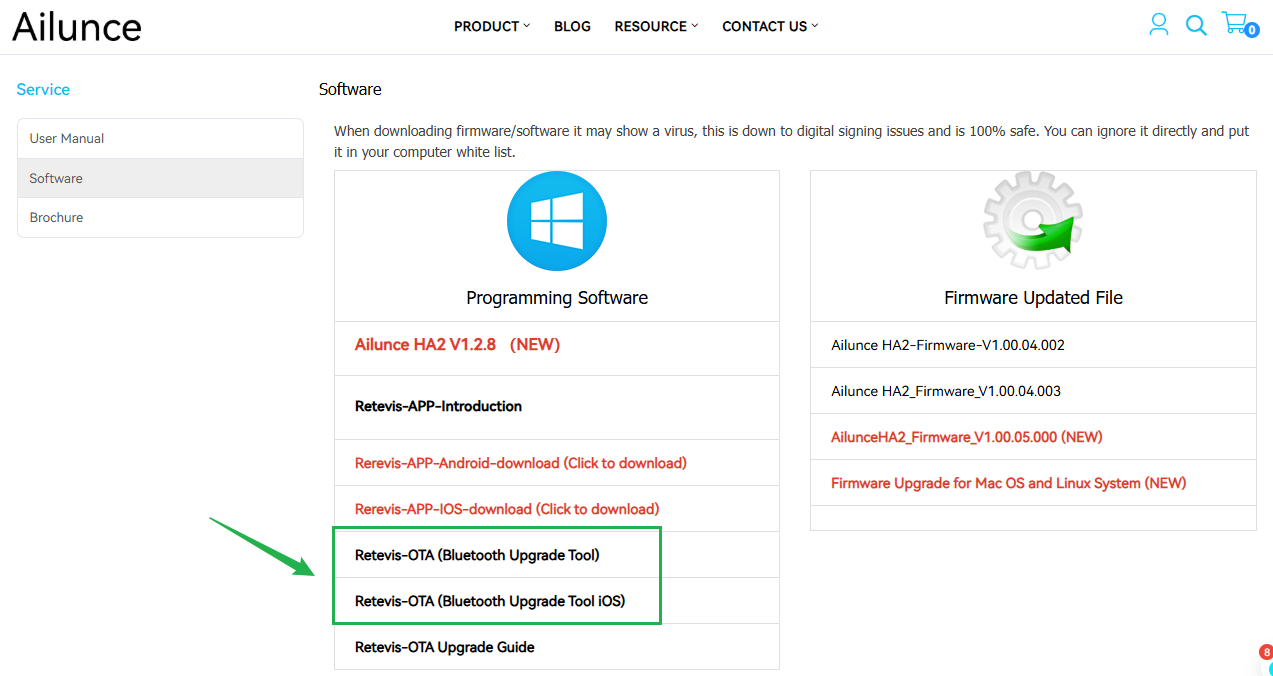








 Google
 Amazon
Comments
No data Yet