After passing your Technician exam and receiving your first call sign, you may be ready to explore DMR. Digital Mobile Radio offers clearer audio, access to worldwide talk groups, and advanced features beyond traditional analog radios.
But then you start reading. Talk groups. Color codes. Time slots. Codeplugs. DMR IDs. One experienced ham put it plainly: "DMR isn't as plug-and-play as analog. With most analog radios, you punch in a frequency, maybe a PL tone, and you're good to go. DMR requires a lot more setup work."
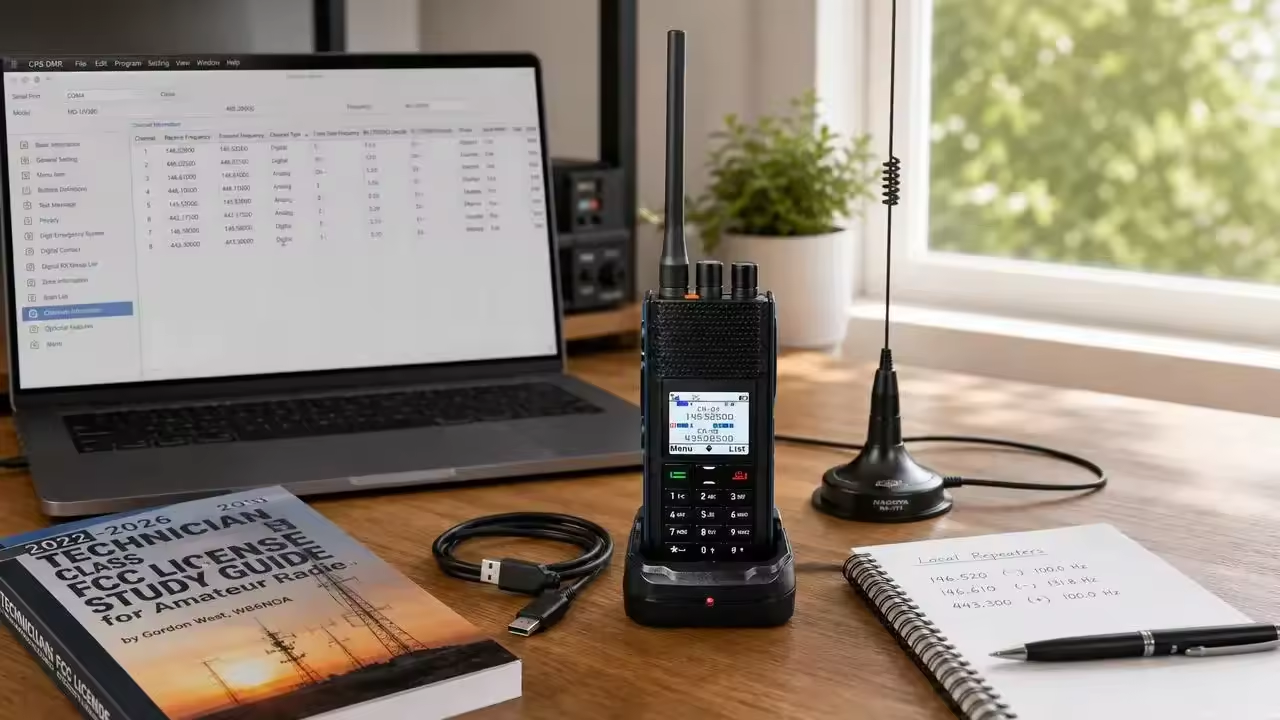
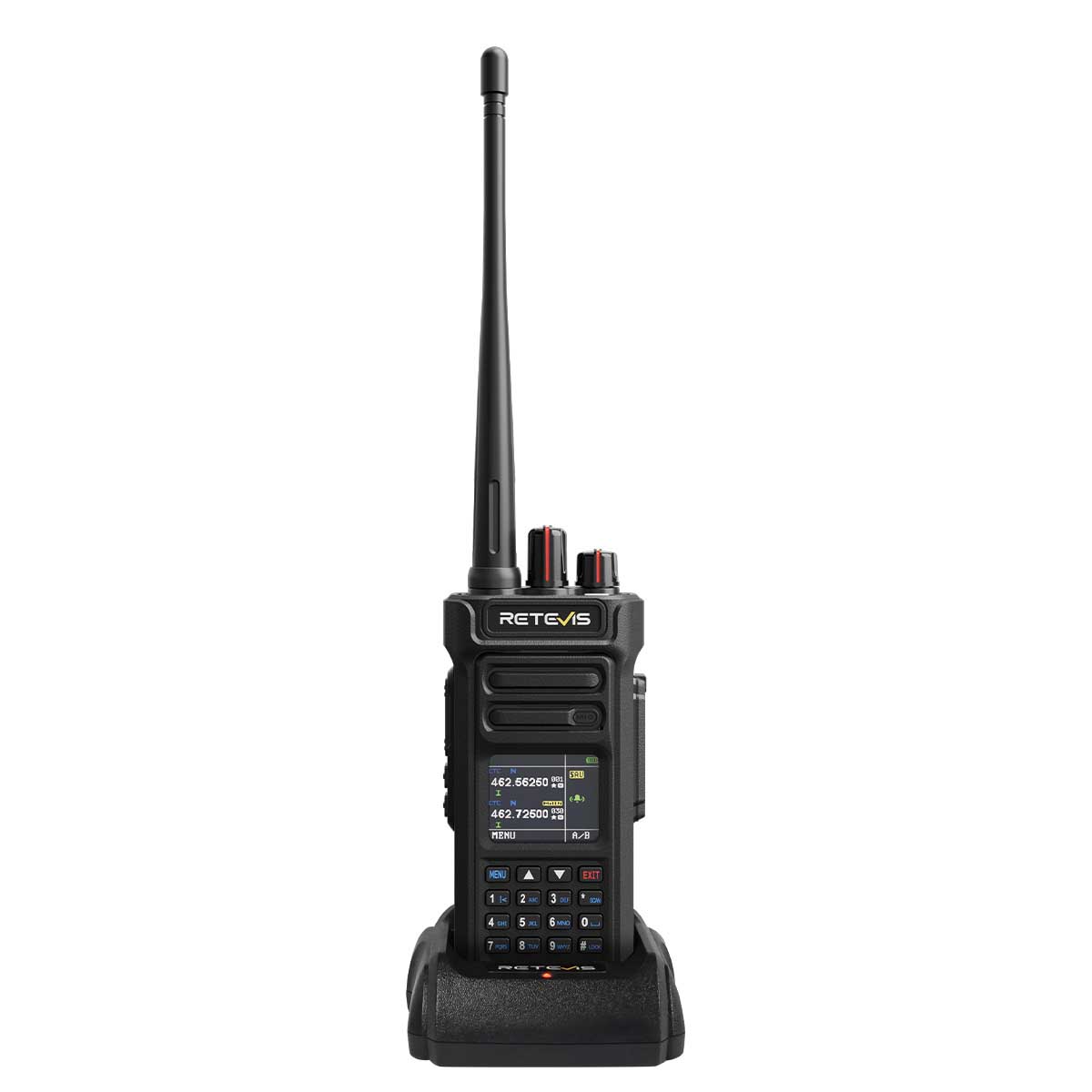
So when Retevis launched the Retevis H1— a 6W dual-band DMR handheld with dual-mode APRS — the question for every new ham became immediate: Is this the right first radio, or is it too much machine for a beginner?
After digging into the specs, the software, and the real-world experience of operators moving from analog to digital, here is an honest answer.
Before we talk about the H1 itself, let us clear up the licensing question because it stops a lot of newcomers before they even shop.
You need at least a Technician class license to transmit on DMR in the United States. DMR operates on the 70 cm band (420–450 MHz) and the 2 m band (144–148 MHz), both of which require at least a Technician class license.
If you have passed your Technician exam, you are legally qualified. If you are still studying, bookmark this page and come back after your callsign appears in the FCC database. You will also need a free DMR ID from RadioID.net, which takes about a day to receive once you submit your callsign.
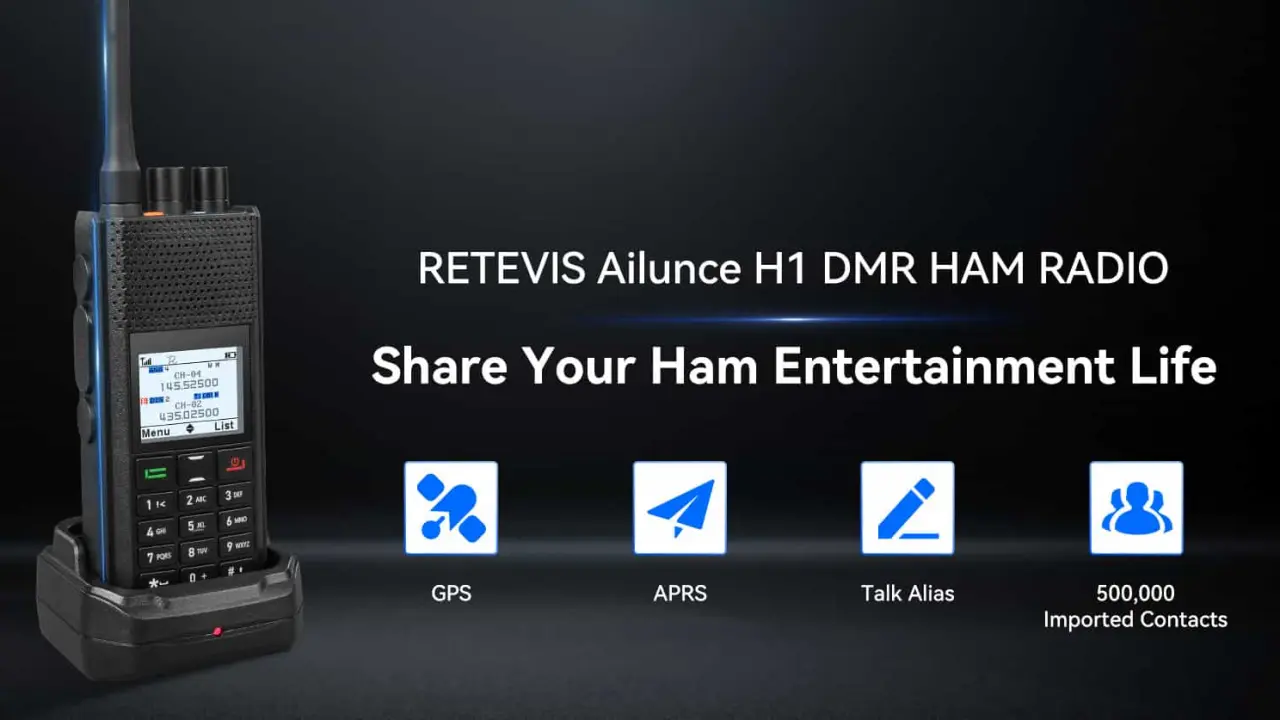
Retevis Ailunce H1 DMR ham radio with GPS, APRS, Talk Alias, and 500,000 imported contacts on display stand
The H1 is not a stripped-down "starter" radio. It is a full-featured DMR Tier II transceiver. But Retevis designed several elements that directly address the pain points new hams face when they move from analog to digital.
The H1 uses a large, bright color display with adjustable background and font colors. For a beginner, this matters more than it sounds. DMR radios throw a lot of information at you — talkgroup names, contact IDs, time slot indicators, color codes, and zone lists. On a small monochrome screen, that data becomes a wall of abbreviations. The H1's display lays out status icons clearly, shows caller information in color-coded zones, and offers a night mode for evening operation.
This sounds minor until you realize how many DMR radios still rely on proprietary charging cradles or barrel connectors. The H1 charges via USB-C, meaning your phone charger, laptop port, or car adapter can keep it alive. For a new operator who does not yet own a ham shack full of power supplies, that is one less barrier.
The H1 stores 4,000 channels and 500,000 DMR contacts.
As a beginner, you will not use all of that. But here is why it helps: you can download a pre-built codeplug for your region, load the entire DMR-MARC worldwide contact database, and never worry about running out of memory as you expand. Early DMR radios topped out at 10,000 contacts. The H1's capacity means you load it once and forget about it.
APRS — Automatic Packet Reporting System — is one of the most rewarding parts of ham radio for beginners. It lets you transmit your GPS position, see other operators on a map, and send short text messages over radio frequencies.
Most entry-level DMR radios either skip APRS entirely or support only one mode. The H1 is the first Retevis handheld to support both analog and APRS (traditional 1200bps FM) and digital APRS (DMR Tier I/II).
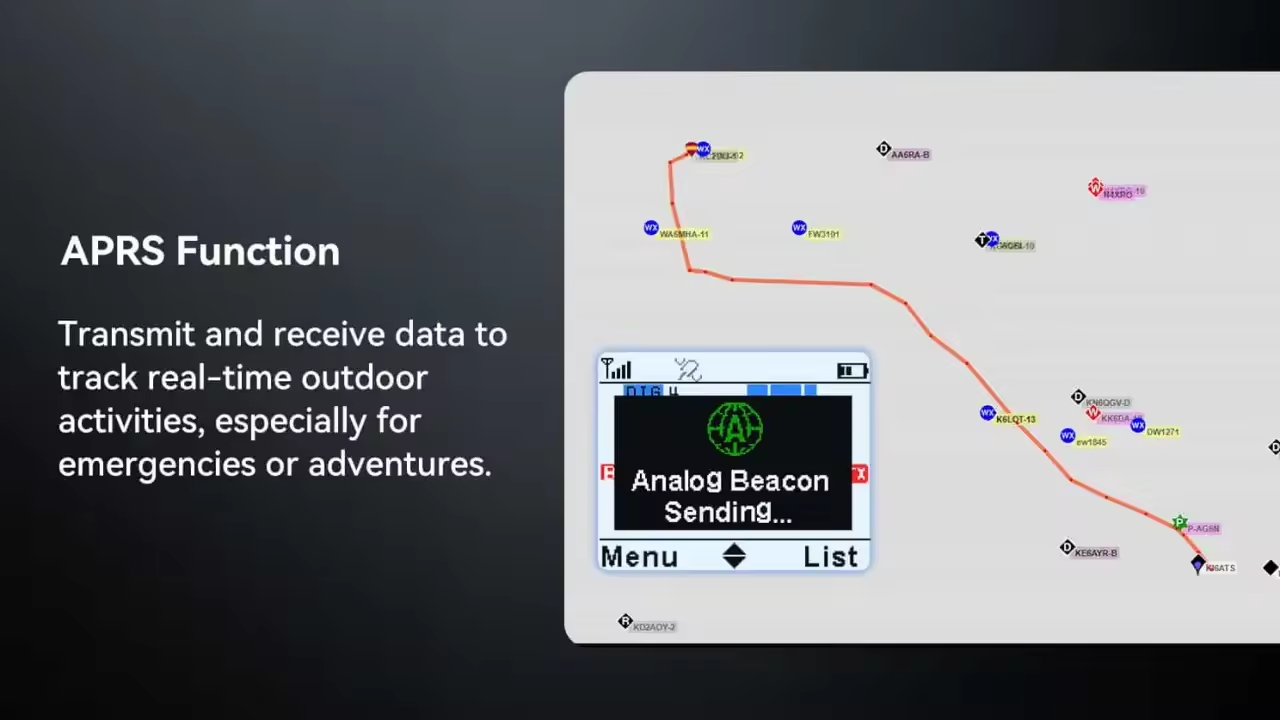
Ailunce H1 APRS function for real-time outdoor tracking, emergency use, and adventure communication
For a beginner, this means you can experiment with both systems from day one without buying a separate TNC or tracker. You get to learn how analog packet networks work and how digital APRS integrates with MMDVM hotspots — all from the same radio.
The H1 includes an SFR (Single Frequency Repeater) function. Using DMR's two time slots, the radio can receive on Slot 1 and immediately retransmit on Slot 2 — on the same frequency.
For a beginner, this is a fun and practical introduction to how repeaters work. You and a friend can extend your simplex range in the field without owning a $500 duplex repeater. It is not something you will use daily, but it teaches the core concept of time-division multiple access better than any manual.
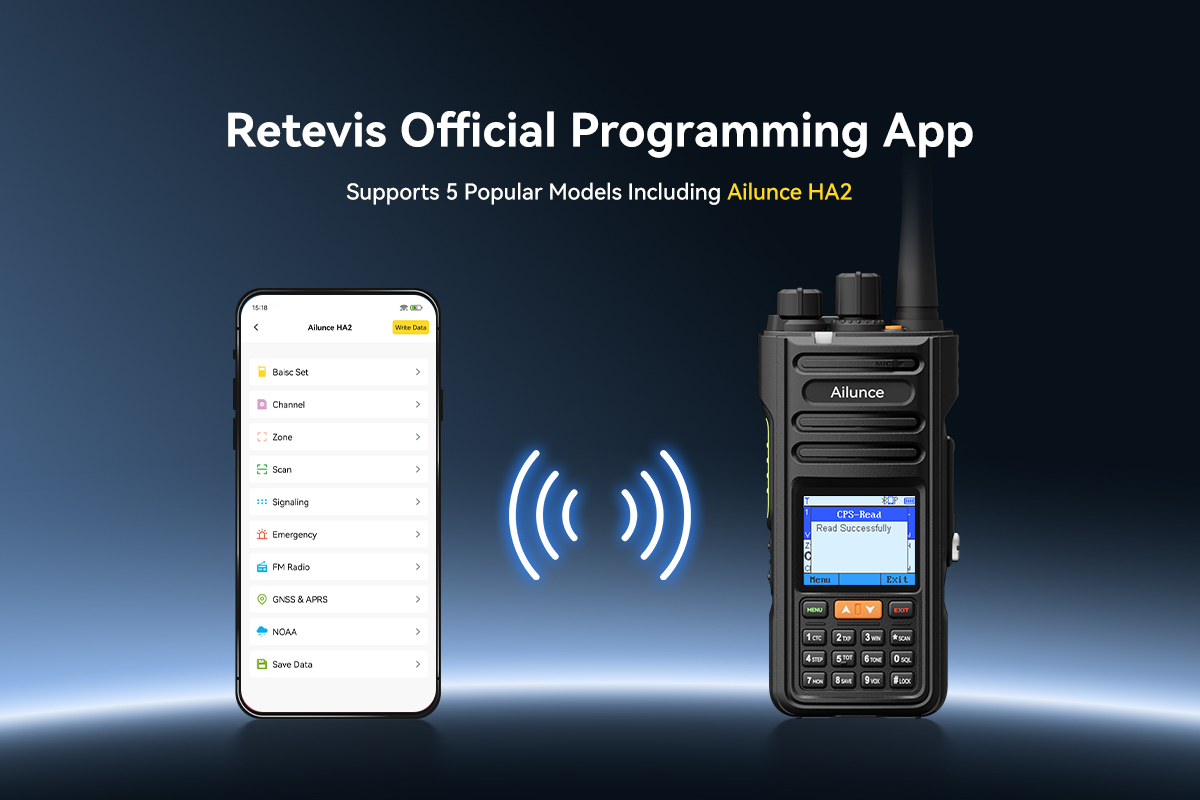
This is where most DMR radios win or lose a beginner. The Customer Programming Software (CPS) is the application you use to build your codeplug — the configuration file that tells the radio which repeaters, talkgroups, and contacts to use.
Retevis provides CPS for the H1, and the radio also supports VFO (Variable Frequency Oscillator) mode, meaning you can punch in frequencies directly from the keypad without a computer. That is a safety net. If you just want to listen to a local repeater or test a simplex frequency, you do not need to fire up the software.
When you are ready to build a proper codeplug, the process is standard DMR workflow:
The H1's CPS manages analog and digital APRS settings within the same profile, which keeps things unified.
Is it as polished as AnyTone's CPS? No. But it is functional, and the H1's large memory means you can often find a pre-built codeplug for your state or region, load it, and tweak rather than starting from scratch.
Here is a realistic first-week timeline with the H1:
Day 1: Charge the battery, install the CPS, and load a local codeplug. The 2900 mAh battery gives you up to 15 hours of analog use or 23 hours in digital mode — plenty of margin for learning sessions.
Day 2: Program your local DMR repeater. Key up on a talkgroup like TG 91 (Worldwide) or your regional group. When someone responds, the H1 displays their callsign and name from the contact database. That "Talk Alias" moment — seeing a stranger's name pop up before they speak — is when DMR clicks for most beginners.
Day 3: Enable APRS. Set a beacon interval, walk outside, and watch your position appear on aprs.fi. You have just transmitted data over radio without touching the internet. That is the moment many new hams get hooked.
Do I need a license to use the H1? Yes. You need at least an FCC Technician class license to transmit on the H1's amateur bands. Listening is legal without a license, but transmitting without one is not.
Is the H1 difficult to program?
It has a learning curve, like all DMR radios. But the H1 supports VFO mode for quick frequency entry, and its large memory makes it easy to load pre-built codeplugs. Most beginners spend one evening getting their first codeplug right.
Can I use the H1 for analog repeaters too?
Absolutely. The H1 is a dual-mode radio. Every channel can be set to either analog FM or digital DMR. Many owners use it as their daily analog handheld and switch to DMR for nets and long-distance talkgroups.
Does the H1 work with BrandMeister and other DMR networks?
Yes. It is a standard DMR Tier II radio. Once programmed with the correct repeater or hotspot settings, it connects to BrandMeister, TGIF, and other networks exactly like an AnyTone or TYT.
Is the H1 good for emergency communications?
It has the features — dual-mode APRS, SFR, emergency alarm, and lone-worker alerts. However, it is not waterproof. If your primary use case is ARES or storm response in wet conditions, consider the Retevis HD1 instead.
The Retevis H1 is not a toy, and it is not a simplified "beginner" radio with training wheels. It is a full-featured DMR transceiver that happens to be approachable. The color screen, USB-C charging, unified APRS setup, and massive memory all lower the barriers that traditionally frustrate new DMR operators.
If you are a new Technician-class ham who wants to explore digital modes without outgrowing your first radio in six months, the H1 deserves a serious look. It gives you room to grow — from your first DMR contact on a local repeater, to experimenting with APRS tracking, to building a micro-repeater network with friends using SFR.
Your first DMR radio does not have to be basic. It just has to be one you actually understand. The Retevis H1 makes that possible.
No data Yet





 Google
 Amazon